

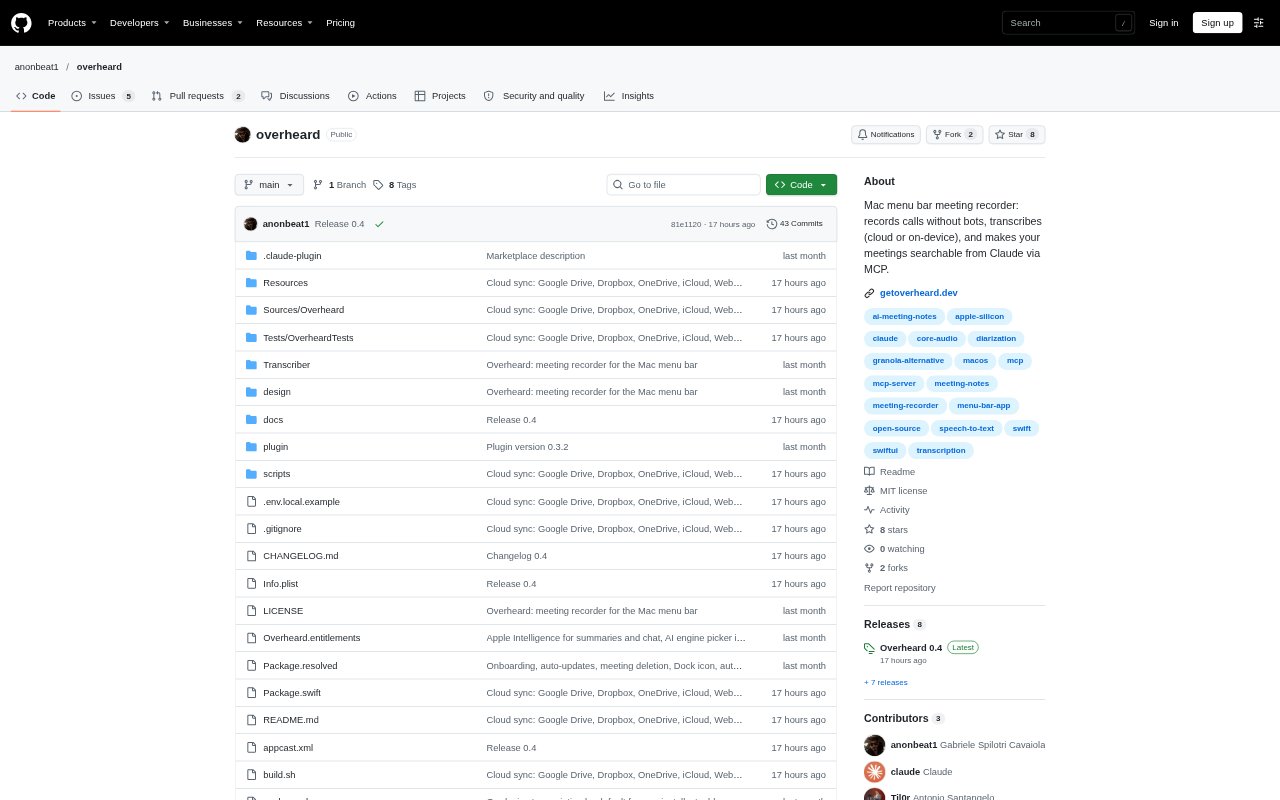
What is Overheard?
Overheard is a free, open-source meeting recorder for Apple Silicon Macs running macOS 14.2 or later. It captures call audio without adding a bot to the meeting, then creates transcripts, summaries, decisions, and action items. Transcription can run on the Mac or through a cloud service, and an MCP server lets Claude Code, Claude Desktop, and Codex search meetings and ask questions about them. Recording and transcription work without Claude, while summaries and chat use a supported AI assistant.
Overheard Features:
Bot-Free Recording: Overheard captures system audio from the Mac and records the microphone on a separate track, without joining the call as a participant.
Automatic Start: Recording can start when Google Meet, Microsoft Teams, or Slack uses the microphone, or you can start it manually or through a URL.
Local Transcription: On Apple Silicon with macOS 15, transcription can run on the device, keeping the audio on the Mac.
Speaker Transcripts: Transcripts include speaker labels and timestamps, and you can edit lines, search the text, or click a line to play it back.
Meeting Summaries: Summaries collect decisions, checkable action items, and bookmarked moments from a recording.
Meeting Search: The built-in MCP server lets Claude Code, Claude Desktop, and Codex search meeting transcripts and return answers with timestamps.
Audio Import: You can import audio and video files, YouTube links, or podcasts for transcription, then export notes as PDF or Markdown.
Overheard Benefits:
Private Storage: Keeping recordings and transcripts as plain files in the Mac's Meetings folder makes them easier to manage and use with other tools.
Fewer Distractions: Recording without a visible meeting bot avoids adding another participant to the call and lets attendees focus on the conversation.
Easier Recall: Speaker names, timestamps, and searchable transcripts help you find who said what without replaying an entire meeting.
Clear Follow-Through: Decisions and checkable action items make it easier to identify what was agreed and what still needs attention.
Flexible Costs: The app has no subscription or account requirement, and on-device transcription avoids cloud transcription charges.
Use Cases:
Remote Team Calls: Record Meet, Teams, or Slack calls without inviting a separate note-taking bot into a team discussion.
Decision Tracking: Review a project meeting later to confirm a decision, find its timestamp, or check the related action items.
Meeting Follow-Ups: Search a call transcript from Claude or Codex when preparing a follow-up based on what participants discussed.
Research Interviews: Transcribe recorded interviews with speaker labels and timestamps so you can locate and replay relevant answers.
Podcast Transcription: Import a podcast or other audio and video file to create a transcript that can be searched and exported as notes.