

What is p5midi?
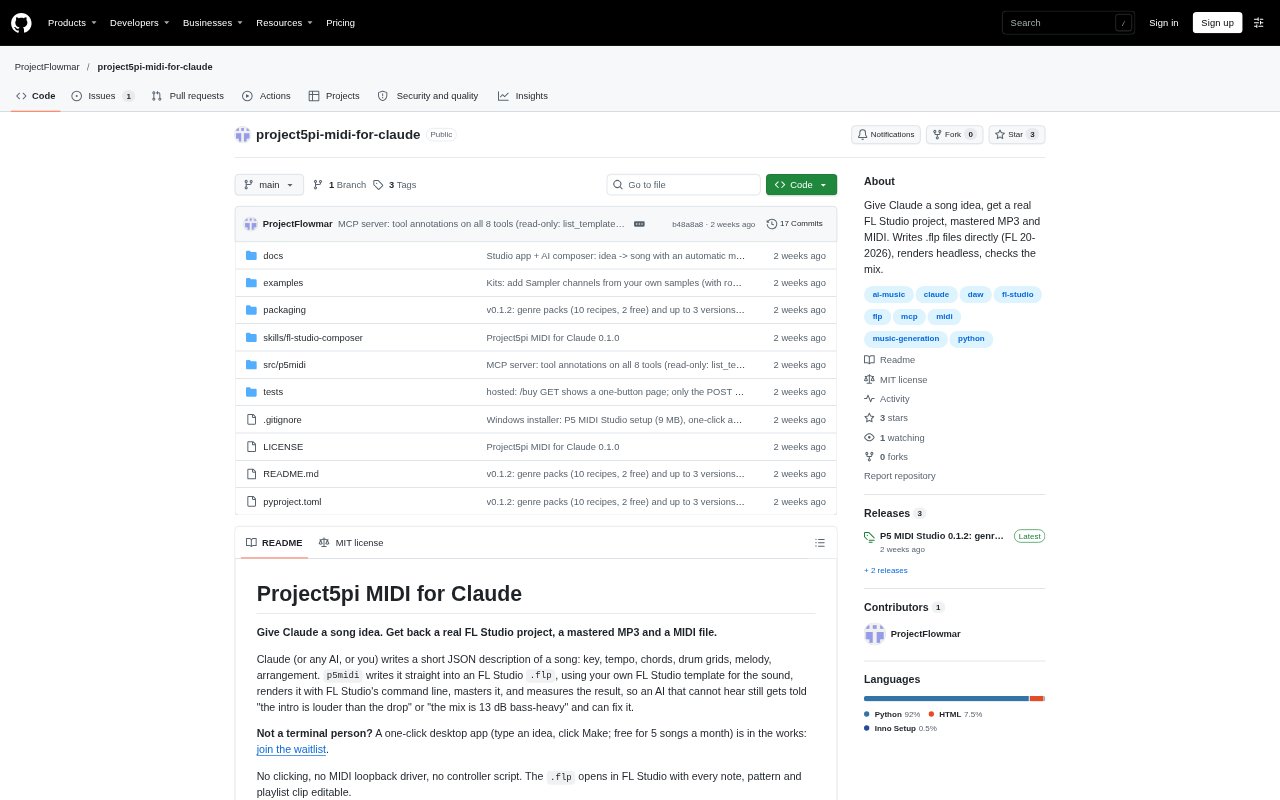
p5midi turns a structured song description or a text prompt into an editable FL Studio project, a MIDI file, and a rendered, mastered MP3. It is aimed at musicians and producers who want to generate arrangements with an AI model, as well as developers using Claude through its MCP server. The command-line tools can build projects on any operating system, but rendering requires Windows, FL Studio 20.7 or newer, and ffmpeg. The sound comes from the instruments in the chosen FL Studio template.
p5midi Features:
Song Spec: A JSON song description can define the key, tempo, chord progression, drum grids, melodic parts, and arrangement.
FL Studio Projects: The builder writes notes, patterns, and playlist clips directly into an FL Studio project using a template on your machine.
MIDI Export: A complete arrangement can also be exported as a MIDI file for use in another digital audio workstation.
AI Composition: The create command can turn a text prompt into a song spec with an OpenAI-compatible model, and genre packs provide composition rules for styles such as lo-fi, drill, and Afrobeats.
Mix Analysis: Audio analysis reports loudness, true peak, six-band tonal balance, stereo width, section loudness, and differences from a reference track.
Revisions and Stems: The Studio can keep earlier versions while users request changes, and it can export aligned WAV stems for individual parts.
p5midi Benefits:
Faster Drafts: Starting from a prompt or song spec can reduce the manual work of laying out an initial arrangement in a DAW.
Editable Results: Because the output is a project with editable notes and clips, producers can continue shaping the arrangement in FL Studio.
Mix Feedback: Measured reports can help identify obvious balance or loudness issues without relying on an AI model to listen to the track.
Reusable Versions: Keeping prior versions makes it easier to compare revisions and return to an earlier direction.
Flexible Handoff: MIDI and aligned stems let users move the composition or its separate parts into other DAWs for further work.
Use Cases:
Prompt to Beat: Create a short trap beat from a prompt specifying a tempo, key, and elements such as a sliding 808.
Genre Sketches: Use a genre pack to produce alternative starting arrangements for styles such as boom bap, house, or reggaeton.
Claude Workflow: Connect the MCP server to Claude Desktop or Claude Code and ask it to build, review, and revise a song.
Video Scoring: Use the film command to create an underscore timed to narration in longer videos or fit a free-license track to a shorter video.
DAW Handoff: Export MIDI or instrument stems when a composition needs further arrangement or mixing in another DAW.