
What is Pando?
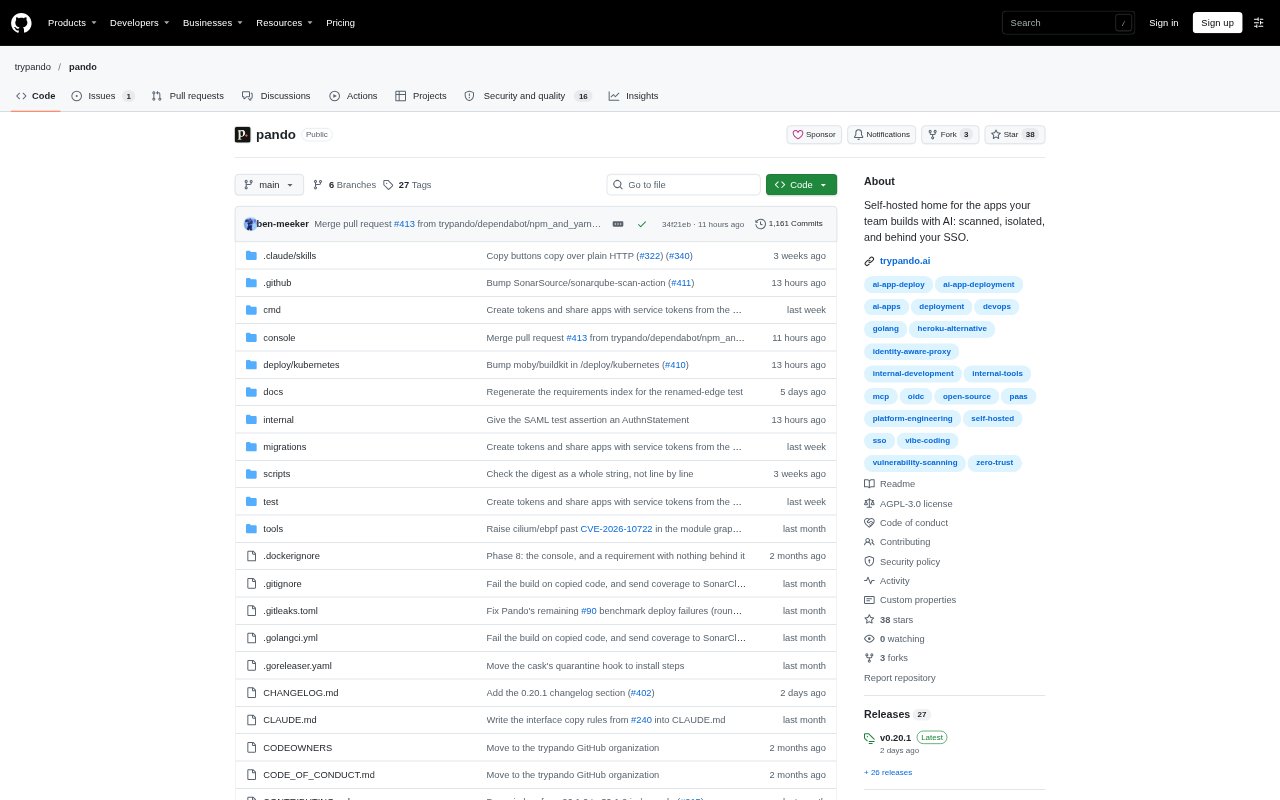
Pando is an open-source, self-hosted platform for deploying and sharing apps built by a team, including apps created with AI. IT and platform teams can connect a repository, folder, or image; Pando builds the app, scans it, and runs it behind company sign-in. Apps run in isolated environments and can be shared with selected users. Pando is in alpha and requires Docker and Docker Compose to install.
Pando Features:
App Source Detection: Pando accepts a repository, folder, or image and detects how to build and run the app.
Automated Builds: It can use a compose file, published image, Dockerfile, static site, or Railpack buildpack to prepare an app.
Security Scanning: Each build is checked for vulnerable dependencies, leaked secrets, and misconfiguration, then receives a score from zero to 100.
Deployment Thresholds: Administrators can set a minimum security score that an app must meet before it can be deployed.
Isolated Networks: Each app runs in its own private network, while builds run in separate rootless containers without access to host files.
Company Sign-In: Apps can use an identity provider through OIDC or SAML, with support for providers such as Okta, Entra ID, and Google.
Host Policies: Administrators can control which sources apps may come from, what they can access over the network, and whether they may be public.
Pando Benefits:
Centralized App Hosting: Teams have a shared place to run internal tools instead of leaving them on employee laptops or personal cloud accounts.
Less Manual Review: Automated checks give IT a consistent first look at app risks without requiring a manual review of every build.
Controlled Sharing: Teams can make internal tools available to the intended people while keeping access restricted to approved users.
Reduced Exposure: Separate app networks and limits on network access help reduce the chance that one app can reach another.
Simpler User Access: Users can sign in through the company identity provider rather than needing each app to handle its own login.
Self-Managed Hosting: Organizations can run the platform on their own infrastructure and retain control over where their apps are hosted.
Use Cases:
AI-Built Internal Tools: Give employees a place to deploy small tools they create with AI assistants for use by colleagues.
Department App Sharing: Host a team app, such as a finance tool, and make it available only to the department members who need it.
Repository Deployments: Deploy an app from a source repository or folder when a team needs to turn its code into a shared service.
Image-Based Hosting: Run an app from a published image when the team already has a built container image to deploy.
IT Deployment Rules: Set source, network, public-access, and security-score requirements for apps deployed by employees.
Self-Hosted Projects: Run team apps on organization-managed infrastructure, or use Pando on a home server for personal projects.