

What is Personal Agent Proxy?
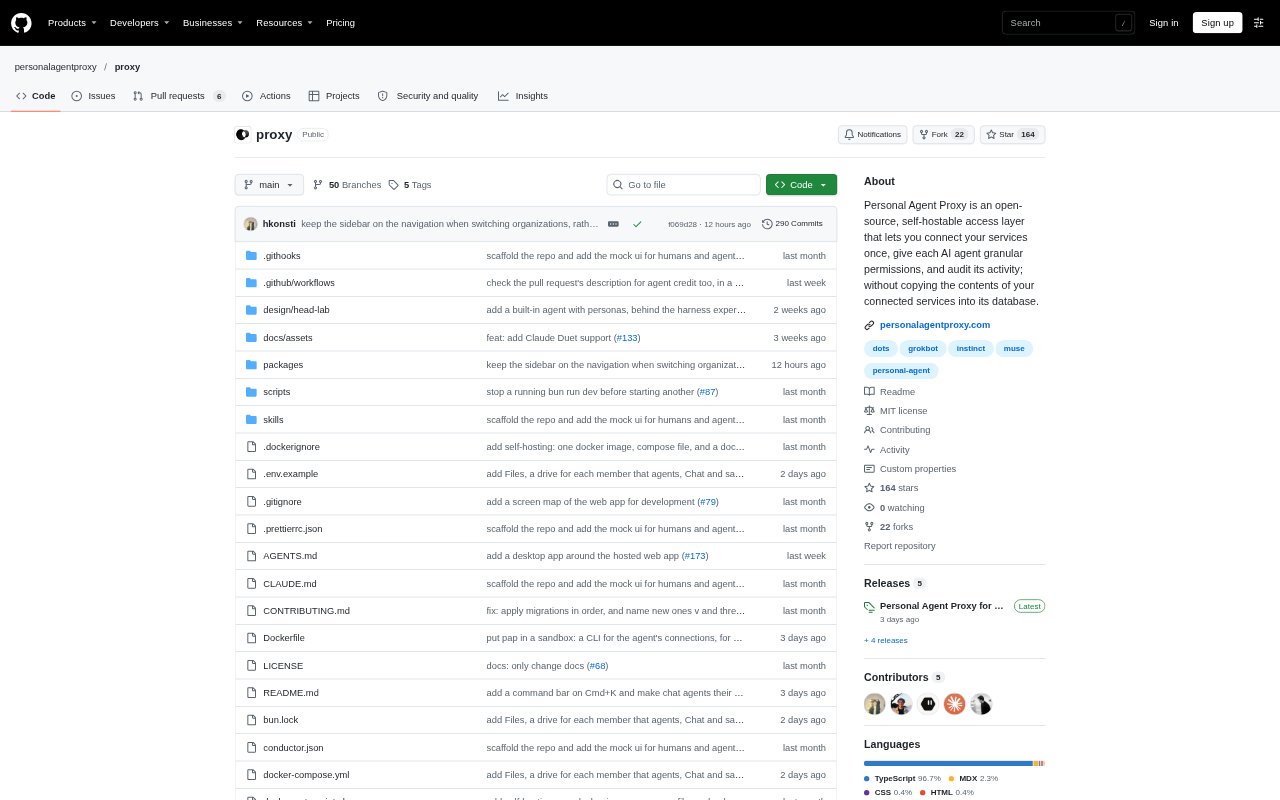
Personal Agent Proxy is an access layer for people who use AI agents with email, calendars, notes and other connected services. Connect services once, then give each agent a separate login and permissions for the actions it may take. Requests are checked against those permissions and recorded, whether allowed or denied, while service contents are not copied into its database. It is open source, available as a hosted instance, and designed for self-hosting with PostgreSQL.
Personal Agent Proxy Features:
Service Connections: Connect email, Google, Granola, Notion, Linear, Plaid, PostgreSQL, MySQL, or another service with an MCP server.
Separate Agent Logins: Create an individual login for each agent so multiple agents can use the services you have connected.
Access Permissions: Set what each agent is allowed to do with a connection, including whether it can read inbox content, draft email, or send messages.
Activity Log: Review successful connection actions and actions denied by access settings in a record of agent activity.
Quick Actions: Use actions from any page to find people, email and files, work with calendars, write email, calculate, convert units, or view balances and spending.
Hosting Options: Run the open-source product on your own server with PostgreSQL or use its hosted instance.
Personal Agent Proxy Benefits:
Less Repeated Setup: Connecting services once means you can move between agents without reconnecting the same accounts for every new tool.
Tighter Data Control: Keeping service contents out of the proxy database helps limit where copies of your private information are stored.
Defined Agent Scope: Separate permissions make it easier to limit an agent to the actions you intend it to perform.
Auditable Activity: A record of allowed and denied actions gives you a way to check what an agent attempted to do.
Hosting Choice: Choosing between a hosted instance and running it on your own server lets you select the setup that suits your needs.
Use Cases:
Email Assistance: Give an agent permission to read an inbox or draft and send email without granting it every possible action on the connected account.
Calendar Tasks: Use an agent to work with calendars through a connection you have already set up in the proxy.
Notes and Files: Connect services such as Notion or Google so an agent can find relevant files or information within the access you allow.
Switching Agents: Move from one personal agent to another while keeping your service connections available through separate agent logins.
Reviewing Agent Actions: Check the activity log after an agent works with a connected service to see successful actions and denied requests.