
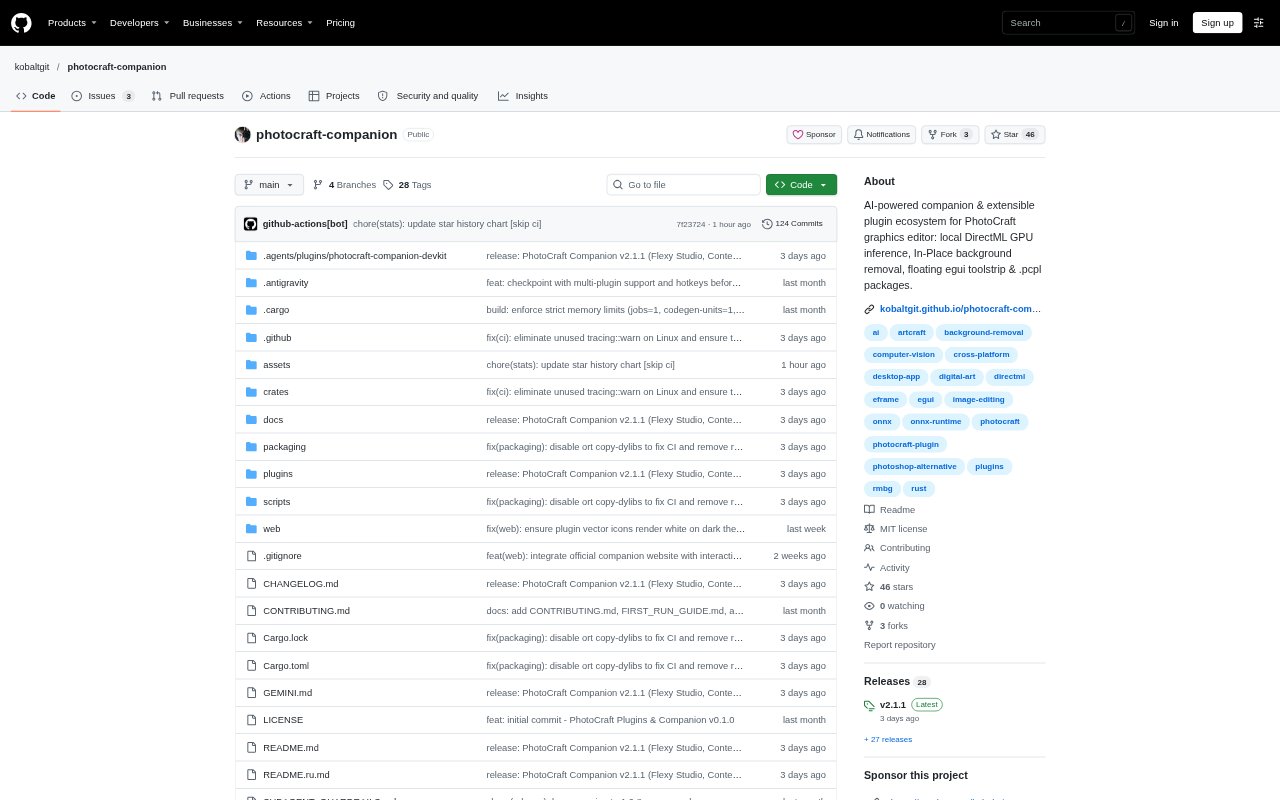
What is PhotoCraft Companion?
PhotoCraft Companion is a desktop companion for PhotoCraft, an open-source graphics editor, that adds local AI image tools and a system for extending the editor with plugins. It processes the active layer in the open canvas and provides a floating toolstrip, plugin manager, and community marketplace. The companion is aimed at PhotoCraft users who want neural image operations or customizable editing workflows beyond the editor’s built-in WebAssembly plugins.
PhotoCraft Companion Features:
Neural Image Tools: Built-in tools remove backgrounds with Bria RMBG-1.4, remove objects with LaMa inpainting, and upscale images 2x with Real-ESRGAN Compact.
GPU Inference: AI inference uses DirectML GPU acceleration, with an automatic CPU fallback for unsupported operators.
Declarative Workflows: Plugins can define multi-step pipelines in JSON, with variables, conditional branches, error handling, and optional Rhai scripting.
Plugin Marketplace: The in-app marketplace browses a community catalog, installs plugins from GitHub Releases, and can hot-reload them without restarting.
Floating Toolstrip: A compact palette can float over the canvas in horizontal or vertical orientation, while interactive plugin windows offer controls such as sliders, color swatches, and toggles.
In-Place Processing: Companion sends processing requests through a JSON-RPC socket and the system clipboard to work on the active layer in PhotoCraft.
PhotoCraft Companion Benefits:
Fewer File Transfers: Processing the open canvas avoids manually saving an image, reopening it elsewhere, and bringing the result back into the editor.
Accessible Automation: JSON-based macros let users describe editor actions without setting up a Rust or C toolchain or compiling a WebAssembly plugin.
More Editing Space: A floating palette keeps frequently used plugin actions close to the canvas instead of confining them to the editor’s menu bars.
Faster Plugin Updates: Installing and reloading marketplace plugins in the app reduces the interruptions involved in managing plugin files manually.
Flexible Model Storage: Plugin-specific model storage and an in-app downloader let users manage the neural weights needed for installed tools from the companion.
Use Cases:
Cut Out Subjects: Remove a photo background while working on the active layer, then use a plugin sub-action to create a new layer or a non-destructive layer mask.
Remove Photo Objects: Use LaMa inpainting to erase an unwanted object and synthesize texture from the surrounding image without writing a prompt.
Upscale Artwork: Enlarge an image by 2x with Real-ESRGAN Compact when preparing a graphic or photo at a larger size.
Build Editing Macros: Define a repeatable sequence of PhotoCraft engine commands in a plugin manifest for common layer or canvas operations.
Try Community Plugins: Browse the in-app catalog and install a community plugin when looking for additional tools or interactive controls for PhotoCraft.