

What is photoshop-mcp?
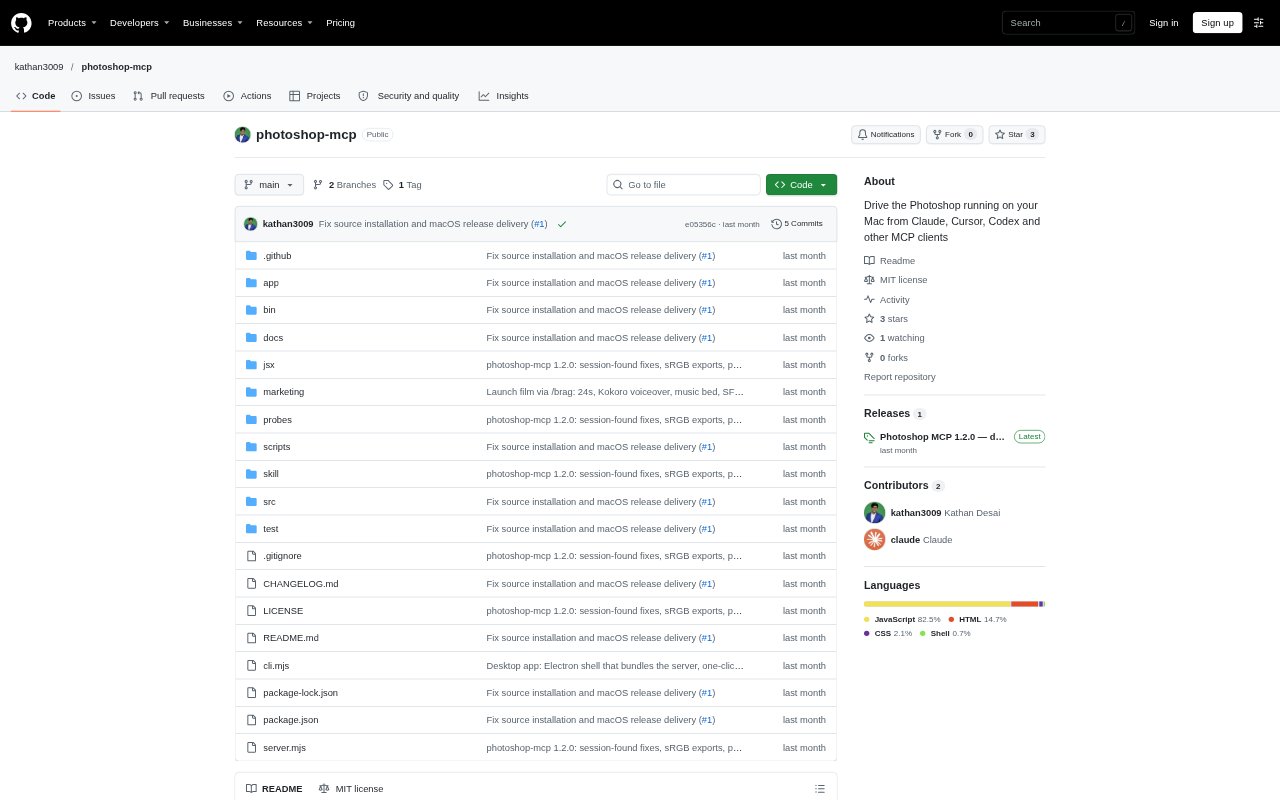
photoshop-mcp connects Photoshop running on macOS to Claude, Cursor, Codex, and other MCP clients, so an AI agent can work with documents and make edits through the app without a Photoshop plugin. It can also be controlled from a command-line interface and scripts. It requires macOS, Node.js 18 or later, and an installed, licensed copy of Photoshop. The server is free and MIT-licensed; Photoshop and model-provider costs are separate.
photoshop-mcp Features:
Document Operations: Open, create, activate, duplicate, resize, crop, flatten, save, and export documents in PSD, TIFF, PNG, or JPG formats, with exports converted to sRGB by default.
Layer Editing: Create pixel, fill, shape, and text layers; place images as smart objects; and change layer visibility, opacity, blending, position, size, or rotation.
Colour And Retouching: Add adjustment layers for curves, levels, exposure, hue and saturation, and other grades, or apply supported filters such as blur and sharpening.
Selections And Masks: Make rectangular or elliptical selections, use AI Select Subject, combine selections, and add, edit, invert, or apply masks.
Preview And Analysis: Inspect layer trees and settings, render composites or individual layers, and review histogram, clipping, colour-cast, and sampled-colour data.
Undo And Checkpoints: Treat each edit as one undo step, roll back failed changes automatically, and checkpoint work before editing; replacing an existing file requires an explicit overwrite flag.
photoshop-mcp Benefits:
Safer Iteration: Single-step undo and automatic rollback make it easier to experiment without leaving a document in an uncertain state.
Protected Work: Checkpoints and overwrite or discard guards reduce the risk of losing unsaved changes or replacing a file unintentionally.
Fewer Repeated Steps: Running multiple operations as one batch can cut down on repetitive work when making a sequence of related edits.
Clearer Decisions: Rendered previews and image analysis help you assess the visible result and spot tonal or colour issues before moving on.
More Precise Editing: Stable layer identifiers and inspectable settings help keep edits directed at the intended parts of a complex document.
Use Cases:
Photo Colour Grading: Adjust exposure, curves, colour balance, or per-colour saturation on a photograph, then check the render and histogram.
Subject Cutouts: Select a photo's subject, combine or refine the selection, and apply a mask for further editing.
Social Graphics: Build a graphic from text, shape, and image layers, arrange its elements, and export a PNG or JPG.
Batch Layer Work: Apply several layer or adjustment changes together when preparing a group of revisions to a document.
Image Resizing: Crop or resize an image for a new layout, then save a layered PSD or export a flattened image.