

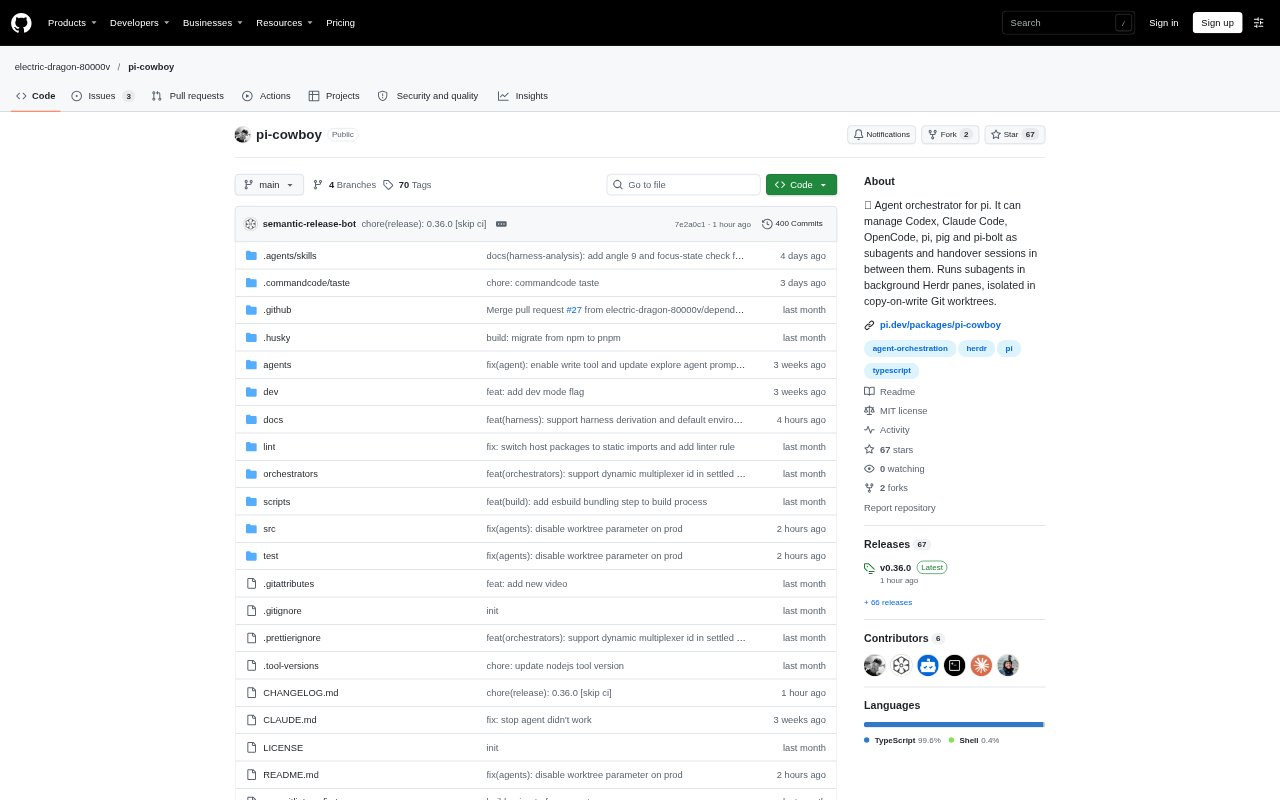
What is pi-cowboy?
pi-cowboy is a terminal-based coding-agent orchestrator for people using pi in Git repositories. It breaks larger development jobs into subtasks and runs agents in separate Herdr panes and isolated Git worktrees, with support for pi, Claude Code, Codex, OpenCode, PiG, and Pi-Bolt. You can monitor and steer agents, review their reports and branches, then merge completed work. It runs on Linux or macOS and requires Herdr 0.8 or later with its pi integration enabled.
pi-cowboy Features:
Parallel Subtasks: Delegate focused pieces of a coding job to background agents, which can edit, build, and test at the same time.
Git Worktree Isolation: Each agent works in its own copy-on-write Git worktree and branch, keeping concurrent changes separate from one another.
Live Agent Panes: Open an agent’s Herdr terminal pane to watch its work or steer it, and receive a message when it finishes or needs attention.
Harness Handover: Hand sessions between supported harnesses, including pi, Claude Code, Codex, and OpenCode, with session context carried across.
Workflow Templates: Create agent templates with their own prompts, models, harnesses, and tool permissions, or set orchestrator-wide instructions and status messages.
Concurrency Limits: Set simultaneous-agent limits globally or by harness, provider, and model, with queued work starting as capacity becomes available.
Branch Merge And Cleanup: Review an agent’s report, merge its branch into the main working tree, then close its pane and remove its worktree and branch.
pi-cowboy Benefits:
More Focused Changes: Breaking a broad request into bounded assignments can reduce drift and over-engineering, while leaving each change easier to assess on its own.
Less Work Waiting: Independent coding, build, and test tasks can progress concurrently instead of making each step wait for one agent to finish.
Lower Disk Overhead: Copy-on-write worktrees help make parallel work practical in large repositories without creating a full separate copy for every agent.
Clearer Review: Separate branches and completion reports give you a defined place to inspect each agent’s contribution before bringing it into the main tree.
Fewer Repeated Instructions: Saved role and orchestration templates let recurring jobs follow established prompts and working rules rather than requiring you to restate them.
Use Cases:
Security Audit Fixes: Split audit findings across file groups so separate agents can address issues in parallel and return changes for individual review.
Feature Development: Delegate independent implementation tasks in a Git repository while keeping each agent’s edits isolated from other ongoing work.
Parallel Test Work: Assign agents separate build or test tasks when several parts of a project need checking at the same time.
Release Notes: Use a saved specialist template to have an agent review repository history and prepare notes for a release.
Switching Coding Agents: Hand an in-progress coding session from one supported harness to another when you want to continue work in a different environment.