

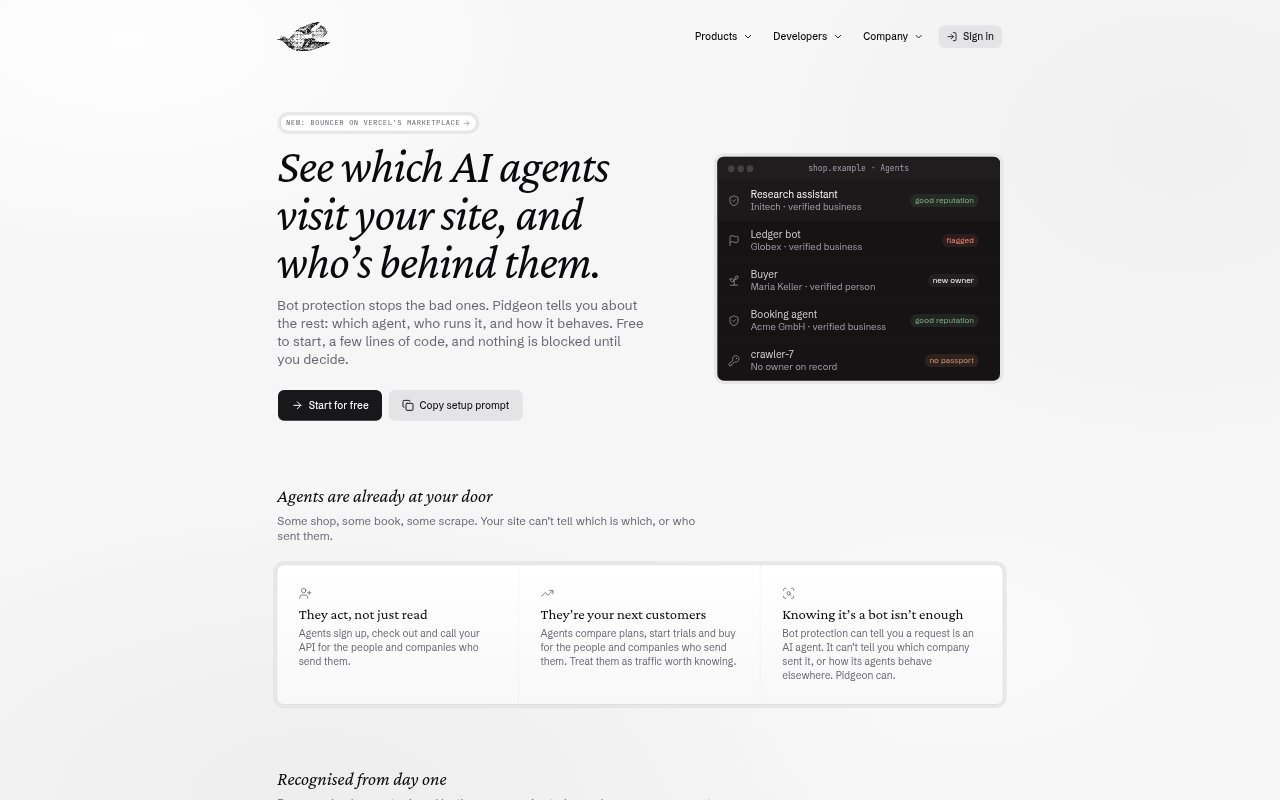
What is Pidgeon?
Pidgeon provides identity and trust tools for AI agents that interact with websites. Its Bouncer product helps site operators identify signed agents, learn which person or company operates them, and choose whether to allow, limit or block activity. Agent builders can use Passport to give agents verifiable identities, Auth for sign-in, and Email for agent inboxes. The products use open standards for request signatures and identity checks, and are aimed at both website teams and agent developers.
Pidgeon Features:
Signature Checks: Bouncer checks arriving agents’ request signatures using HTTP Message Signatures (RFC 9421) and Ed25519 keys, which can be verified offline after keys are cached.
Operator Lookup: A verification API returns an agent’s operator, verification level and reputation; recognized signers can be named by company, while unknown signers are marked as unknown.
Traffic Decisions: Website teams can use agent identity and reputation to allow, limit or block requests according to their own rules.
Agent Passport: Passport ties agents to a verified domain, person or company, giving each registered agent a key-linked identity for signing requests.
Agent Sign-In: Pidgeon Auth uses OpenID Connect to give agents and the people they act for lasting accounts at a website.
Agent Email: Pidgeon Email provides an inbox for each agent on Pidgeon’s domain or the builder’s own domain, with messages identifying the sending agent.
Developer Setup: Teams can add checks through guides for Next.js, Cloudflare Workers and Express, TypeScript and Python SDKs, or a REST API.
Pidgeon Benefits:
Clearer Traffic: Teams can distinguish agents by operator instead of treating all AI-agent visits as the same kind of bot traffic.
Targeted Access: Sites can keep useful agent activity available while applying stricter rules to agents they do not want to serve.
No Visitor Delay: The Next.js helper checks agents after sending the response, so a Pidgeon check does not make visitors wait.
Existing Controls: Bouncer can run alongside bot protection, adding operator information without requiring teams to replace their current protections.
Flexible Starting Cost: Teams can try each product with a free starting allowance and pay for usage beyond its included amount.
Use Cases:
Reviewing Sign-Ups: A website team can identify agents at registration and decide whether to let them create accounts, restrict them or block them.
Protecting Checkout: An online business can inspect agents comparing plans or starting purchases before deciding what checkout actions they may take.
Managing API Access: A service can check an agent’s signature and operator when the agent calls its API, then apply its own access rules.
Registering Agents: An agent builder can verify its domain or operator with Passport and give each registered agent an identity for signed requests.
Providing Agent Inboxes: A developer can assign an agent its own email address so recipients can check which agent sent a message.