

What is Pilot?
Pilot is a Python command-line tool that takes labeled development tickets through planning, code changes, verification, and pull request creation. It works with issue trackers including GitHub, Linear, Jira, and Asana, and uses an AI coding backend to work in a configured local project checkout. Developers and small teams can use it to move backlog tasks toward review while keeping the decision to merge with a person.
Pilot Features:
Ticket Intake: Pilot can poll for tickets carrying a configured label or react to supported webhooks, then claim each ticket for processing.
Ticket-to-PR Workflow: For each task, it creates an isolated branch, drafts an implementation plan, writes code, runs checks, and opens a pull request linked to the ticket.
Quality Gates: Configured tests, lint, and build checks run before a pull request is opened, with failed checks fed back into implementation for a limited number of retries.
Epic Decomposition: Pilot can split multi-step epics into ordered subtasks and execute them sequentially, with an option to wait for a pull request to merge before starting the next task.
Execution Controls: Projects can use sequential or parallel execution, select Claude Code or OpenCode, and configure autonomy through dev, stage, and prod modes.
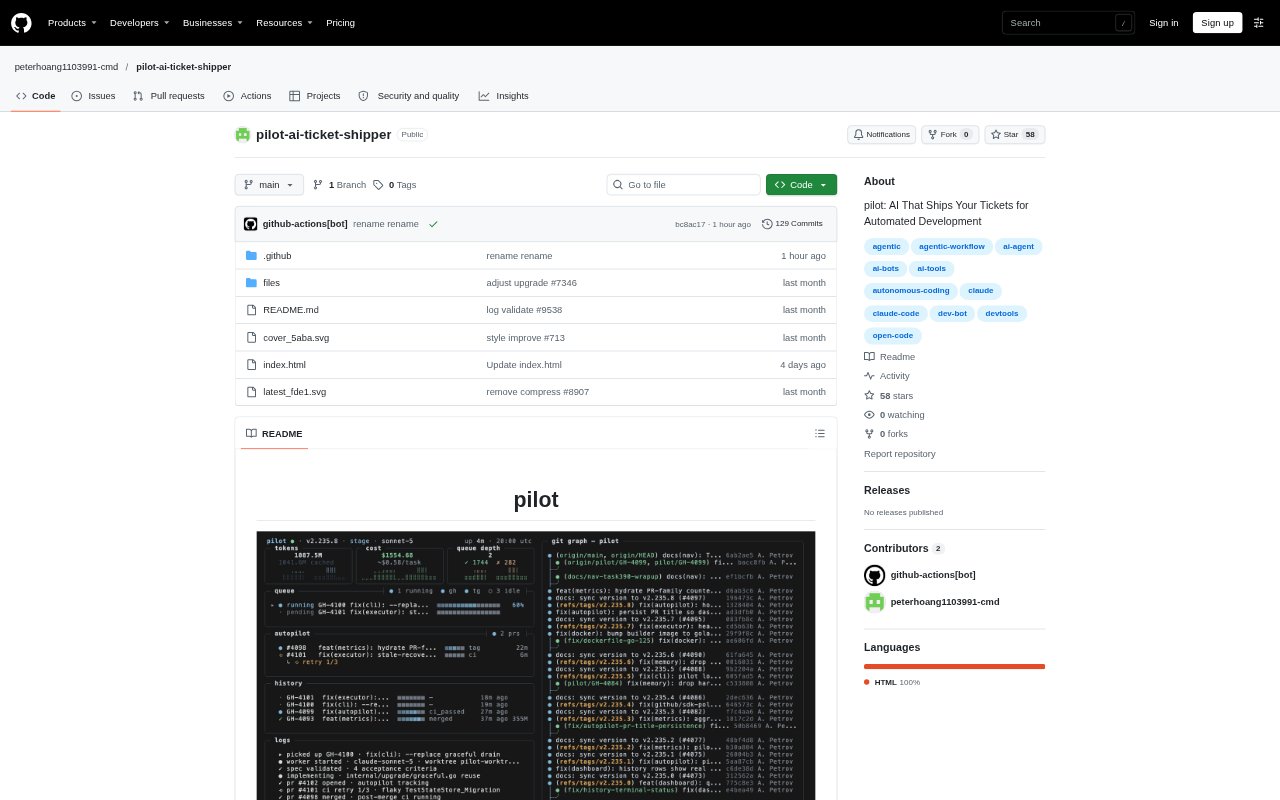
Run Visibility: A dashboard and execution history show queue depth, task phases, token usage, costs, retries, and check results, while runs can be exported for review.
Pilot Benefits:
Steady Backlog Progress: Once ticket intake and execution are configured, routine work can move through implementation without a developer manually coordinating every stage.
Safer Review Handoffs: Branch isolation and pre-PR checks give reviewers a separate change with validation results, while leaving merge decisions in human hands.
Fewer Branch Conflicts: Waiting for one pull request to merge before starting another can reduce overlapping work and rebase churn on a shared project.
Spend Oversight: Visible usage and configured budget limits help teams monitor the cost of automated coding work as it runs.
Clearer Troubleshooting: Task histories and replay exports make it easier to examine where a run failed and what checks or retries occurred.
Use Cases:
Labeled Issue Work: A development team can mark suitable GitHub issues with a trigger label and have Pilot prepare linked pull requests for review.
Tracker-Based Delivery: Teams managing tasks in Linear, Jira, or Asana can connect ticket intake and status updates to the same implementation workflow.
Multi-Step Epics: A team can use epic decomposition to break a larger change into ordered subtasks that Pilot handles in sequence.
Routine Code Changes: Developers can delegate bounded fixes or small enhancements from their backlog, then inspect the generated branch and checks before merging.
Run Reviews: A team investigating a failed or costly task can use the execution history and exported replay to inspect its stages and outcomes.