

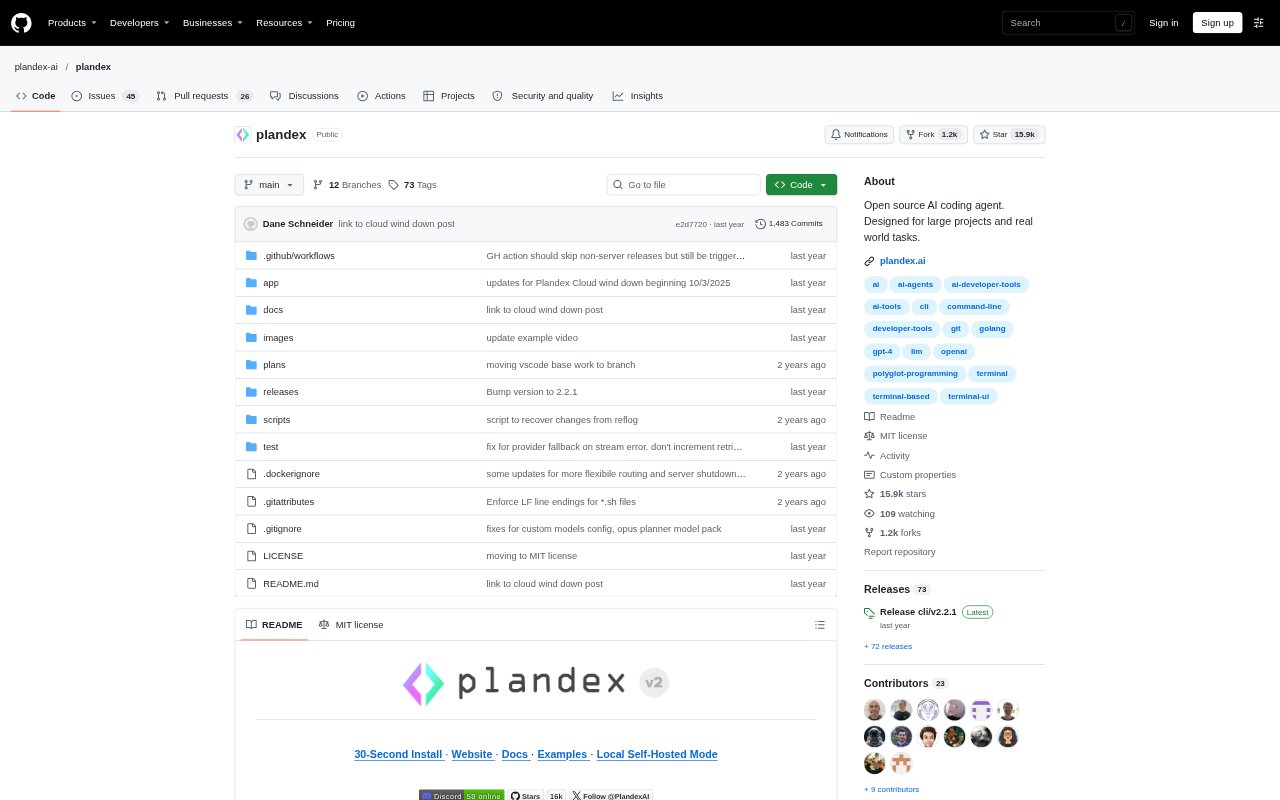
What is Plandex?
Plandex is an open-source, terminal-based AI coding agent for developers working on large codebases or complex tasks. It can plan and carry out changes across many files, while keeping proposed edits in a review sandbox before they reach the project. Developers can choose between step-by-step control and greater autonomy, and connect models from multiple providers. Plandex runs locally or on a self-hosted server; users provide their own model-provider credentials.
Plandex Features:
Multi-Step Planning: Plandex plans and executes coding tasks that span multiple steps and can involve dozens of files.
Large Project Context: It supports up to 2 million tokens of direct context and can map directories containing 20 million tokens or more.
Project Maps: Tree-sitter project maps and syntax validation support work across more than 30 programming languages.
Diff Review Sandbox: Cumulative proposed changes stay separate from project files until you decide they are ready to apply.
Command Debugging: Plandex can run terminal commands and automatically debug tasks such as builds, tests, linters, deployments, and scripts.
Model and Git Controls: Choose or combine models from several providers, branch plans to compare approaches, and use Git integration for generated commit messages or optional automatic commits.
Plandex Benefits:
Less Manual Coordination: A planned workflow helps reduce the effort of coordinating related edits across a large feature or application.
Safer Code Changes: Reviewing a cumulative diff before applying it lets developers catch unwanted edits without first changing project files.
More Useful Context: Project maps and selective context loading help keep work grounded in a codebase that is too large to treat as a single prompt.
Faster Iteration: Automated command debugging can shorten the back-and-forth of diagnosing failures after code changes.
Flexible Oversight: Adjusting autonomy lets developers reserve close review for sensitive work and delegate more routine implementation.
Use Cases:
Cross-File Features: Use it to plan and implement a feature that requires coordinated changes across many files in an existing application.
Codebase Exploration: Ask project-aware questions when joining an unfamiliar repository or tracing how an existing part of the code works.
Build and Test Fixes: Have it run a build, test suite, or linter after a change and help debug the resulting errors.
Approach Comparison: Create branches of a plan to explore different implementation paths or compare results from different models.
Browser App Debugging: Use its browser debugging workflow to investigate an application issue when Chrome is installed.