

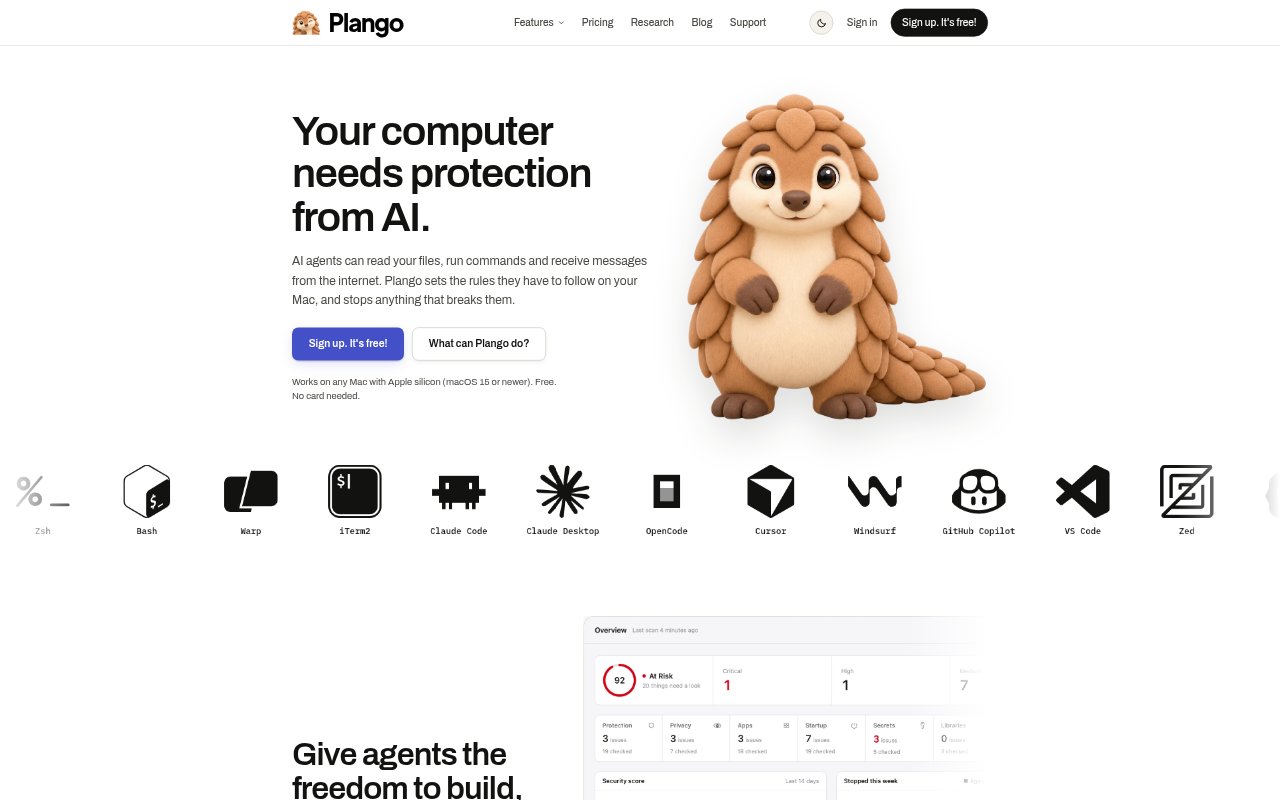
What is Plango?
Plango is a Mac security app for people who use coding agents such as Claude Code, Cursor, and Codex. It checks agent actions, MCP servers, skills, plugins, and secrets, alongside Mac app permissions and network activity. Its controls can allow or block actions before they run, with a log showing what happened and why. It works on Apple silicon Macs running macOS 15 or newer with at least 16 GB of memory; a free option is available, and the paid plan costs $4.99 per month.
Plango Features:
Agent Action Checks: Plango rates shell commands, file reads and writes, web fetches, and MCP calls before an agent runs them.
Blocking Modes: Protect mode blocks High and Critical actions, while Strict mode also blocks Medium actions.
MCP Server Review: It finds servers configured in Claude Code, Claude Desktop, and Cursor, shows their guard status, and flags access tokens stored in plain text.
Skill And Plugin Scans: Plango checks skills, commands, and plugins for hidden instructions and hooks before an agent trusts them.
Secret Management: It moves plain-text keys out of .env files and into the macOS Keychain.
Mac And Network Checks: The app shows privacy permissions, startup items, extensions, and internet connections, and can block unwanted network activity.
Plango Benefits:
Fewer Risky Actions: Reviewing actions before they run can help prevent an agent from exposing files or making damaging changes.
Clearer Oversight: A record of agent decisions makes it easier to understand what happened without piecing events together manually.
Safer Credentials: Keeping keys in the macOS Keychain reduces reliance on leaving them in plain-text project files.
One Security View: Checking agent activity and Mac settings in one app gives developers a more complete picture of local risks.
Use Cases:
Coding With Agents: Set boundaries for Claude Code, Cursor, or Codex when they need to run shell commands or work with project files.
Reviewing MCP Setups: Check which MCP servers are configured across supported tools and identify servers that are not guarded.
Checking Extensions: Inspect an agent skill, command, or plugin for hidden instructions or hooks before using it in a development workflow.
Auditing A Mac: Review app access to the camera, microphone, screen, and keystrokes, along with startup items and extensions.