
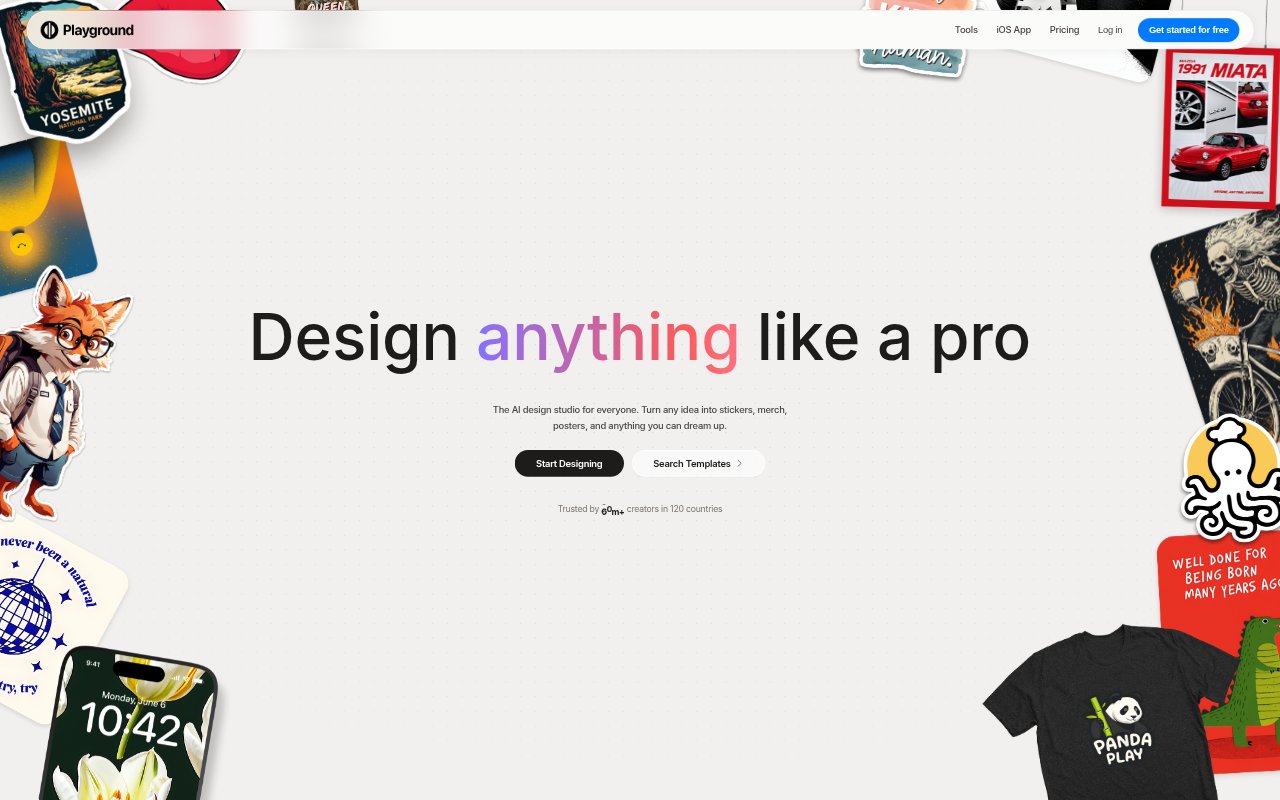
What is Playground AI?
Playground AI is an online design studio for creating images and graphics with AI, using written prompts, templates, and editing tools. It is aimed at people who need designs for personal projects, online content, or products, including users without design experience. You can make items such as logos, posters, stickers, T-shirts, invitations, and social media graphics, then refine or resize images in the same workspace.
Playground AI Features:
Prompt-Based Design: Describe the image or graphic you want, and the AI generates a design with choices such as color, style, and layout.
Template Library: Browse thousands of customizable templates across 24 categories, including logos, posters, cards, patterns, and merchandise.
Image Models: Create with image models including GPT Image 2, Nano Banana Pro, and Seedream from within the same studio.
Non-Destructive Editing: Apply edits without permanently changing the image, so you can continue adjusting a design as you work.
Image Editing Tools: Remove backgrounds, upscale, resize, or extend images, with editing and generation resolutions depending on your plan.
Text and SVG: Make designs with crisp headlines and legible body copy, and export images as SVG files.
Playground AI Benefits:
Lower Design Barrier: People without formal design training can turn an idea into a visual without first mastering a graphics application.
Faster First Drafts: Starting from a prompt or a customizable template gives projects a visual starting point instead of a blank canvas.
Room to Iterate: Non-destructive adjustments make it easier to explore alternatives while keeping the current design intact.
Consistent Visual Output: Working with templates and image tools in one studio can help keep related graphics aligned as a project develops.
Usable Text in Graphics: Legible text and designed layouts can make promotional graphics clearer when viewers need to read a headline or details.
Commercial Rights: The plans include a worldwide royalty-free commercial-use license, giving creators a defined basis for using designs in business projects.
Use Cases:
Social Media Graphics: Create visual posts or campaign assets for social channels using a prompt or a template suited to the desired format.
Product Merchandise: Develop artwork for T-shirts, stickers, or other print-on-demand products before preparing images for production.
Small Business Branding: Draft logo concepts and related graphics for a new business, shop, or product line.
Event Materials: Make invitations, save-the-date cards, or posters for an event that needs custom visuals and readable details.
Digital Publications: Design e-book covers and other visual assets for a digital publication or creator project.
Online Store Listings: Create product mockups and promotional graphics to present merchandise in an online shop.