

What is PlugVet?
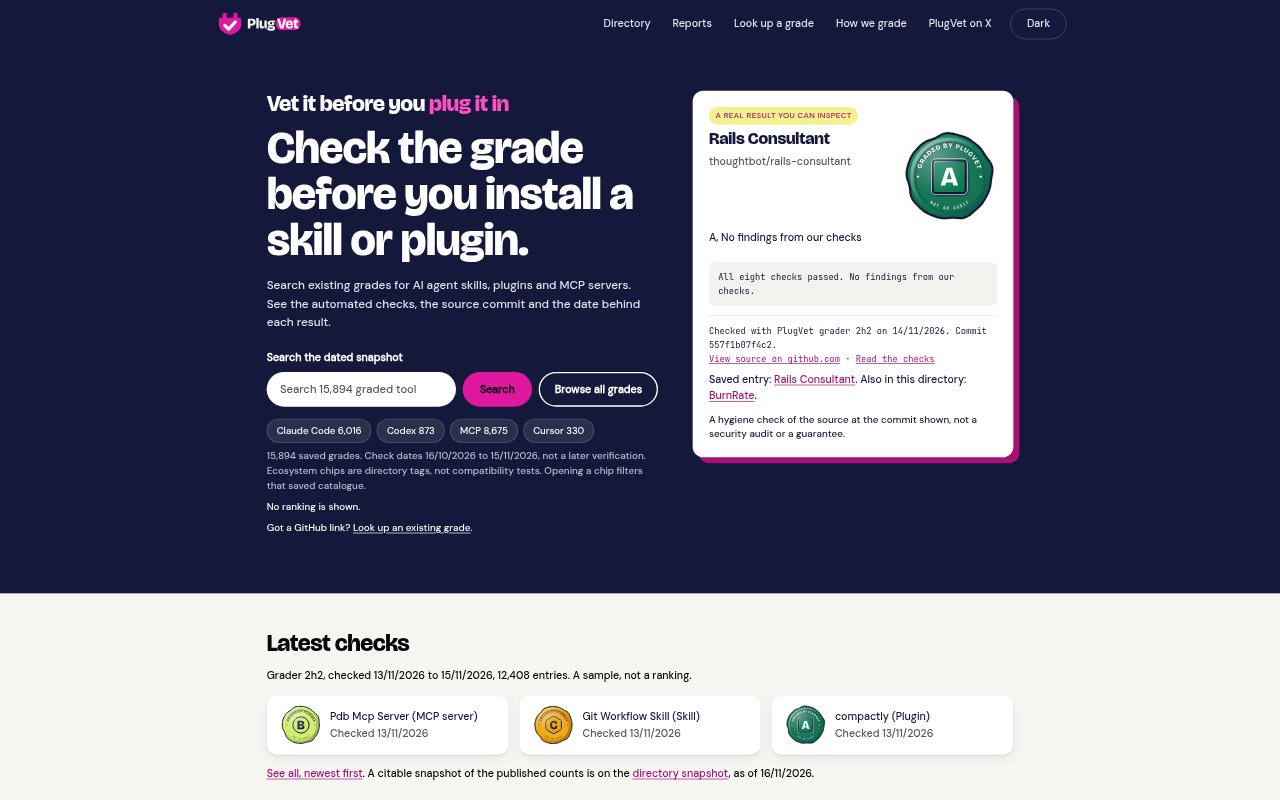
PlugVet is a public directory for checking hygiene grades on AI agent skills, plugins, and MCP servers before installation. It searches saved grades and shows the source commit, check date, automated checks, and findings behind an entry. Its scanner runs eight static pattern checks on selected source files, then assigns an A–D grade based on the findings. Each grade describes the inspected commit on the date checked; it is not a security audit or a guarantee.
PlugVet Features:
Existing Grade Search: Search saved grades for AI agent skills, plugins, and MCP servers, or look up an existing result using a GitHub link.
Commit-Level Results: Each grade records the public source commit and date checked, showing which version of a tool the result describes.
Eight Hygiene Checks: Checks cover permissions, installation and updates, network, secrets, agent instructions, obfuscation, licence presence, and maintainer activity.
Finding Evidence: Entry findings identify a file and line, so users can inspect the source behind an automated result.
A–D Grade Scale: Grades range from A for no findings to D for multiple concerns or a serious finding, with B and C between them.
Latest Checks: Browse a newest-first sample of recent entries instead of relying only on a search for one specific tool.
Grade Challenges: Submit a grade challenge or correction for review; Nicholas Wells checks and approves each challenge and paid report.
PlugVet Benefits:
Version Awareness: Seeing the commit and check date helps you judge whether a grade applies to the source version you are considering.
Faster Initial Screening: A directory lookup gives you a hygiene snapshot before you spend time reviewing a tool's source yourself.
Targeted Review: File-and-line findings help focus manual inspection on specific code, rather than treating a letter grade as the whole answer.
Consistent Comparisons: The same automated checks across entries provide a consistent starting point for screening different skills, plugins, and servers.
Clearer Findings: Separate check outcomes and finding severities help distinguish passing checks and notes from concerns that may need closer attention.
Use Cases:
Before Installing a Skill: Look up an AI agent skill you are considering and review its recorded hygiene grade before adding it to your workflow.
Evaluating an MCP Server: Check a server you may use to decide whether it merits further source review before you adopt it.
Reviewing Plugin Changes: Check whether a plugin's recorded commit and date match the version you plan to install, and take an older result as a snapshot.
Screening a Shortlist: Use the directory's grades as a consistent first pass when deciding which candidate skills or plugins need manual inspection.
Investigating a Finding: Open the cited file and line to understand what an automated check flagged and decide what to examine next.
Cataloguing Candidate Tools: Record dated grades while evaluating tools, keeping in mind that watch alerts are not currently switched on.