

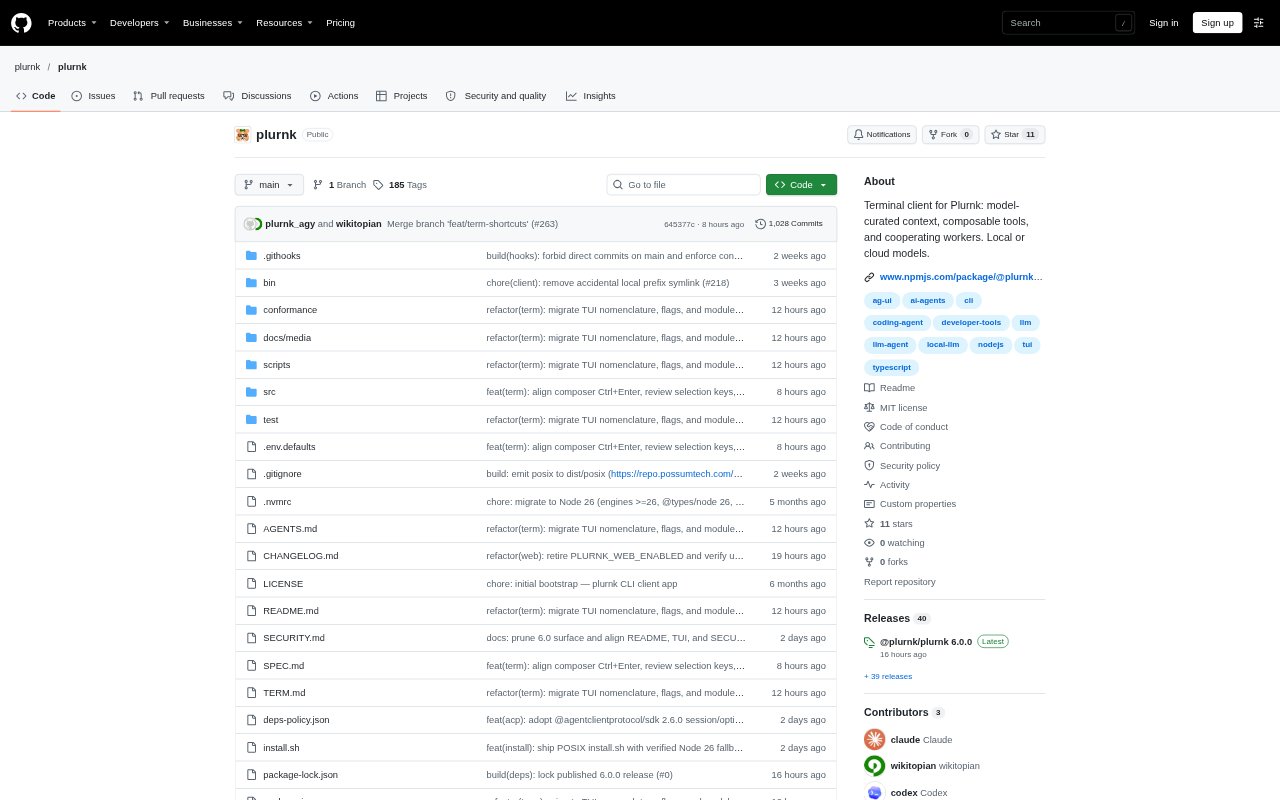
What is Plurnk?
Plurnk is an agentic virtual machine for working with AI models on software projects through a Unix command-line client, an interactive terminal, or a browser interface. Each turn, the model writes a short program that runs against a shared address space, and Plurnk journals the result for the next turn. It indexes a project for model-led exploration and editing, while a persistent service keeps workspaces, sessions, and history available across client sessions. Users can choose a model route and extend workspaces with tools and reusable instructions.
Plurnk Features:
Context Curation: Model-driven curation keeps notes, observations, programs, and reasoning addressable for later turns rather than discarding context through compaction.
Repository Search: Project indexing supports exploration and editing through regex, XPath, JSONPath, full-text, and tree-sitter symbol searches.
Program Journaling: Each turn can run a short model-written program against files, tools, delegated sessions, and past work, then record results for the next turn.
Interactive Terminal: Plurnk Term supports multiline prompts, provider-supplied streaming reasoning, Markdown and Mermaid rendering, and commands for managing models, sessions, and tools.
CLI Pipelines: One-shot prompts can take input from standard input, write answers to standard output, and return JSON containing an answer, operation trace, diagnostics, and usage.
Workspace Extensions: Workspaces can use MCP servers, Agent Skills, and Agent Plugin bundles, with tools and skills discoverable and configurable without restarting the daemon.
Plurnk Benefits:
Work Continuity: People can return to ongoing work without repeatedly reconstructing earlier context, since notes and reasoning remain available across turns.
Faster Code Discovery: Search across a project helps users investigate unfamiliar code without manually opening every potentially relevant file.
Reviewed Changes: Reviewing proposed actions before acceptance gives users a chance to catch unwanted changes before they proceed.
Reusable Workflows: Turning a useful session into a skill helps preserve an approach for later tasks instead of starting from scratch.
Session Flexibility: Persistent workspaces and history make it easier to continue a project from a later client session or an attached remote daemon.
Use Cases:
Codebase Investigation: Ask the model to explain request handling or map the test layout in an unfamiliar repository using indexed project content.
Patch Review: Pipe a Git diff into a one-shot prompt and ask the model to review the patch for correctness.
Project Editing: Give Plurnk an ordinary-language task from a project directory and review proposed actions before accepting them.
Workflow Capture: Distill a successful session into a SKILL.md file so its reusable instructions are available for future work.
Browser Sessions: Open the browser interface for a persistent workspace when you want to work outside the terminal client.