
What is Podway?
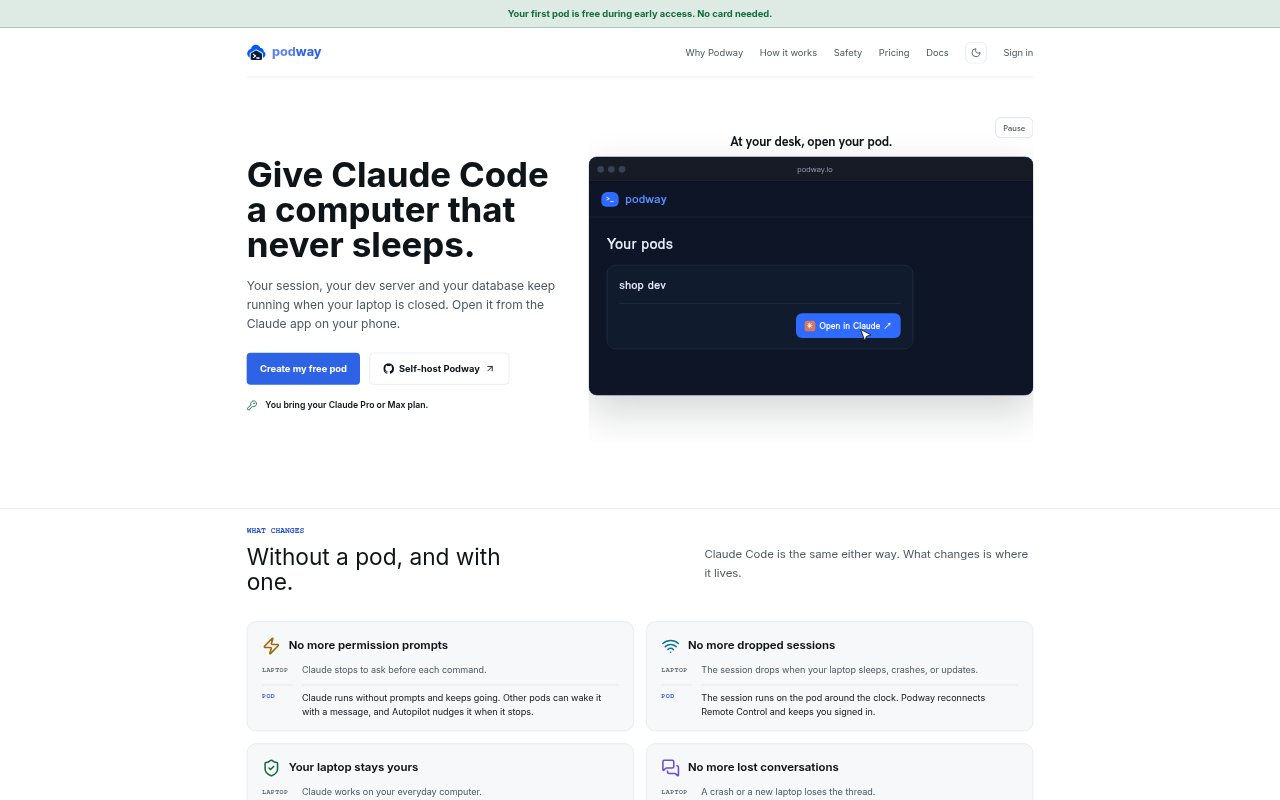
Podway provides a private cloud virtual machine with Claude Code, a project, and development tools ready to use. It is for people who want Claude Code and their development environment to keep running independently of their laptop. Each pod stays on, and its session can be opened from desktop, mobile, or web. Podway uses the official Claude Code CLI with the user’s Claude subscription, rather than providing a separate model account.
Podway Features:
Persistent Cloud Machine: Each pod is a private cloud VM with persistent disk, so project files, installed tools, and the working environment stay available.
Always-On Session: A pod runs one Claude Code session continuously, keeping its development server, database, and other running work active when a laptop closes.
Prewired Claude Code: Claude Code is set up inside the pod and runs through the official CLI using the user’s Claude subscription.
Remote Access: Users can continue a pod’s session from desktop, mobile, or web, including through the Claude app on a phone.
Project Credentials: Project credentials can be added in the dashboard, keeping secret values out of chat conversations.
Recovery and Reconnection: Podway restarts Claude after a crash, reconnects after restarts and updates, and notifies users when their Claude login is nearing expiration.
Focused Workspaces: Separate pods can be used for research, development, scheduled work, or production, and can hand results to one another.
Podway Benefits:
Fewer Interruptions: Work can continue through laptop shutdowns and dropped connections, reducing the need to restart tasks or rebuild context.
More Laptop Freedom: Development work does not have to occupy a personal computer, leaving it available for other tasks or use elsewhere.
Less Server Upkeep: A ready-made cloud environment avoids the need to manage a separate server just to keep Claude Code working.
More Predictable Costs: Monthly pod pricing is flat for the selected size, without usage meters, bandwidth charges, or surprise bills.
Safer Credential Handling: Keeping project secrets outside conversations reduces the chance of exposing credential values in chat.
Faster Return to Work: Persistent files and tools mean users can resume in an established environment instead of starting each session from a fresh repository copy.
Use Cases:
Market Research: Keep research tasks, interview notes, source material, and validated product briefs together in a workspace dedicated to finding product-market fit.
Application Development: Use a pod to work on application code alongside its database, development server, and end-to-end tests.
Scheduled Operations: Run recurring scraping, database operations, reports, or automations without relying on a laptop to remain open.
Production Services: Keep a live service, its workers, monitors, and operational context running in a production-focused workspace.
Phone-Based Check-Ins: Open a running Claude Code session from the Claude app on a phone when away from a computer and continue checking on the work.
Small Hosted Projects: Use an always-on pod for a bot, static site, small script, prototype, or full-stack app that needs a persistent environment.