

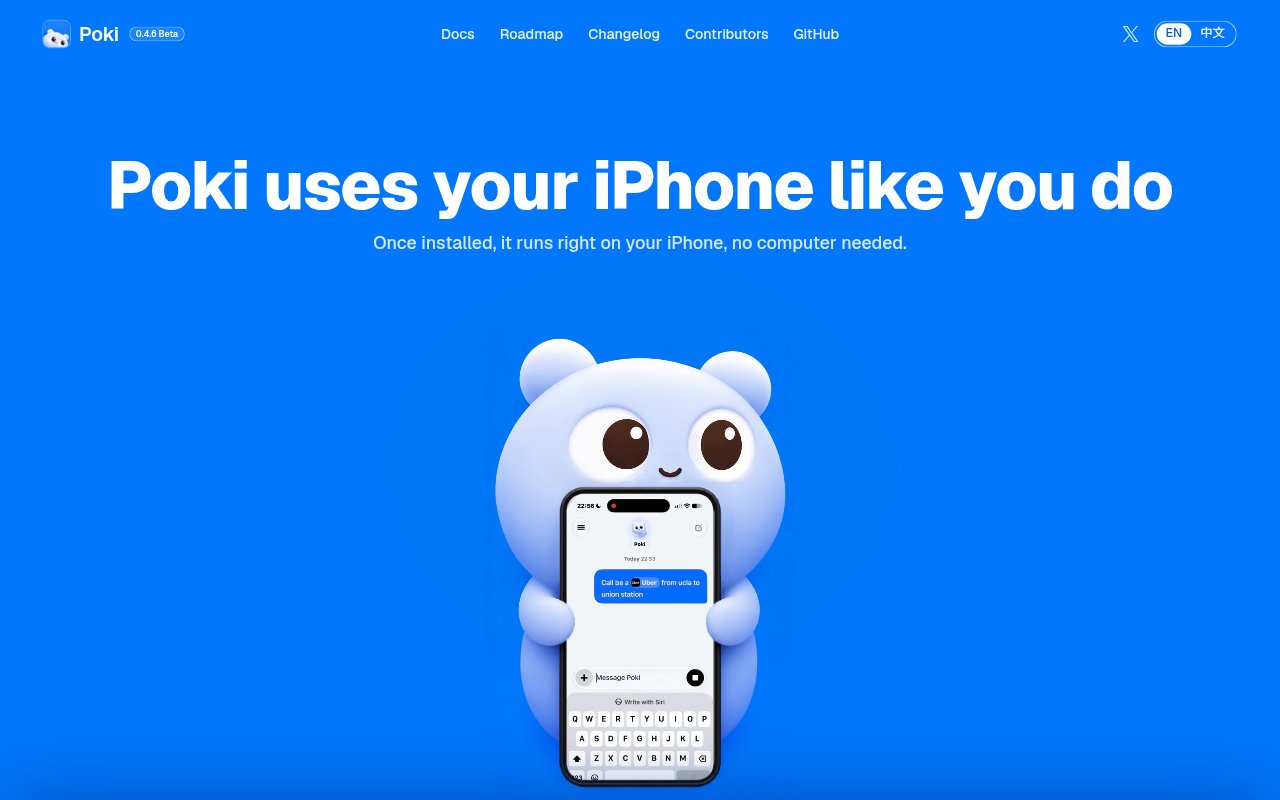
What is Poki?
Poki is an open-source iPhone app and MCP tool that lets AI agents operate real iOS apps and system interfaces through the accessibility tree and native touch controls. It is for people who want to delegate phone tasks by text or voice, either directly in Poki or by triggering tasks from a computer with a coding agent or MCP client. Poki runs on iPhone, while Poki Setup for macOS or Windows handles installation and signing renewal.
Poki Features:
Native iOS Control: Poki uses the iOS accessibility tree and native touch synthesis to interact with apps and system interfaces on the iPhone.
Text and Voice Tasks: Users can describe a task in chat or speak to Poki, which handles model calls and device actions on the phone.
Live Task View: Users can watch each step as an agent carries out a task, with an approval pause before checkout in the shown ordering flow.
Saved Skills: Users can save task sequences as skills and launch them again from the iPhone Home Screen.
Computer Triggers: Poki MCP connects coding agents and other MCP clients to Poki App over local Wi-Fi or a relay to start tasks remotely.
Model Connections: Poki accepts ChatGPT Plus or Pro sign-in, or API keys for providers including Anthropic, OpenAI, Gemini, DeepSeek, and OpenAI-compatible servers.
iPhone Installation: Poki App runs on iOS 18 or later and can be installed using a Mac or Windows computer, a USB connection, and a free Apple Account without Xcode.
Poki Benefits:
Less Repetition: Saved skills let people rerun routine phone workflows without rebuilding the same sequence each time.
Computer Independence: With a supported local VPN bridge enabled, tasks can run on the iPhone even when the computer is off.
More Oversight: A live view and an approval pause give users a chance to review a consequential step before an order is placed.
Hands-Free Starts: Voice interaction lets users begin a task without typing out a chat request.
Flexible Model Access: Users can connect an existing subscription or bring API credentials instead of relying on a single model service.
Use Cases:
Ordering Dinner: Ask Poki to browse Uber Eats menus, add items to a cart, and pause for approval before checkout.
Booking a Ride: Start an Uber booking in chat and have Poki handle the steps through to pickup.
Creating a Note: Ask Poki to create a note on the iPhone, such as the sample “Poki Demo” note.
Repeating Phone Tasks: Save a recurring sequence as a skill and launch it from the Home Screen instead of repeating the steps manually.
Starting Tasks Remotely: Trigger an iPhone task from a coding agent or MCP client while working at a computer.