
What is PolyStrata?
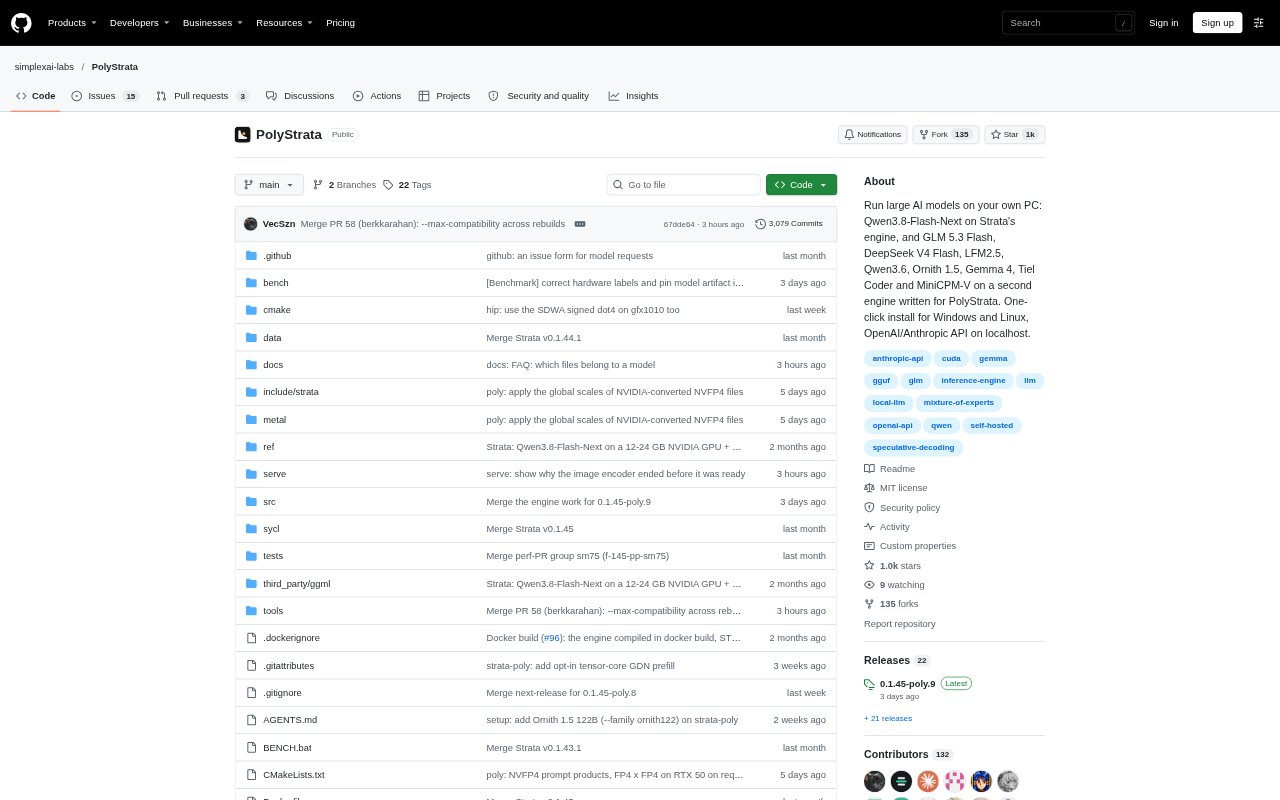
PolyStrata is an open-source runtime for running large AI models on a personal computer rather than a remote server. It serves models for chat, code generation, image input and coding-agent workflows, with support depending on the computer’s graphics card, memory and operating system. A one-click installer is available for Windows and Linux, and local OpenAI- and Anthropic-compatible APIs let other apps connect to the running server.
PolyStrata Features:
Model Catalogue: PolyStrata supports twelve models across two engines, including options for coding, image input and writing in English and German.
Local API Server: OpenAI- and Anthropic-compatible APIs run on localhost so compatible applications and coding agents can send requests to a local model.
Runtime Model Switching: The server can switch between installed models without stopping and restarting the server.
Image Input: Several supported models, including Qwen3.8-Flash-Next, Qwen3.6 and Gemma 4, can read pictures, while other models handle text only.
Memory Controls: Configuration options let users manage how much system RAM is held for model experts and reserve graphics memory for other programs.
Local Benchmarking: A built-in benchmark measures prompt reading and answer generation speeds on the user’s own computer.
PolyStrata Benefits:
Private Processing: Keeping model requests on the PC means prompts, code and other submitted content do not have to leave the computer for remote inference.
Fewer Server Needs: Users can run supported large models on a personal computer instead of setting up a separate server, provided their hardware meets the model’s requirements.
Hardware Flexibility: A range of model sizes and memory settings gives users ways to choose a setup suited to their available graphics memory and system RAM.
Faster Local Work: In laptop tests with Qwen3.6 and Tiel Coder, PolyStrata read prompts 2.7 to 3.5 times as fast as the tested llama.cpp version and generated answers 1.5 to 1.8 times as fast.
Existing App Workflows: Connecting through local APIs lets users bring model responses into compatible applications and coding agents rather than moving requests to a separate hosted service.
Use Cases:
Coding Agent Tasks: Run a coding agent against a local model for jobs such as adding a command-line option, writing a test and running the test suite.
Private Document Chats: Use a local model to ask questions about documents or conversation history when keeping that material on the PC is important.
Image Questions: Choose a picture-reading model to discuss images alongside text in a local chat or application workflow.
German Writing: Use Kolibri 1 for local writing or chat tasks that call for German as well as English.
Model Comparison: Benchmark supported models on a particular computer to compare prompt-reading and answer-generation speeds before choosing a setup.