

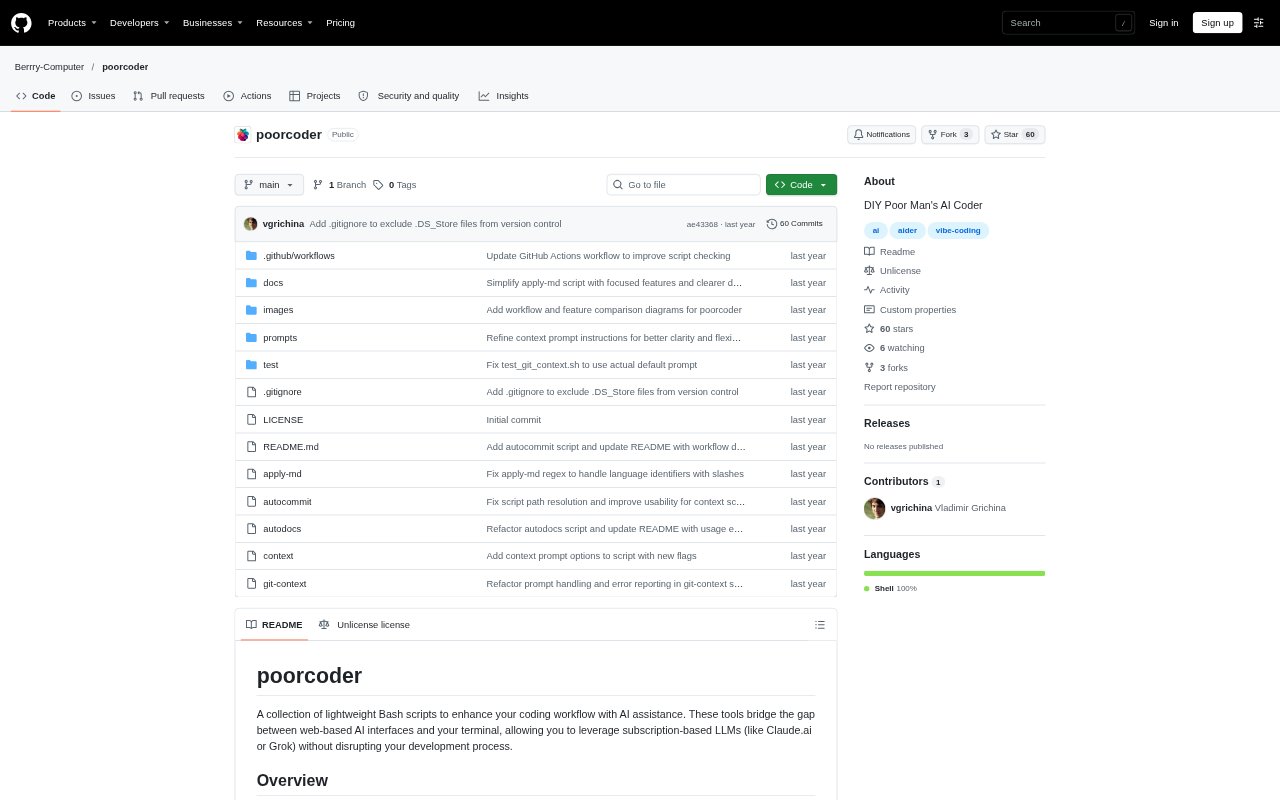
What is poorcoder?
poorcoder is a set of lightweight Bash scripts for bringing AI assistance into a terminal-based coding workflow. Developers can gather project files and Git details to share with a web-based LLM, then apply code blocks from its response to their files. The collection also supports generating commit messages with an LLM CLI tool. It is designed for people who want to keep their existing terminal workflow while using web-based LLM subscriptions or command-line models.
poorcoder Features:
Code Context: The context script collects selected project files and can use include and exclude patterns to control what goes into the prompt.
Git Details: The context script can add Git information, while git-context gathers repository changes as material for an LLM.
Markdown Changes: apply-md extracts code blocks from Markdown responses and applies the resulting changes to files in the project.
Missing Files: The apply-md script can create files that do not already exist and offers a dry-run option to preview changes.
Commit Messages: git-context prepares information about changes to help an LLM generate a relevant Git commit message.
Automated Commits: The autocommit script passes Git context to an LLM CLI tool, creates a commit, and opens an editor to review or edit its message.
poorcoder Benefits:
Keep Your Workflow: You can work with web-based LLM interfaces without moving your coding process into an IDE-integrated AI tool.
Focused Prompts: Selecting files and patterns helps you share the project context relevant to a coding request instead of assembling it by hand.
Faster File Updates: Applying code blocks from an LLM response to project files avoids manually copying each suggested change into place.
Review Before Commit: An editor step lets you inspect or revise an AI-generated commit message before the commit is finalized.
Use Existing Access: The web workflow lets you use an existing LLM subscription, while command-line workflows can use an LLM CLI tool.
Use Cases:
Request a Code Fix: Collect a few relevant source files, send them to a web LLM with a bug description, and apply its Markdown code response.
Preview Proposed Edits: Pipe a copied LLM response into apply-md in dry-run mode to inspect its changes before updating project files.
Add New Files: Use apply-md with its create-missing option when an LLM response includes code for files that are not yet in the project.
Prepare Commit Text: Run git-context to provide an LLM with repository changes for a commit message that reflects the work.
Commit From Terminal: Use autocommit with a configured LLM CLI tool to generate a message, review it in an editor, and create a Git commit.