

What is PoseForge?
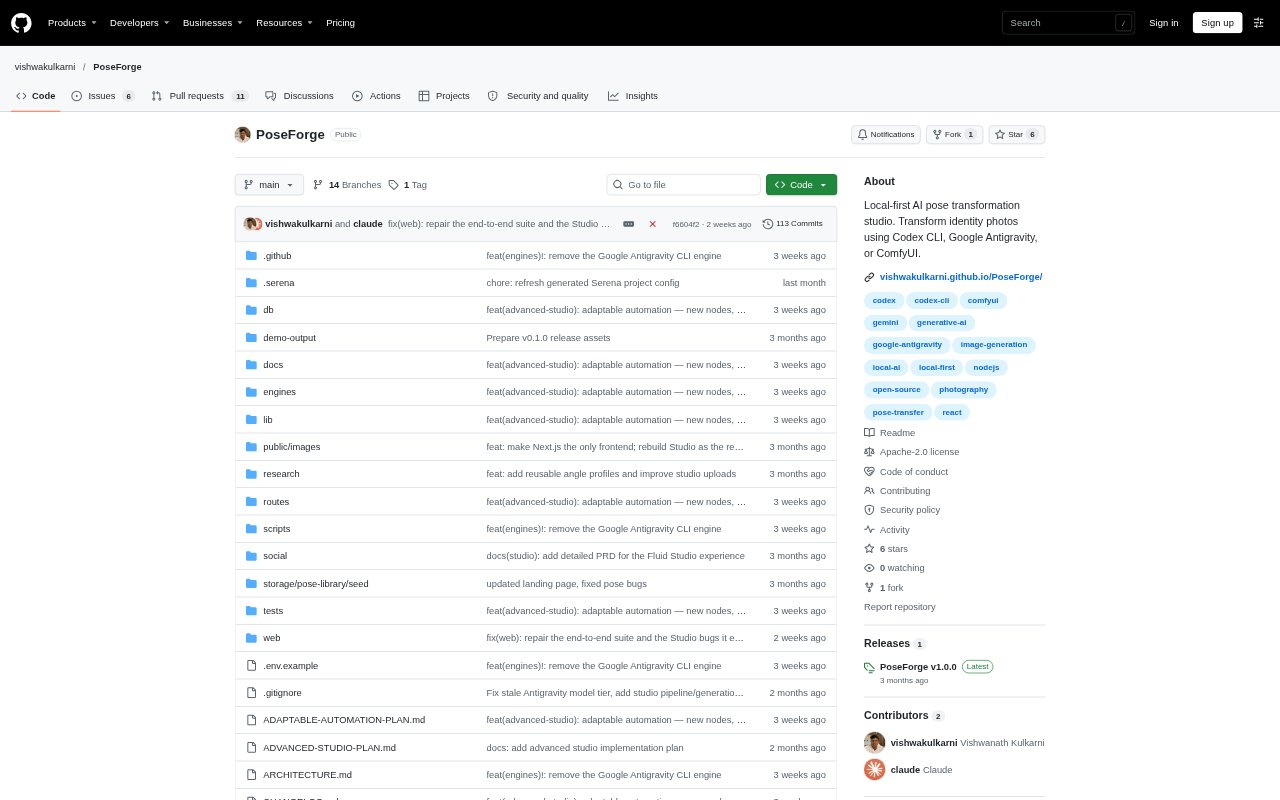
PoseForge is a local-first photo studio for turning identity photos and pose references into generated images of the same person or family in a new pose and composition. It is designed for people who want a repeatable visual workflow across Codex, ComfyUI, and hosted image providers, rather than rebuilding prompts for each image. The application runs on your machine and requires Node.js; image generation also requires an available engine and its appropriate access.
PoseForge Features:
Identity References: Upload one to four people or reuse saved character references, including per-character angle profiles, to provide identity inputs for a generation.
Pose References: Upload a pose image, split a multi-pose sheet, or choose from bundled references, with successful uploads kept in a reusable pose library.
Generation Controls: Set composition, camera, lighting, styling, and fidelity, with advanced controls for per-person direction and identity and pose fidelity.
Multiple Engines: Run Studio generations through Codex CLI, ComfyUI, or supported hosted APIs, and use additional providers in Advanced Studio.
Node Workflows: Build multi-project canvases from prompt, image, media, image-generation, video-generation, and group nodes, or start from a template.
Local Records: Keep characters, poses, projects, generation history, outputs, and usage metrics in local storage and an embedded database.
PoseForge Benefits:
Reusable Inputs: Saved characters and poses let you return to familiar visual references without uploading or describing them from scratch for every project.
Repeatable Direction: A prepared workflow carries identity, pose, and visual settings into each run, making it easier to apply the same direction across images.
Provider Flexibility: Characters, poses, projects, and history remain in place when you switch engines, so you can test another provider without rebuilding the setup.
Local Visibility: Keeping run history and metrics on your machine gives you a record of outputs, usage, latency, and cost estimates for your own generations.
Workflow Choice: Choose local ComfyUI inference when you want generation to stay on your machine, or use a hosted engine when its access suits the job.
Use Cases:
Editorial Portraits: Apply a reference model's pose and framing to an identity photo, then direct a different camera, lighting setup, or visual style.
Family Compositions: Use a family photograph for identity and another image for arrangement, such as placing parents and a child in a new pose.
Character Variations: Reuse a saved character across multiple pose references and generations when building a consistent set of visual assets.
Storyboard Planning: Arrange ordered scene groups with prompts and still images on the Advanced Studio canvas when planning a sequence.
Engine Comparisons: Run the same saved character and pose through different available engines, then review the resulting images and locally recorded run metrics.