

What is PR-Agent?
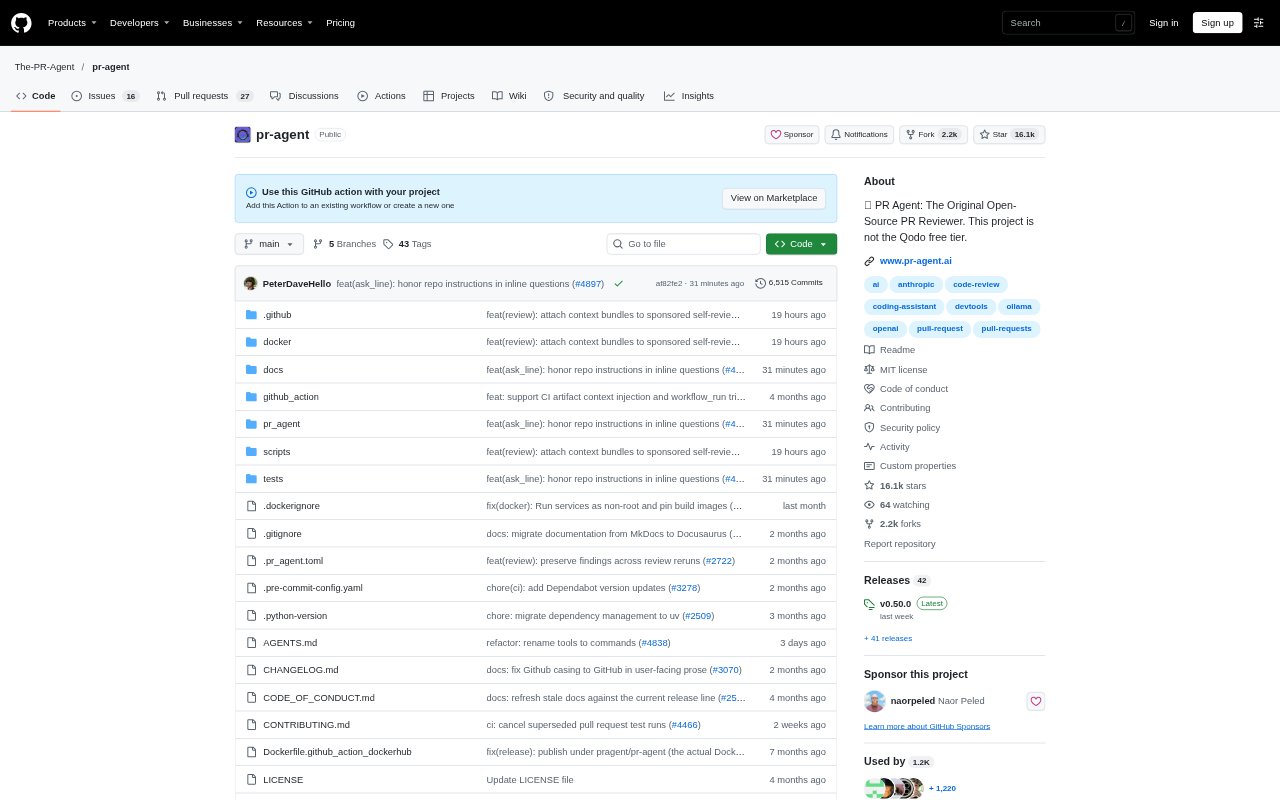
PR-Agent is an open-source AI agent for describing, reviewing and improving pull requests. It works with GitHub, GitLab, Bitbucket, Azure DevOps and Gitea, and can be run from a pull request comment, webhook, CI workflow or terminal. Developers and engineering teams can use it to automate parts of code review and ask questions about a change, with options to run it locally or self-host it.
PR-Agent Features:
Pull Request Review: The /review command analyzes a pull request and provides review feedback, including recommended areas to focus on.
Change Descriptions: The /describe command creates a description of the changes in a pull request.
Code Improvements: The /improve command helps identify and suggest improvements to code in a pull request.
Pull Request Questions: The /ask command lets developers ask free-text questions about a pull request through a comment or the CLI.
Issue Matching: The /similar_issue command searches a repository for issues similar to a selected issue.
Flexible Setup: Run PR-Agent through comments, webhooks, CI, GitHub Actions, Docker or a local CLI, and configure review behavior with JSON-based prompts.
Model Support: PR-Agent works with OpenAI, Anthropic, Google, DeepSeek and Mistral models, as well as other models available through LiteLLM.
PR-Agent Benefits:
Faster First Pass: Automated review feedback gives developers issues and focus areas to consider before spending time on a full manual review.
Clearer Handoffs: Generated pull request descriptions help reviewers understand the purpose and scope of a change without writing every summary from scratch.
More Useful Reviews: Suggested review focus areas help teams direct attention toward parts of a change that may warrant closer inspection.
Less Context Switching: Comment-based questions let developers get information about a change in the pull request conversation rather than switching to a separate tool.
Control Over Deployment: Self-hosting and local execution let teams choose where the agent runs and adapt its prompts to their review practices.
Use Cases:
Reviewing New Changes: Run /review when a pull request opens or changes to get automated feedback alongside the team's review.
Preparing a Pull Request: Use /describe to draft a summary of code changes before asking teammates to review them.
Checking a Proposed Fix: Use /improve on a pull request when developers want suggestions for refining its code.
Understanding a Change: Ask /ask a question about a pull request when a reviewer or contributor needs clarification on what it does.
Finding Related Issues: Run /similar_issue on a repository issue when investigating whether the project has dealt with a comparable problem.