

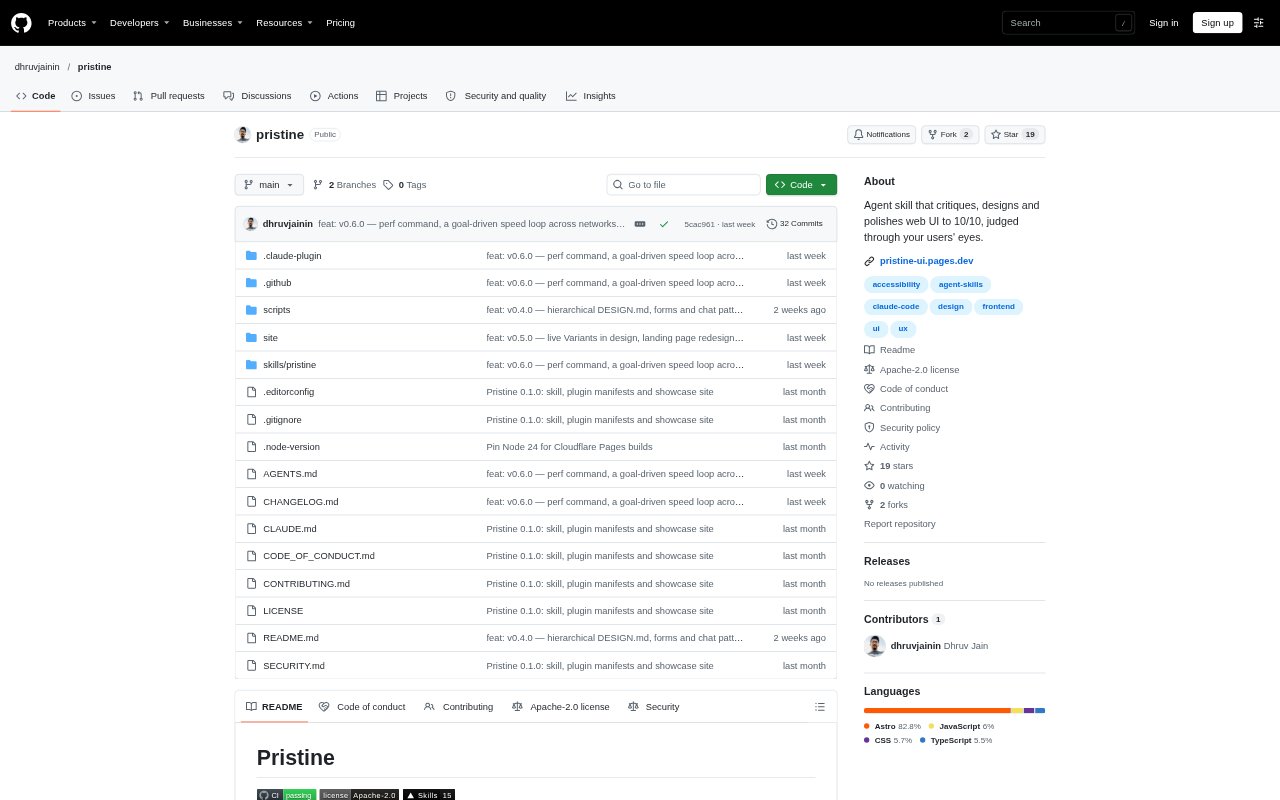
What is Pristine?
Pristine is an agent skill for building, reviewing and refining web interfaces inside coding projects. It works with Claude Code, Codex, GitHub Copilot, Cursor and other agents that read SKILL.md. Developers can point it at a URL, screenshot, file or feature name to get a critique or have the agent create or improve the UI. It captures pages across light and dark themes and desktop and mobile layouts.
Pristine Features:
Project Context: The init command reads project code, asks about anything it cannot determine, and writes a DESIGN.md covering the product, personas, brand and design system.
Persona-Based Critique: The read-only critique command evaluates a page through each persona, scores it across 11 dimensions and ranks specific fixes from P0 to P2.
Multi-View Capture: Pristine captures the real interface in light and dark themes on desktop and mobile before evaluating or modifying it.
UI Design Commands: The design command builds a page, component or flow, or redesigns an existing interface, while polish diagnoses and improves an existing target.
Design Directions: For new designs and redesigns, Pristine can show two or three directions on the actual route for the user to compare before choosing one.
Targeted Lenses: Sixteen named Lenses cover changes such as layout, typography, color, accessibility hardening, responsive adaptation and clarification.
After-Change Review: The polish command captures the interface again after edits and reports before-and-after dimension scores, changes made and remaining shortcomings.
Pristine Benefits:
Audience-Relevant Feedback: Reviewing a page through its product personas helps teams judge whether the interface answers the needs of its intended users.
Clearer Priorities: Ranked findings make it easier to distinguish urgent interface problems from lower-priority refinements.
Fewer Blind Spots: Checking multiple themes and screen sizes helps teams spot issues that a desktop-only or single-theme review could miss.
Consistent Design Decisions: A project-specific DESIGN.md gives later critiques and edits a shared reference for product context and visual rules.
More Controlled Redesigns: Comparing design directions before implementation helps teams choose a direction, while the redesign checklist helps retain existing features.
Use Cases:
Prelaunch Page Review: Run a read-only critique on a landing or pricing page before launch to identify unclear messaging, weak hierarchy or other ranked issues.
Dashboard Redesign: Use the design command to explore new directions for an analytics dashboard that needs to make its key information easier to understand.
Signup Flow Cleanup: Polish an onboarding or signup flow to address form labels, validation, consent choices and the order in which users encounter fields.
Accessible Documentation: Review and refine a documentation page where long text lines, crowded callouts or examples that do not demonstrate real behavior get in the way.
Mobile Interface Adaptation: Improve a phone-sized ticket or checkout interface by checking price visibility, control size and whether fixed bars cover page content.