
What is Proc-stats?
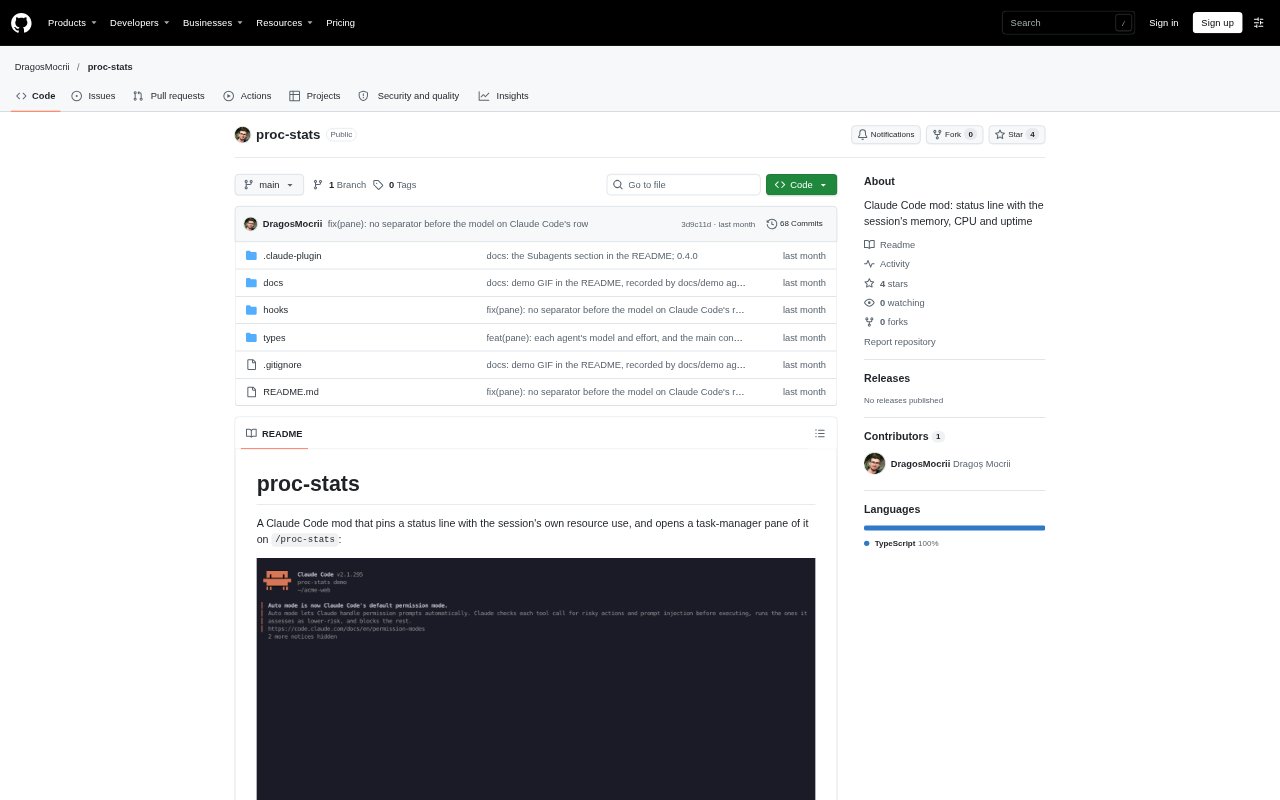
Proc-stats is a Claude Code mod for tracking the memory, CPU use and uptime of an individual Claude Code session. It adds a status line, a task-manager pane and a report that summarize Claude Code and the processes it starts, including supported detached processes. The pane also shows subagents and their tasks. It runs on Linux, macOS and Windows, with detached-process tracking available on Linux and macOS.
Proc-stats Features:
Status Line: A pinned line shows Claude Code's memory, peak memory, CPU use and uptime, with an optional addition for the processes started by the session.
Process Pane: The /proc-stats pane displays Claude Code's process tree, subagent activity and supported detached processes, with memory and CPU readings.
History Charts: Two sparklines chart total session memory and CPU across a configurable history window, alongside current readings and the window's highest values.
Process Details: Selecting a row reveals its command, process ID, parent, start time, memory and CPU, as well as what started it when known.
Sorting and Stopping: Rows can be sorted by CPU, memory or runtime, and a selected process and its descendants can be stopped after confirmation.
Configurable Alerts: Settings control refresh intervals, memory and CPU warning levels, process-specific alerts, history length and whether child-process usage appears on the status line.
Proc-stats Benefits:
Resource Visibility: Seeing the session's total alongside Claude Code's own use helps distinguish the assistant's footprint from the work its commands and services are doing.
Faster Diagnosis: Process details and history make it easier to narrow down which command or process is consuming resources and when usage changed.
Earlier Warnings: Status markers and process-specific toasts can draw attention to rising resource use before it becomes difficult to manage.
Safer Cleanup: A confirmation step before stopping a process gives users a chance to cancel, while keeping Claude Code itself unavailable for termination.
Session Isolation: Per-session tracking helps users inspect one Claude Code session without mixing in processes from other sessions or terminals.
Use Cases:
Watcher Monitoring: Track memory and CPU while a Claude Code session runs a test watcher or other long-running development command.
Server Debugging: Inspect which session-started development server or local service is driving a rise in resource use.
Detached Cleanup: Find and stop a supported background process after a command has ended but the process it launched is still running.
Subagent Oversight: Review active subagent tasks and the processes associated with them while a Claude Code session handles parallel work.
Session Summaries: Generate a resource-use summary in the conversation when reviewing a session's current usage, recent peaks or largest processes.