

What is Prokop?
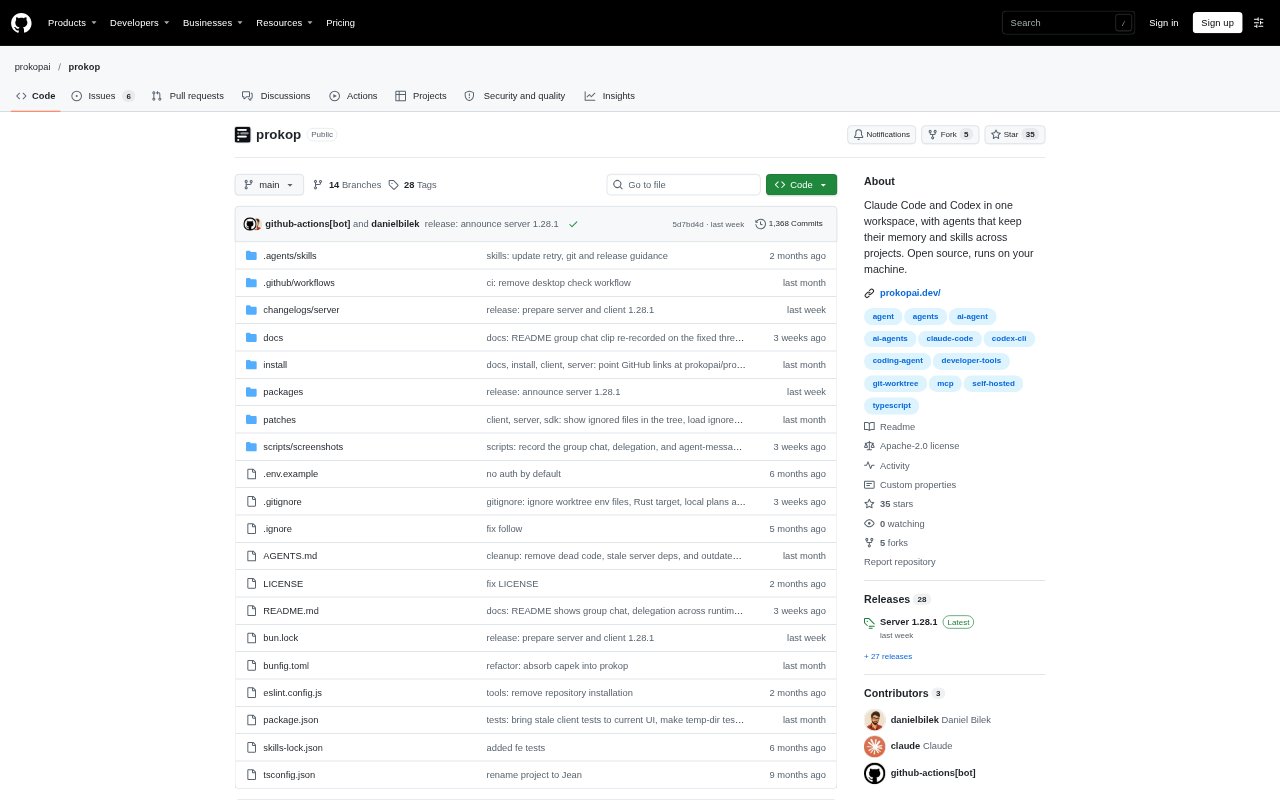
Prokop is an open-source workspace for developers who use coding agents. It brings Claude Code, Codex, and its own runtime into one environment for sessions, files, Git, terminals, and approvals. Agents can keep memory and skills, search earlier conversations, and learn from finished work. Prokop runs on your machine, with a mobile-friendly workspace available when you choose to pair another device.
Prokop Features:
Persistent Memory: Agents can keep separate memory for personal working preferences and project conventions, with the saved knowledge stored as files you can read, edit, version, or delete.
Session Search: Search earlier conversations across a session, project, or the agent’s past work to find decisions and reasoning that may be useful again.
Reusable Skills: Save repeatable procedures, such as release checklists, as skills that agents can use across their work.
Multiple Runtimes: Choose Claude Code, Codex CLI, or Prokop’s runtime for a session, and switch runtimes during a conversation.
Parallel Sessions: Open sessions side by side, give each its own Git worktree, and use shared files, terminals, diffs, and Git controls.
Agent Group Chats: Bring up to ten agents into a group chat, direct a question to one, or hand work from one agent to another.
Command Approvals: Review tool calls and edits as diffs, and inspect the specific command portion that needs approval before it runs.
Prokop Benefits:
Less Repeated Briefing: Preferences and project conventions can carry into later sessions, so you spend less time re-explaining how you work.
Faster Decision Recall: Finding an earlier conversation can help you reuse its reasoning instead of revisiting a decision from scratch.
Clearer Oversight: Visible tool calls, diffs, and focused approval requests make it easier to understand what an agent is changing or asking to run.
More Focused Parallel Work: Separate worktrees keep concurrent changes apart, helping you handle multiple coding tasks without mixing their edits.
Control Over Context: Memory and skills remain editable files on your machine, giving you direct control over what agents retain and reuse.
Use Cases:
Returning to a Project: Resume work on a codebase and use its saved conventions or earlier discussions to orient an agent without restating every decision.
Running Concurrent Fixes: Work on separate bugs or improvements in parallel sessions, each with its own checkout to keep code changes isolated.
Coordinating Code Review: Ask one agent to inspect a change and hand a missing test or follow-up task to another agent in a group chat.
Repeating Release Tasks: Store a release checklist as a skill so an agent can follow the procedure again when preparing a release.
Checking Work Remotely: Open the same workspace on a paired phone to review sessions, respond to agents, or approve a command while away from your computer.