
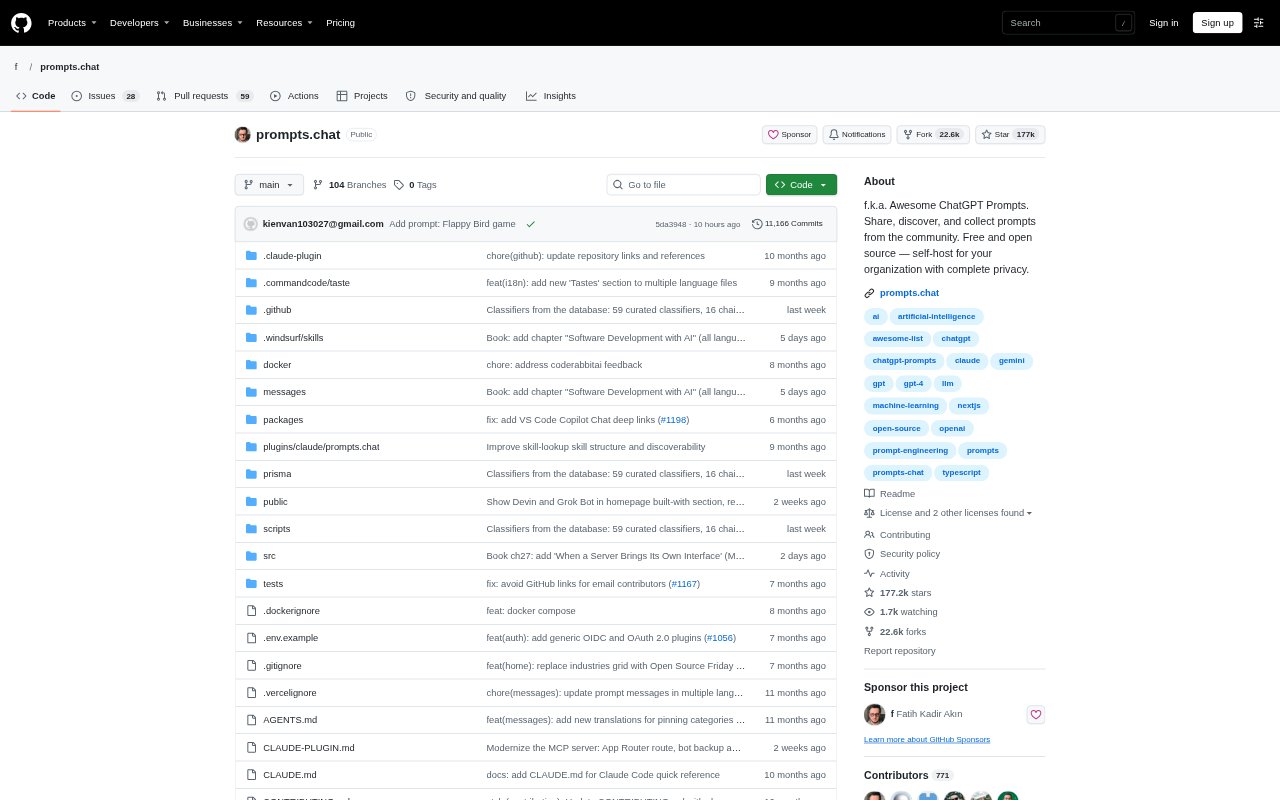
What is prompts.chat?
prompts.chat is a community library for finding, sharing, and reusing instructions for AI assistants, including ChatGPT, Claude, Gemini, Llama, and Mistral. It also hosts skills, bots, bot teams, and an interactive guide to prompting. Individuals can use the public collection, while organizations can deploy a private version with custom branding, themes, and authentication. It suits people looking for practical starting points for AI tasks or a shared place to organize resources for their assistants.
prompts.chat Features:
Cross-Model Prompts: Browse community prompts intended for ChatGPT, Claude, Gemini, Llama, Mistral, and other modern AI assistants.
Multiple Formats: Access the prompt collection through the website, a Markdown file, a CSV file, or a Hugging Face dataset.
Community Contributions: Submit prompts to the collection, with contributions syncing to the project’s repository.
Bot Listings: Explore bots with platform-specific installation instructions, computer requirements, suggested pairings, comments, and change requests.
Bot Teams: View teams as interactive graphs, see how bots hand work to one another, and install all bots in a team at once.
Private Hosting: Deploy a private prompt library with custom branding, themes, and authentication options including GitHub, Google, and Azure AD.
MCP Connection: Connect the library to AI tools through an MCP server, with tools for prompts, skills, bots, and bot teams.
prompts.chat Benefits:
Faster Starts: Prompt examples give users a concrete place to begin instead of having to formulate every instruction from scratch.
Broader Ideas: Examples across different tasks can help users see approaches they might not have considered for their own AI work.
Shared Practices: A private library gives an organization a common place to keep prompting resources for its teams.
More Control: Self-hosting lets an organization manage its own branded library and choose how users authenticate.
Joined-Up Work: Bot teams can make multi-agent workflows easier to understand by showing how their members pass work along.
Use Cases:
Video Prompting: Use timed shots, continuity rules, and camera directions as starting points when planning a generated video sequence.
Visual Concepts: Adapt detailed prompts for image work such as manga pages, editorial posters, or photoreal scenes.
Team Prompt Library: Set up a private collection where colleagues can keep and share instructions suited to their organization.
Agent Workflows: Explore bot teams when a project involves dividing work among agents that hand tasks to one another.
Prompting Lessons: Use the interactive guide to study techniques such as few-shot learning, chain-of-thought reasoning, and AI agents.
Tool-Based Access: Connect prompts and skills to an AI tool through MCP when users want to work with the collection from that environment.