
What is ProvLedger?
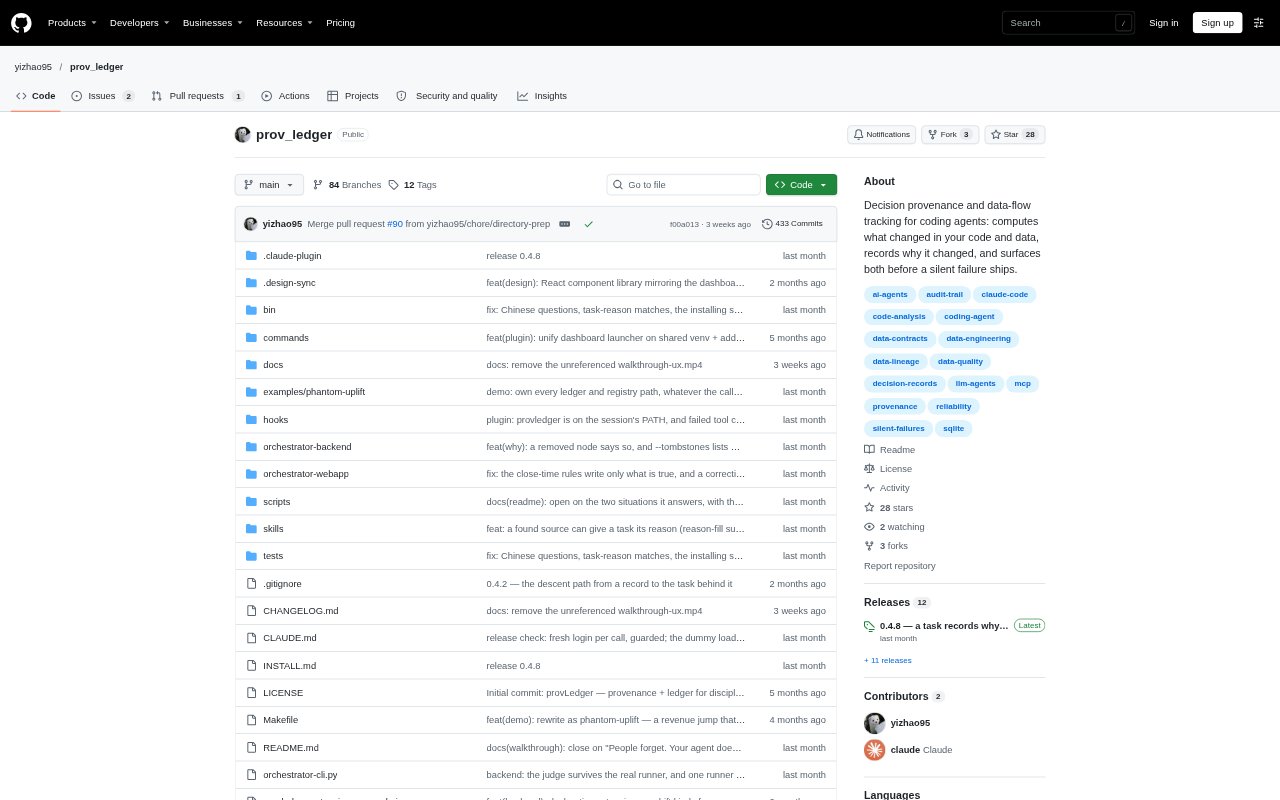
ProvLedger is a Claude Code plugin for data work that tracks changes in code and data alongside the decisions behind them. It builds a project map and attaches records to the functions, columns, tasks, and other project elements they concern, rather than to a conversation or session. Developers and coding agents can use it to review project history, check earlier decisions before making changes, and ask questions answered from the recorded evidence.
ProvLedger Features:
Project Data Map: ProvLedger builds a data-flow map from a repository, showing project elements and how information moves between them.
Change History: It compares project maps between runs and keeps histories for elements, including functions or columns that have been removed.
Decision Records: Records can capture a person's words, rules, rejected approaches, failed task steps, and evidence such as an email or meeting note.
Separate Evidence Sources: Measured changes, verbatim statements, and evidence references are kept as distinct sources, with evidence stored as a passage and its label, time, and link.
Pre-Edit Findings: Before an agent edits, task checks can surface relevant constraints and past findings, including unanswered issues about upstream data.
Project Questions: The /ledger command answers project questions with record IDs supporting each sentence and indicates when the ledger has no relevant record.
ProvLedger Benefits:
Less Reconstruction: When code or data has disappeared, its recorded history can help explain why without relying on a search that can no longer find the removed element.
Fewer Repeated Mistakes: Surfacing earlier constraints and rejected approaches before an edit can help agents avoid reviving a decision the team already made.
Clearer Handoffs: New teammates or agents can consult the project's recorded reasons and evidence without having attended the discussions where decisions were made.
Traceable Answers: Record citations let readers check what an answer rests on, while explicit gaps help distinguish documented knowledge from unanswered questions.
Change Context: Seeing project history alongside data-flow relationships helps people consider the reach of a change, including consumers and downstream metrics.
Use Cases:
Reviewing Removed Data: A developer investigating why a column or function disappeared can trace its change history to the recorded reason and related evidence.
Planning Agent Changes: A coding agent planning to use a dataset column can check for prior constraints or findings before writing code.
Inheriting a Project: A teammate taking over an unfamiliar data project can ask about its decisions and inspect the records behind the answers.
Explaining a Decision: When asked to justify a project change, a team member can review the records and evidence associated with the affected project elements.
Assessing Change Impact: Before changing a data element, a developer can inspect the project map to see upstream and downstream relationships that may be affected.