

What is psi?
psi is an open-source coding agent for developers who want to work with AI from the terminal and inspect or adapt the software they use. It helps with code edits, debugging and running code to check results, while letting users choose among supported hosted or local model providers. Built around a small C core and a Lua runtime, psi runs on several operating systems and offers both interactive and script-friendly ways to work.
psi Features:
Code Editing: Ask psi to investigate a bug, change a function or edit code, then run the result to check whether it works.
Model Providers: Choose Anthropic, OpenAI Codex, OpenRouter or local models through Ollama, and resume a session with a different provider.
Branched Sessions: Branch a conversation to explore an alternative approach, return to the main thread and resume from saved session history.
Terminal Interfaces: Work through an interactive terminal interface or REPL, send a one-shot prompt, or use Lua evaluation in scripts.
Lua Extensions: Write Lua extensions to add commands or change the running agent’s theme, then reload the extension to use it.
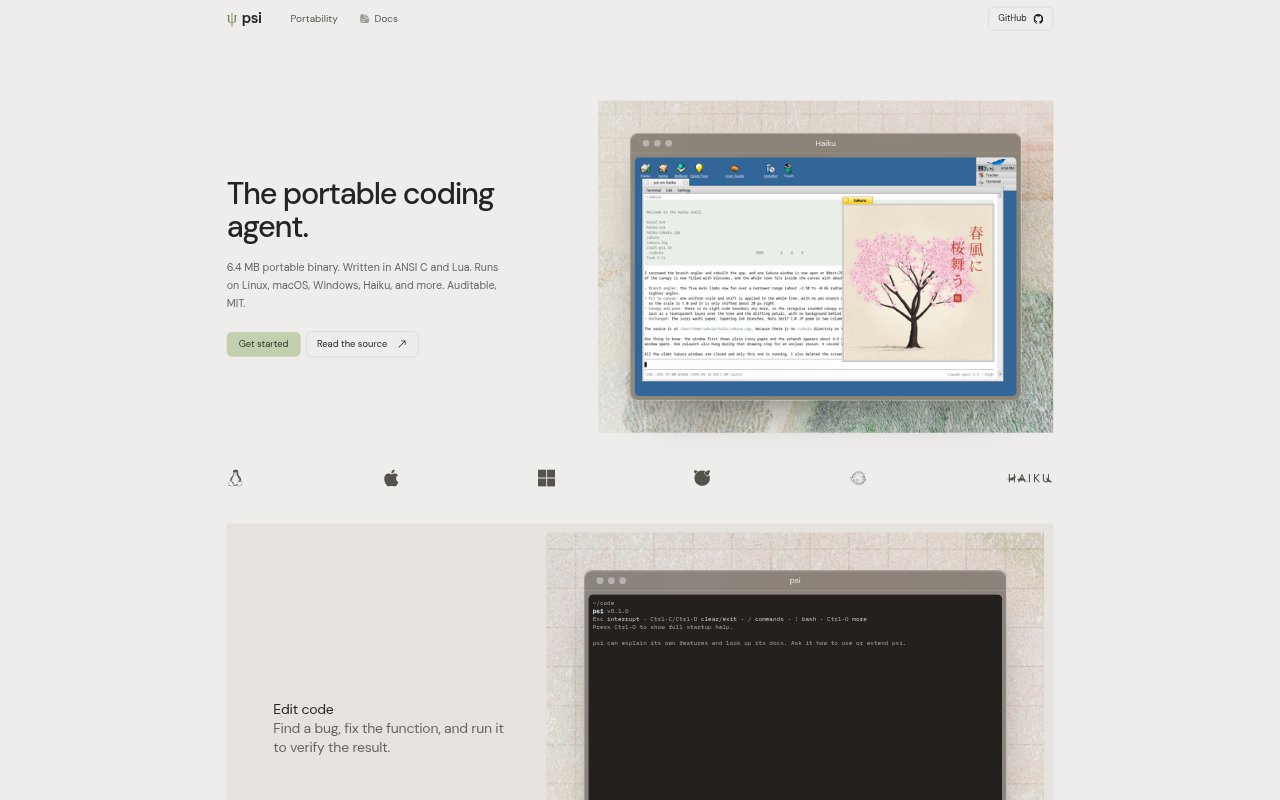
Portable Open Source: Use a 6.4 MB binary across Linux, macOS, Windows, Haiku and other systems; the project is MIT-licensed and its core is inspectable.
psi Benefits:
Check Changes: Running code after an edit gives developers a direct way to check the result within the coding workflow.
Keep Experiments: Conversation branches make it possible to try a different solution without losing the original line of work.
Adapt the Workflow: Lua extensions let users shape commands and appearance around their preferences rather than relying only on fixed defaults.
Choose a Model: Provider choice lets developers work with a supported hosted service or local Ollama models, and change providers when resuming.
Inspect the Tool: An inspectable core and MIT license give technically minded users the option to understand and modify the agent itself.
Use Cases:
Debug a Function: Use psi to locate a bug, edit the affected function and run the code as a check on the proposed fix.
Compare Solutions: Branch a coding conversation when you want to explore another implementation, then return to the main approach.
Add a Command: Create a Lua extension for a command that suits a recurring task, reload it and call it from the agent.
Script Prompts: Use one-shot prompts or Lua evaluation when you want to include psi in a script instead of working only interactively.
Switch Providers: Resume an existing session with another supported provider when you want to continue the same work using a different model source.