
What is Pullboard?
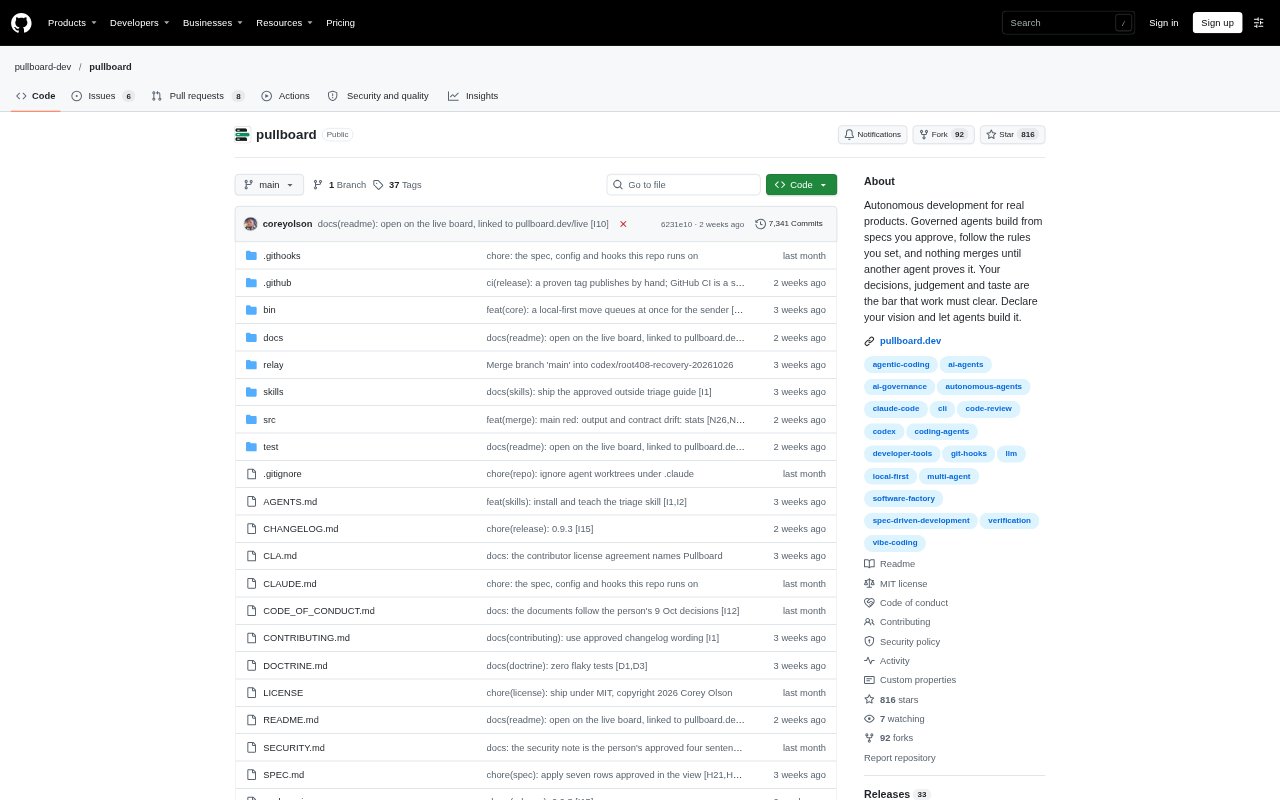
Pullboard is a local work board for coordinating coding agents on software projects. It organizes tasks around a specification you approve, assigns agents separate work lanes, and requires a different agent to verify submitted work before it merges. It works with Claude Code, Codex, OpenCode, or other agents that run in a shell. The board and project data live in the git repository, with no account or server required.
Pullboard Features:
Approved Specifications: Requirements live as rows in SPEC.md, and agents build only approved rows with criteria that freeze when work is claimed.
Independent Verification: A second agent checks each submitted commit against its requirements, accepting verified work or returning a rejection with a reason.
Agent Lanes: Claims assign an item to one agent, while separate worktrees and folder lanes help keep agents' changes from colliding.
Test Gate: A submission is refused unless the project's tests pass at the exact commit being submitted for review.
Live Project View: The browser board shows projects, task status, assigned agents, review history, and decisions or approvals waiting for you.
Rules and Blueprints: Git hooks enforce project doctrine, and bundled blueprints provide starter rules and tasks for project types including web apps, libraries, and data pipelines.
Pullboard Benefits:
Fewer Repeated Instructions: Keeping approved requirements and project rules with the repository helps agents carry decisions across sessions instead of relying on an old chat.
Earlier Defect Detection: A separate review can catch work that appears complete but fails its criteria before it is merged.
Less Coordination Overhead: Task ownership and separate lanes make it easier to distribute work without manually tracking which agent is handling each item.
Focused Human Input: Questions move through a coordinator, so your attention can stay on decisions that agents cannot make for themselves.
Traceable Decisions: Recorded claims, submissions, verdicts, and rejection reasons make it easier to see what happened and why work changed.
Use Cases:
Parallel Feature Work: Divide a software release into independent tasks so several shell-based agents can build in separate lanes against the same approved specification.
Overnight Development: Set requirements and rules before stepping away, then use the board to see which tasks agents completed and what needs your decision.
API and Web Changes: Coordinate related backend and frontend tasks while making dependencies visible, so work that relies on another item waits for it.
Regression-Prone Fixes: Send fixes through a passing test gate and an independent review when changes need to meet explicit requirements before merging.
Multi-Project Oversight: Use one board view to follow tasks across repositories on a machine and spot approvals, held lanes, or decisions awaiting your input.