

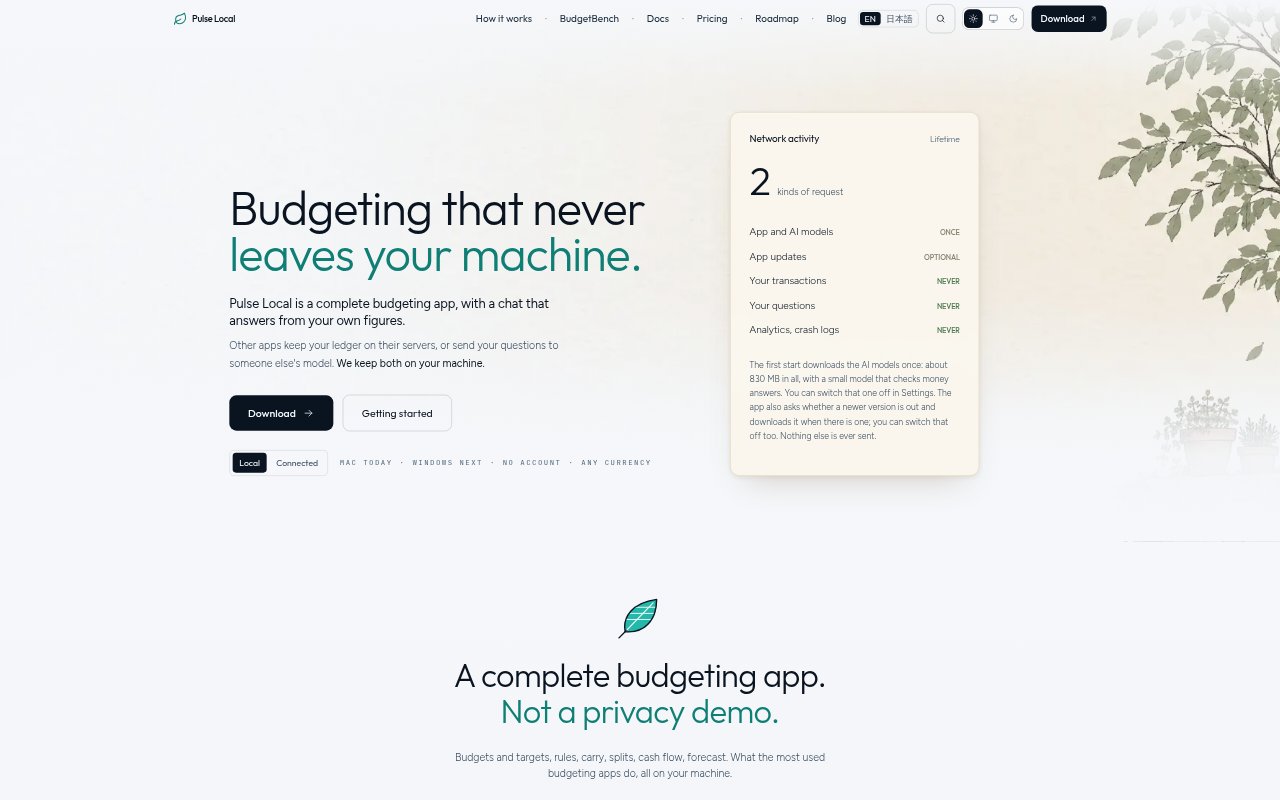
What is Pulse Local?
Pulse Local is a budgeting app for people who want to manage spending without sending their ledger or money questions to online services. It runs on Mac computers with Apple silicon, keeping the data and AI chat on the device. Users can build budgets, review cash flow and forecasts, import bank files, and ask supported questions about their own transactions.
Pulse Local Features:
Budgeting Controls: Create budgets and targets, set rules, carry funds between periods, and split transactions within the app.
On-Device Chat: Ask supported questions about spending, compare months, or break totals down by merchant using answers based on your transactions.
Answer Checks: A second small model reviews money answers, and Pulse asks for clarification when its interpretations differ or says when it is unsure.
Bank File Import: Import CSV, Excel, OFX, QFX, QIF, MT940, CAMT.053, Norma 43, and CODA files, with PDF statement imports available in beta.
Import Validation: Pulse checks imported rows against balances and totals, previews categories and account details, and asks before saving uncertain signs, dates, or currencies.
Currency Handling: Choose a country for local number formatting, keep each account in its own currency, and import bank files from anywhere without conversion.
US Bank Sync: Connect US banks through Plaid, with file imports available alongside synced transactions.
Pulse Local Benefits:
Private Budgeting: Keeping both transaction data and money questions on the device lets users discuss personal finances without sending them to an online AI service.
Less File Cleanup: Automatic column detection across different bank export formats can save time spent rearranging rows before adding transactions.
Easier Verification: Seeing which transactions and categories contributed to an answer makes it easier to check whether the result matches the question.
Fewer Misreadings: Clarification prompts and uncertainty notices help users avoid treating ambiguous answers as confirmed figures.
Flexible Payment: The app can be used free or with a user-chosen payment, and its features are not limited by the amount paid.
Use Cases:
Monthly Budget Review: Check spending against category plans and targets while reviewing the month’s income and cash flow.
Merchant Spending Breakdown: Ask where money went and follow up with a merchant-level breakdown of the transactions behind a total.
Month Comparison: Compare spending between two months to see how transaction totals differ across periods.
Bank File Import: Bring in a bank export, review the proposed categories and account details, and confirm rows before saving them.
International Accounts: Manage accounts that use different currencies while keeping each balance in its original currency and using familiar local number formats.
US Bank Sync: Sync transactions from a US bank through Plaid and add other bank records using file imports.