
What is pVisor?
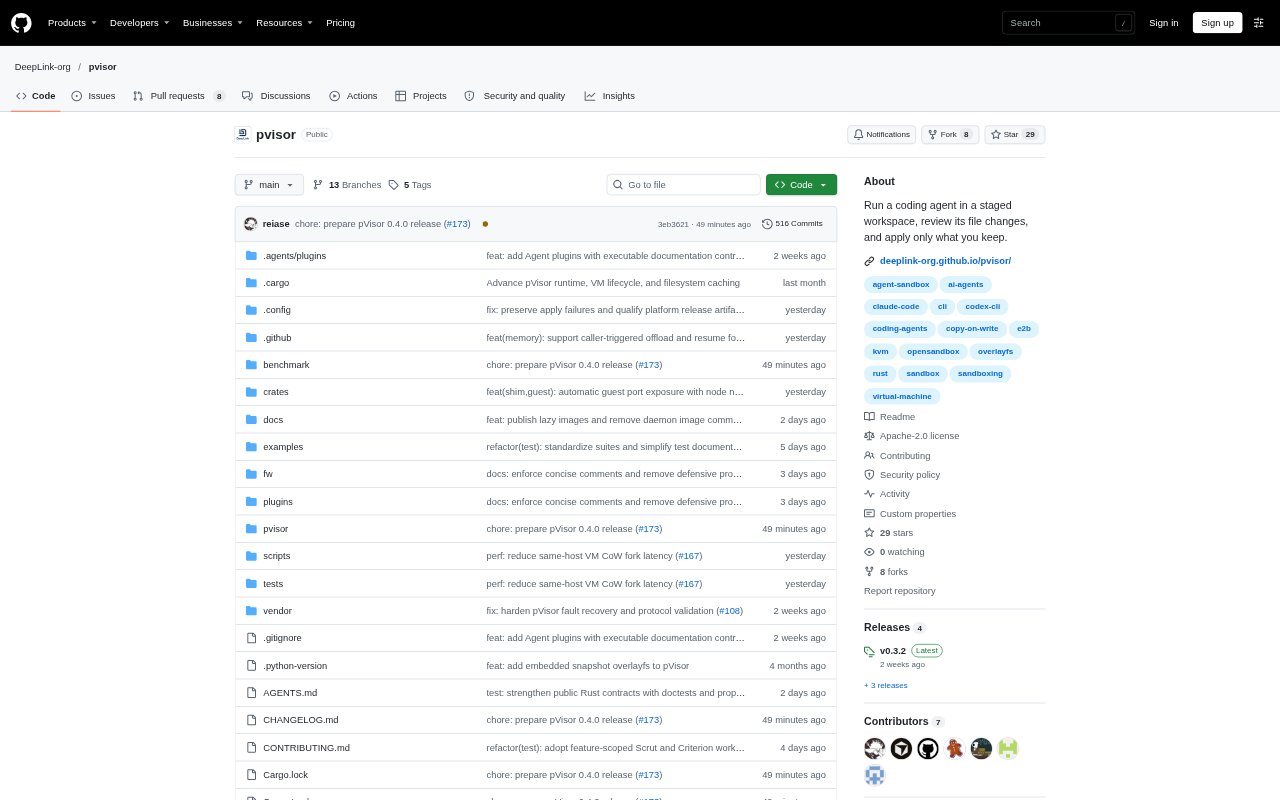
pVisor is a sandbox framework for running coding agents, commands, and other workloads in isolated execution environments. Its two main workflows are Docker-style sandboxes, which run each container in a Linux VM, and agent-style stagebox sessions, where file changes can be reviewed before selected changes are applied. It is aimed at developers and teams building or using agent workflows. The CLI requires Python 3.10 or later, and available isolation and staging capabilities depend on the executor and platform.
pVisor Features:
Docker Style Sandbox: Run image-based containers with commands for launching, executing within, inspecting, stopping, and removing instances.
Staged File Changes: Keep agent-made file changes in a staged workspace, then review differences and apply or discard selected changes.
Multiple Executors: Native Sessions can use Host, OCI, or VM execution, with isolation and capabilities varying by executor.
Staged Project Binds: On Linux, container workflows can stage changes to mounted project files for review and selective writeback.
System Tool Experiments: The Linux preview can run host-installed tools in a VM and retain root filesystem changes for review.
Agent Integrations: Pi, DSH, and Codex task adapters use native spawn, review, and apply-or-discard workflows.
pVisor Benefits:
Review Before Keeping: Inspect an agent's project edits before accepting them, reducing the chance of carrying unwanted file changes into your work.
Focused Writeback: Choose which staged files to keep, so useful results can be brought into a project without accepting every candidate.
Separate Workloads: Running Docker-style containers in individual VMs gives each container a distinct execution boundary.
Visible Results: Recorded sessions and file differences make it easier to understand what an experiment changed before deciding what to retain.
Flexible Execution: Choosing among Host, OCI, and VM execution lets teams adapt the environment to the task and available platform.
Use Cases:
Agent Code Changes: Let a coding agent modify a project, inspect the staged diff, and apply only the files you want to keep.
Repair Failing Tests: Use an agent workflow to investigate and fix failing tests in a Python project, then review its proposed edits.
Container Commands: Run an image-based command in a VM-backed container when you want a bounded environment for a task.
System Tool Trials: Experiment with host-installed tools in a Linux VM and review retained root filesystem changes before applying them.
Project Bind Edits: Run a container against a staged project bind, then inspect and selectively write its file changes back to the host.