
What is PyGPT?
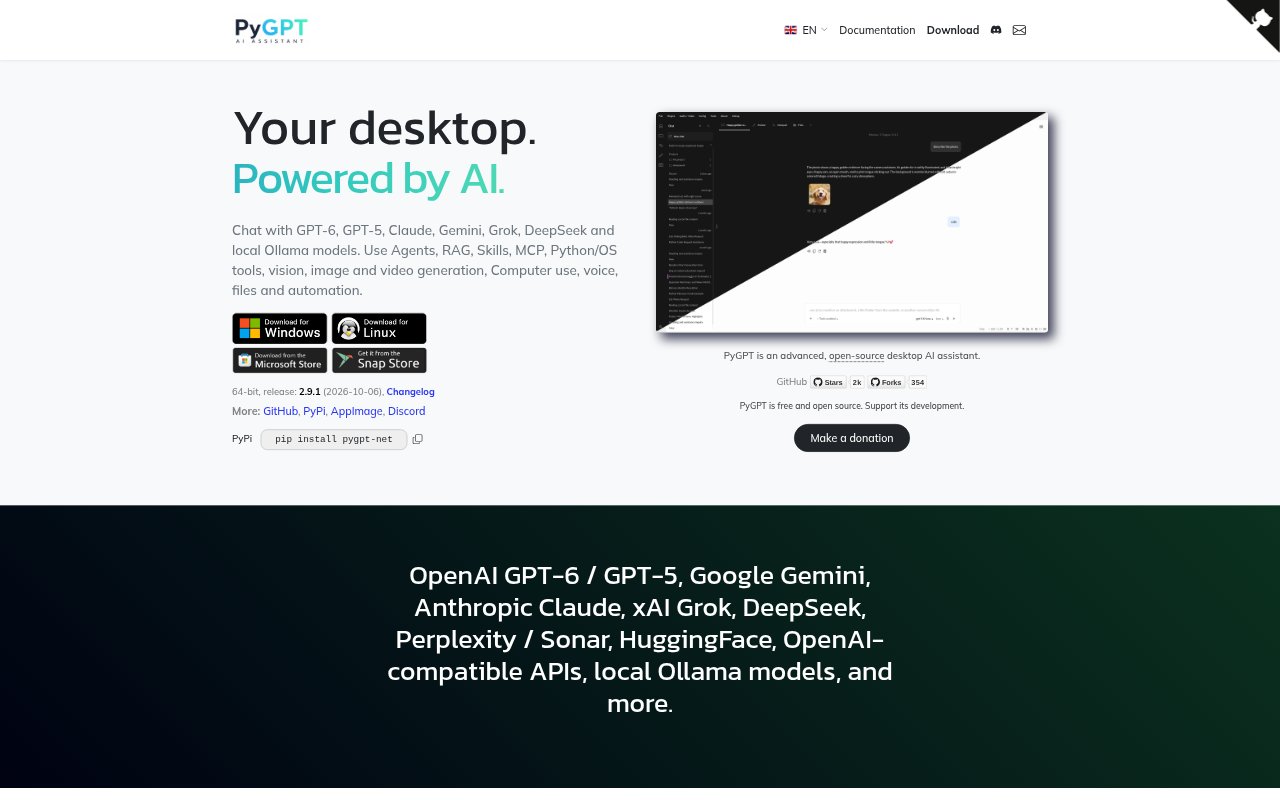
PyGPT is an open-source desktop AI assistant for Windows, Linux, and macOS. It brings cloud models and local Ollama models into one app for chat, research, content creation, and automated workflows. Users can work with files, images, audio, and video, and connect models to tools such as Python, system commands, web search, and MCP connectors. PyGPT uses your own provider credentials, while local models can run without external API keys.
PyGPT Features:
Model Options: Connect to models from OpenAI, Google, Anthropic, xAI, DeepSeek, Perplexity, Hugging Face, OpenAI-compatible APIs, and Ollama.
Agent Workflows: Create workflows with primary, orchestrator, swarm, and dynamically managed worker agents, plus reusable Skills and project-specific rules.
File-Based RAG: Index files, webpages, media, external sources, and conversation history with LlamaIndex, vector stores, embeddings, and project-specific indexes.
Tools and Connectors: Use Python, IPython, system commands, file access, external APIs, web search, MCP connectors, and computer-use features.
Voice and Vision: Talk with speech recognition and voice responses, or provide images, screenshots, and camera input to vision models.
Media Generation: Generate images and videos, sketch in Painter, and use built-in media tools alongside chat and other work modes.
Scheduling and Profiles: Automate prompts and tasks with a scheduler, and keep separate settings, history, and files in multiple profiles.
PyGPT Benefits:
One Desktop Workspace: Keeping model access, files, tools, and conversation history together reduces the need to switch between separate AI apps.
Model Flexibility: Choosing among cloud providers and local models lets users match a model to the task and their preferred setup.
More Useful Context: Bringing project files, webpages, and earlier conversations into retrieval can make research and follow-up work more context-aware.
Less Repetitive Work: Reusable presets, agent workflows, and scheduled prompts can reduce the effort of repeating configured tasks.
Workflow Control: An open-source app with configurable providers, plugins, and profiles gives users room to adapt their setup to different projects.
Use Cases:
Project Research: Gather material from webpages and files, then use indexed sources and conversation history to explore a topic across research sessions.
Code Assistance: Use an AI model alongside Python, IPython, system commands, and files when investigating code or handling a technical task.
Content Drafting: Draft and revise written material in chat, drawing on project files or previous conversations for background and context.
Visual Exploration: Discuss reference images or screenshots with a vision model, then sketch concepts or generate images and videos.
Recurring Tasks: Schedule prompts for repeated tasks and use agents or tools to support workflows that involve multiple steps.
Voice Interaction: Use speech recognition, spoken responses, or realtime audio when hands-free interaction is more suitable than typing.