
What is QAmcp?
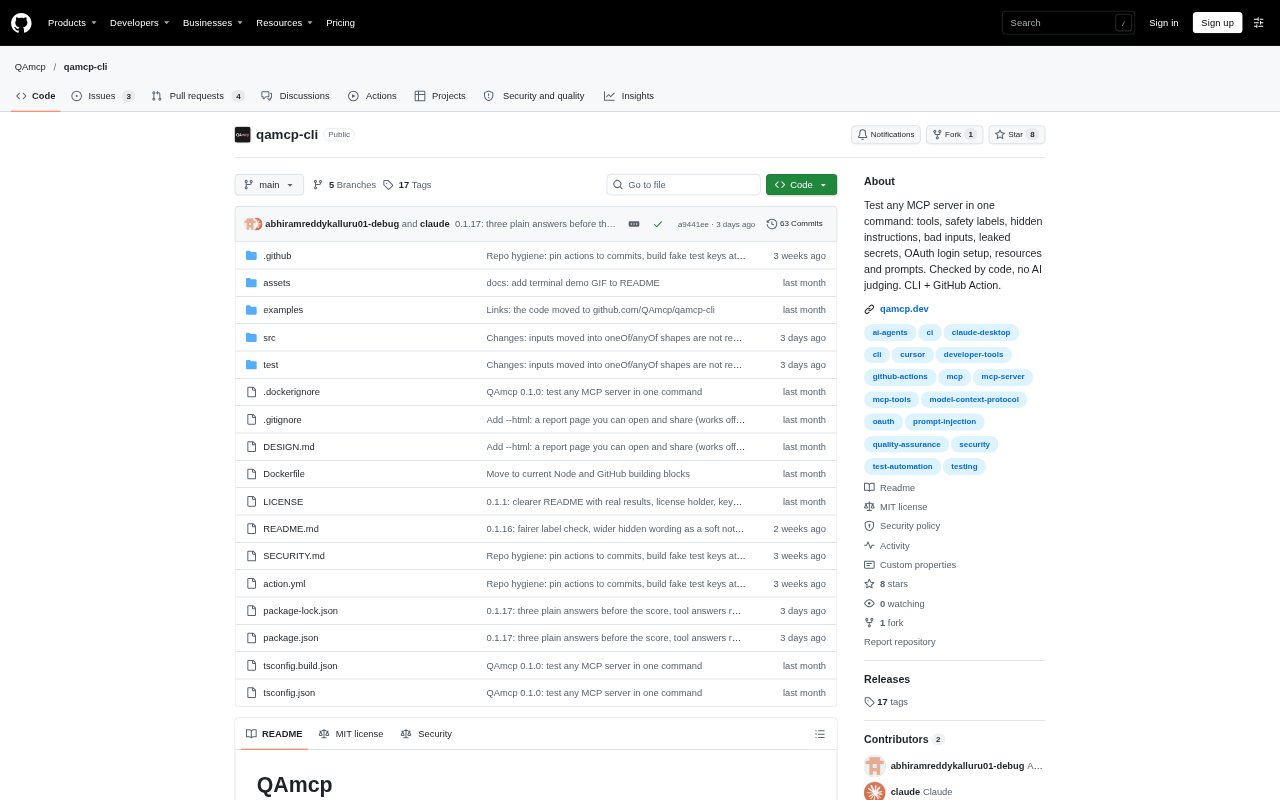
QAmcp is a free, open-source tool for testing and monitoring Model Context Protocol (MCP) servers. Its command-line interface connects as an AI app would and checks whether a server’s tools, inputs, safety labels and responses behave as expected. It is aimed at developers building MCP servers, teams responsible for servers already in use, and people who want to inspect a server before adding it to an AI app. Tests show evidence for each result rather than relying on an AI to judge the server.
QAmcp Features:
Server Quality Checks: Automated checks cover tool descriptions, hidden instructions, safety labels, valid and invalid inputs, leaked secrets, response times and MCP protocol compatibility.
Safe Test Runs: By default, QAmcp runs only tools labeled read-only when their names and descriptions support that label, and skips tools that sound destructive.
Connection Options: Test an internet-accessible server, a local program over stdio, or a server that requires a browser login or an authorization header.
Evidence-Based Reports: Results include pass, warning or failure details, timings and specific evidence, with notes explaining checks that could not be run.
Shareable HTML Reports: The command-line tool can save a single HTML report that includes the score, findings and test coverage and opens offline.
Change Detection: QAmcp records server tool definitions locally and shows changes to names, inputs, descriptions and safety labels on later tests.
Monitoring and CI: A GitHub check can test on pull requests and fail a build when a server gets worse or a tool disappears; Monitor sends alerts about outages and changes.
QAmcp Benefits:
Clearer Fix Priorities: Evidence tied to each result helps developers identify what failed and decide what to address without interpreting an opaque overall score.
Safer Evaluation: The default restrictions reduce the chance that testing will trigger an action that changes server data.
Earlier Warnings: Recurring checks and alerts can bring outages, tool changes and score drops to a team’s attention before users report them.
Reviewable Results: Offline reports make it easier to share findings with colleagues who do not have the command-line tool open.
Less Manual Retesting: Running checks in GitHub on pull requests helps teams catch regressions as they make changes, rather than relying only on ad hoc reviews.
Use Cases:
Pre-Release Review: A developer preparing an MCP server release can check that its tools respond, describe their inputs and handle invalid requests cleanly.
Server Safety Check: Someone considering an unfamiliar MCP server can inspect its descriptions and safety labels before installing it, without calling its tools.
Pull Request Testing: A team publishing an MCP server can add the GitHub check to pull requests and catch a missing tool or declining test score before merging.
Production Monitoring: A team responsible for an active MCP server can use Monitor to receive email alerts when the server goes down or a tool changes.
Local Server Debugging: A developer running an MCP server on their computer can test it over stdio and inspect a report without exposing the test to another service.