

What is QualityLayer?
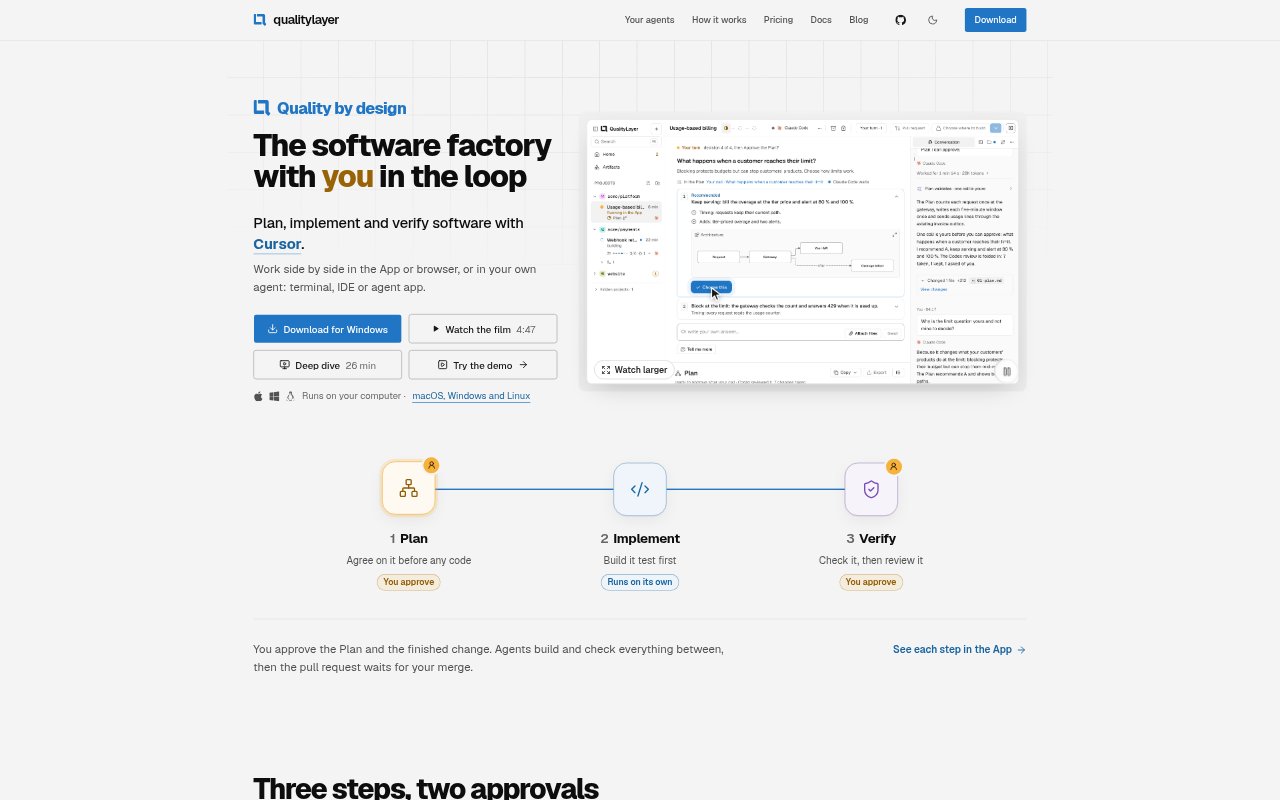
QualityLayer coordinates coding agents through a plan, implementation and verification workflow for software changes. It is for developers who want to use agents such as Claude Code, Codex, Cursor or GitHub Copilot while keeping approval of the plan and finished work in their hands. The App and CLI run alongside a local repository on macOS, Windows or Linux, and each step is recorded in Markdown files in that repository.
QualityLayer Features:
Plan Approval: An agent reads the code, asks questions that need your input and creates a plan with completion criteria, diagrams or clickable screens for you to approve.
Task Implementation: After approval, agents divide the plan into slices and task cards, write a failing test before each change and build without stopping for questions only you can answer.
Independent Verification: Agents that did not write the code check the change against the plan, run project checks and security scans, and can make up to two fix rounds.
Recorded Evidence: Verification records test runs and evidence for each completion point, while project commands, tests, types and linters can be included in the checks.
Agent Connections: QualityLayer works with supported coding agents through the App, browser, terminal or IDE, and connected agents can request reviews from one another.
Local Workflow: The App, coding agent and repository run on your computer, with plans, decisions and test runs saved as readable Markdown files in the repository.
QualityLayer Benefits:
Clear Scope: Agreeing on the plan before implementation gives you a chance to resolve open questions and define what done means before code changes begin.
Less Supervision: Once the plan is approved, agents can continue through implementation and handle questions that do not require your decision, reducing interruptions during a change.
Reviewable Results: A review page brings together the code, screens and evidence from checks, so you can assess the finished change against the agreed requirements.
Earlier Defect Checks: Tests, project checks and independent reviews can catch failures before you approve a change, rather than relying only on the agent that wrote it.
Work That Stays Local: Keeping the repository and workflow files on your computer lets you read, diff and commit the plans and decisions alongside the code.
Use Cases:
Feature Development: Use the plan-and-verify flow for a new product feature when you want to agree on requirements before an agent starts implementation.
API Changes: Have agents implement a change such as adding rate limits to an API, with tests, task slices and checks tied to the approved plan.
Design Review: Ask an agent to create clickable screens during planning, then use design review to check the finished interface against the intended result.
Security Checks: Include security scans and an independent review when an agent changes code that handles inputs, access or secrets.
Pull Request Review: Use the workflow before merging a pull request, with the agent handling failed checks and review comments while you control the merge.