

What is rdsh?
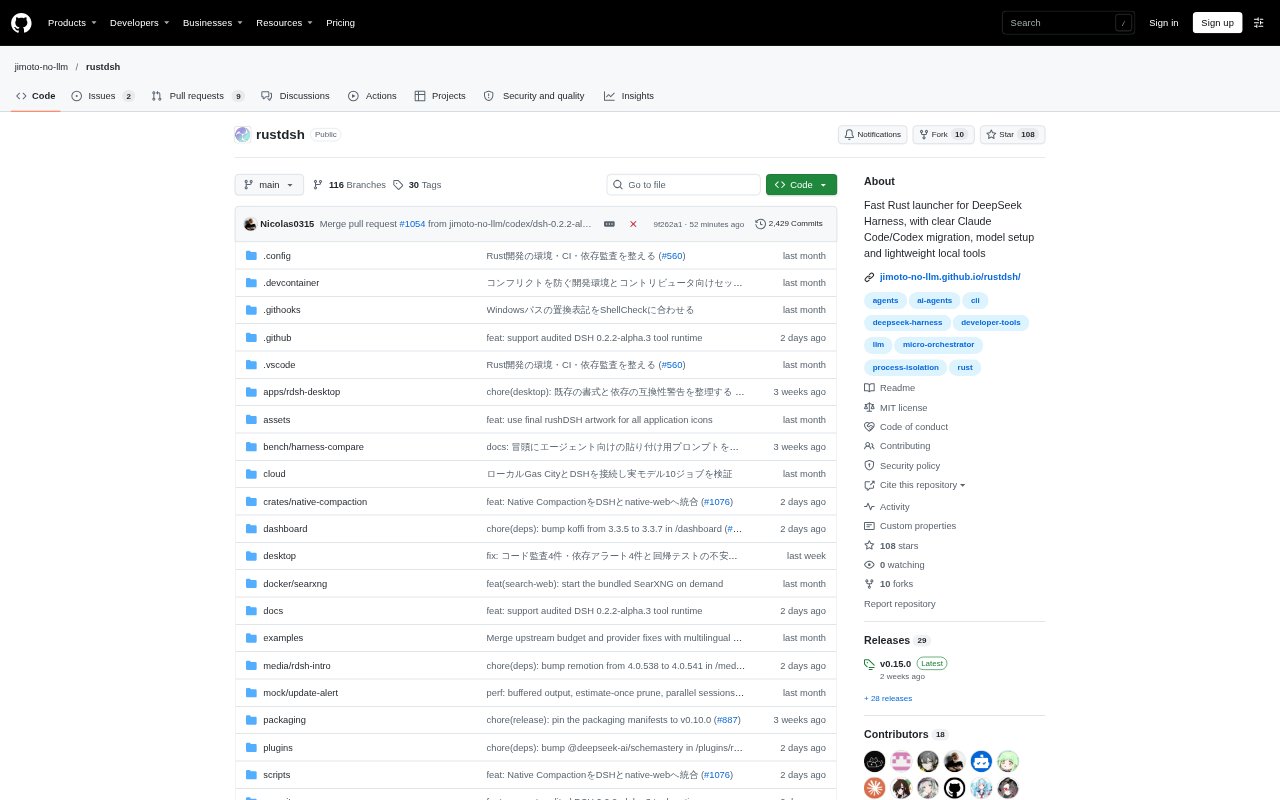
rdsh is a Rust command-line micro-orchestrator for managing local LLM agents, with a bundled adapter that delegates conversations to DeepSeek Harness (dsh). It includes native utilities for model routing, session handling, web search and health checks, alongside controls for process isolation and model assignment. Model routes can use OpenAI-compatible endpoints or local Ollama and llama.cpp inference. It is for people who want to run and manage agents locally; conversations require a DSH runtime, while native utilities can run independently.
rdsh Features:
DSH Compatibility: Run standard dsh commands through rdsh, which passes commands it does not handle natively to upstream dsh.
Model Routing: Assign models through OpenAI-compatible endpoints or local inference with Ollama and llama.cpp.
Native Utilities: Estimate token counts, prune text to a token budget, search files, compact session JSONL and check system health.
Session Management: List sessions and view token estimates for their unpacked contents using native commands.
Tool Isolation: Isolate agent tools and, on Linux, confine rdsh_inspect to files that have been explicitly shared.
Interactive Setup: Configure a model connection through an interactive command-line flow or a browser-based setup interface.
rdsh Benefits:
Faster Local Tasks: Common utility commands run without starting Node.js, keeping quick checks and file operations lightweight.
Workflow Continuity: Existing dsh commands, arguments and options can keep working through rdsh rather than requiring a rewritten workflow.
Provider Choice: Choose between compatible hosted endpoints and local inference instead of tying every agent run to one model route.
Protected Files: Read-only commands leave source files unchanged, reducing the risk of accidental edits during inspection.
Credential Control: Credentials are not automatically synced or exported, giving users more control over where authentication data goes.
Use Cases:
Local Agent Runs: Start a conversation with a TUI or web profile while using a local DSH runtime.
Model Setup: Connect an agent to an OpenAI-compatible service, Ollama or llama.cpp when preparing a local workflow.
Codebase Search: Search project files for terms such as TODOs without launching the Node.js-based agent runtime.
Session Review: List past sessions and inspect token estimates when deciding which conversation to resume or manage.
Environment Checks: Run health diagnostics to check DSH, environment and paths before starting an agent session.