

What is REA?
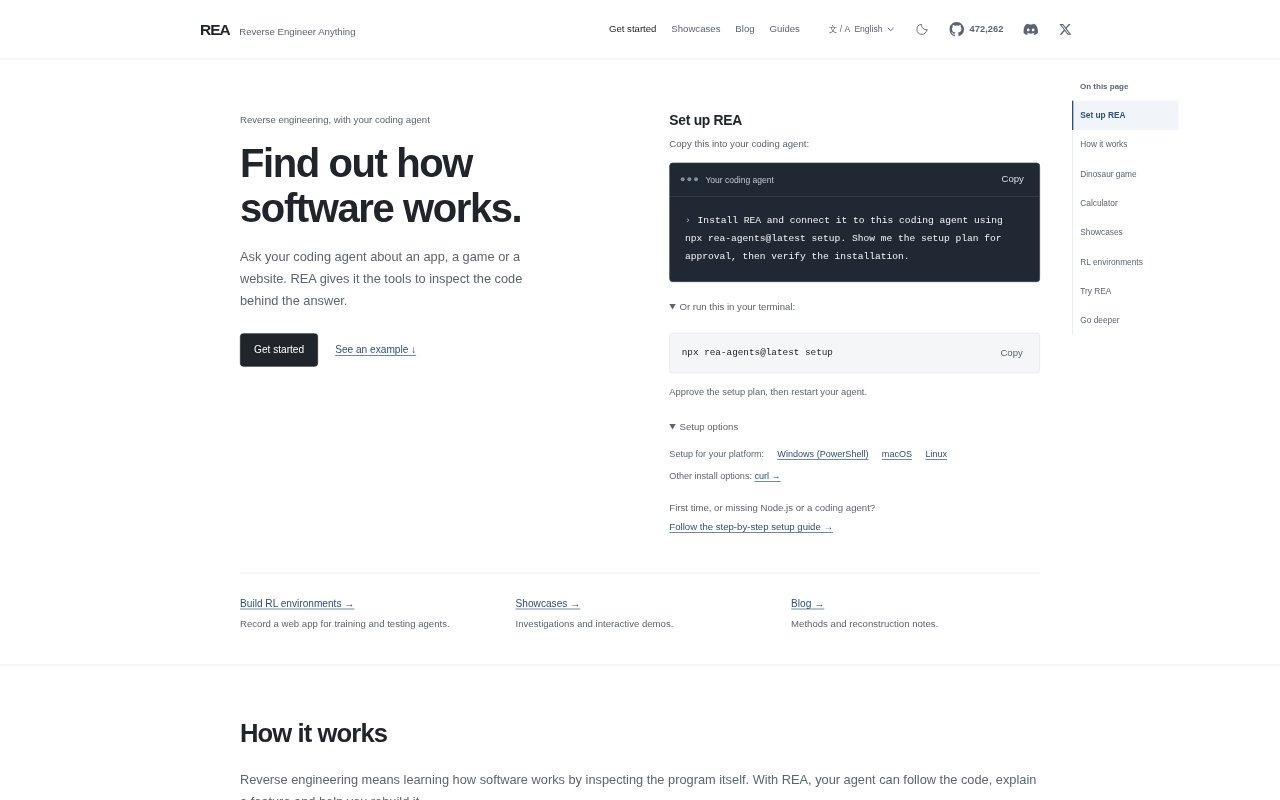
REA gives a coding agent tools to investigate how apps, games, websites, and binaries work. It helps developers inspect code and runtime behavior, trace a feature, and use the findings to explain or rebuild it. REA also turns recorded web app sessions into local environments where AI agents can practice tasks. It is suited to people who want to understand existing software, test changes, or create agent training environments with help from a coding agent.
REA Features:
Native Binary Inspection: Inspect executable files and libraries by examining functions, strings, references, and call relationships.
Browser Runtime Capture: Capture selected browser or process activity and compare results across runs.
JavaScript App Tracing: Follow code inside JavaScript desktop apps, including Electron applications, to trace how a feature works.
Live Code Inspection: Let a coding agent read a program’s code and observe its behavior while it runs.
Session Recording: Record a web app’s requests and responses as an agent performs tasks in the browser.
Local Agent Environments: Use a recorded session to build a local environment where AI agents can practice web app tasks without running the original app.
REA Benefits:
Fewer Guesses: Evidence from the program itself helps developers explain behavior based on implementation details rather than appearances alone.
Faster Understanding: A coding agent can trace unfamiliar logic and summarize what it finds, reducing the manual work of investigating an existing app.
Testable Rebuilds: Recovered rules can be checked against the original behavior before or while recreating a feature.
Safer Practice: Local training environments let agents repeat tasks without relying on the original web app.
Focused Investigations: Starting with a specific feature or question helps keep reverse engineering work directed and its findings easier to apply.
Use Cases:
Trace App Logic: Investigate why a calculator applies a percentage differently after addition and multiplication, then recreate the rules.
Rebuild Game Behavior: Find how a browser game changes its speed over time and use that rule in a small playable version.
Analyze Android Apps: Trace how an authenticator APK generates a six-digit login code and examine how the displayed code changes over time.
Follow Clipboard Features: Inspect a packaged JavaScript app to see how copying text and HTML preserves rich block data.
Train Web Agents: Record a test app’s folder listing, creation, renaming, and deletion tasks to build an environment for agent practice.