

What is Read AI?
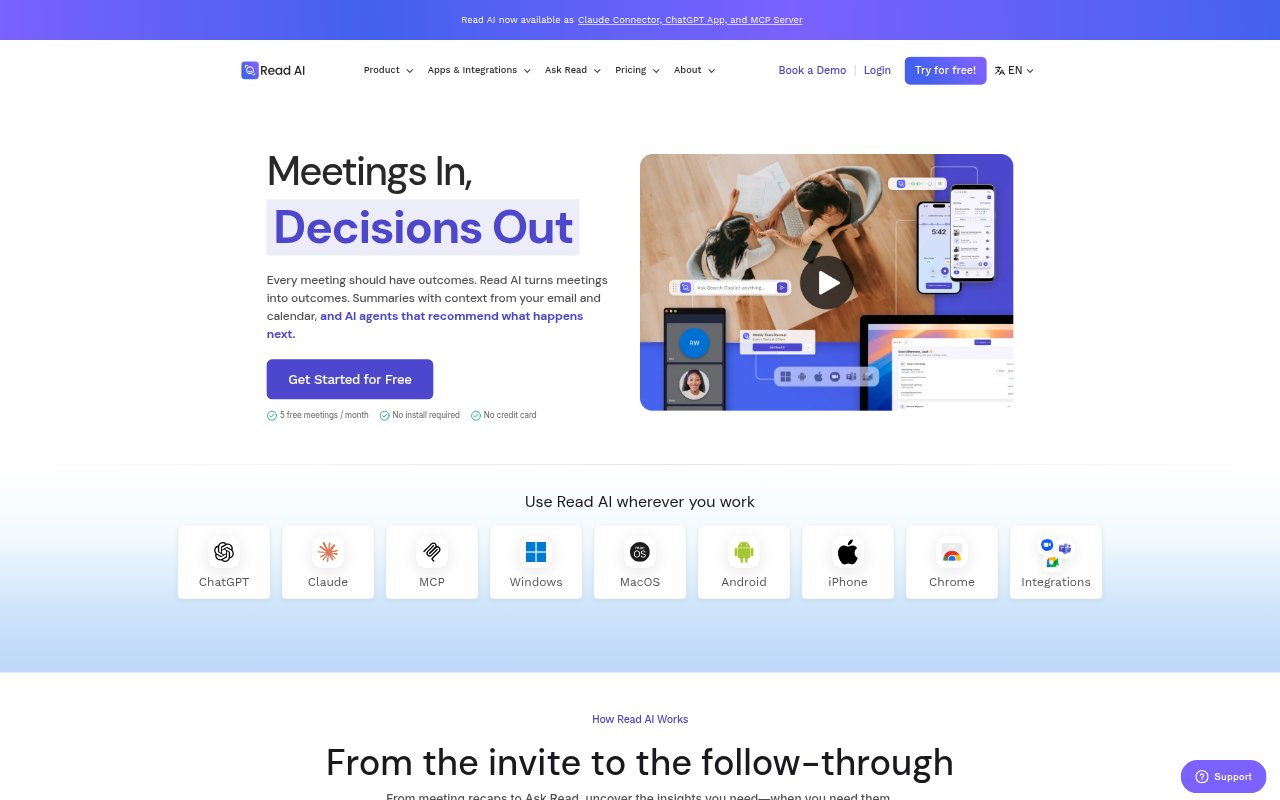
Read AI is an AI meeting notetaker and workplace search tool for individuals, teams, and organizations that want to turn conversations into follow-through. It works with meetings on Google Meet, Zoom, and Microsoft Teams, and brings together context from calendars, email, past meetings, and CRM systems. It creates transcripts, summaries, action items, and highlights, then lets teams search shared information or ask questions about decisions and owners. Apps are available for desktop and mobile.
Read AI Features:
Meeting Transcription: Read AI transcribes meetings and supports more than 20 languages, with apps for Windows, macOS, Android, and iOS.
Contextual Recaps: It generates meeting summaries, action items, and highlights, using context from calendars, email, and previous meetings.
Ask Read Search: Users can ask what was decided, who owns an action, or what remains open, with answers that include citations.
Shared Knowledge Search: Read AI makes shared meeting information searchable and can search across meetings, emails, documents, and chat.
CRM Copilot: The HubSpot CRM Copilot can create meeting recaps, update CRM fields, surface deal insights, and identify risks.
Playback and Highlights: Enterprise plans include audio and video playback, along with video highlights from recorded meetings.
Read AI Benefits:
More Meeting Focus: Participants can give more attention to the discussion instead of dividing their focus between listening and writing notes.
Clearer Follow-Through: A shared record of decisions, owners, and open items makes it easier for teams to keep work moving after a meeting.
Less CRM Admin: Sales teams can spend less time entering call details by having meeting notes and action items flow into HubSpot.
Faster Catch-Up: Searchable records help colleagues get up to speed on prior conversations without relying on someone else’s recollection.
Better Continuity: Bringing earlier conversations and work context into view can help teams pick up ongoing discussions with fewer gaps.
Use Cases:
Weekly Team Meetings: Capture decisions and action items from recurring project meetings so teammates can review responsibilities and outstanding work afterward.
Sales Call Follow-Up: Record customer conversations, prepare a recap, and sync notes or next steps to the related HubSpot contact or deal.
Customer Meeting Prep: Review relevant calendar, email, and past-meeting context before a customer meeting to recall earlier commitments and unresolved questions.
Finding Past Decisions: Search across shared meetings and other work content when a team needs to confirm what was agreed or who owns a task.
Meeting Review: Use playback and video highlights to revisit important parts of a recorded meeting after the live discussion has ended.