

What is Recalc?
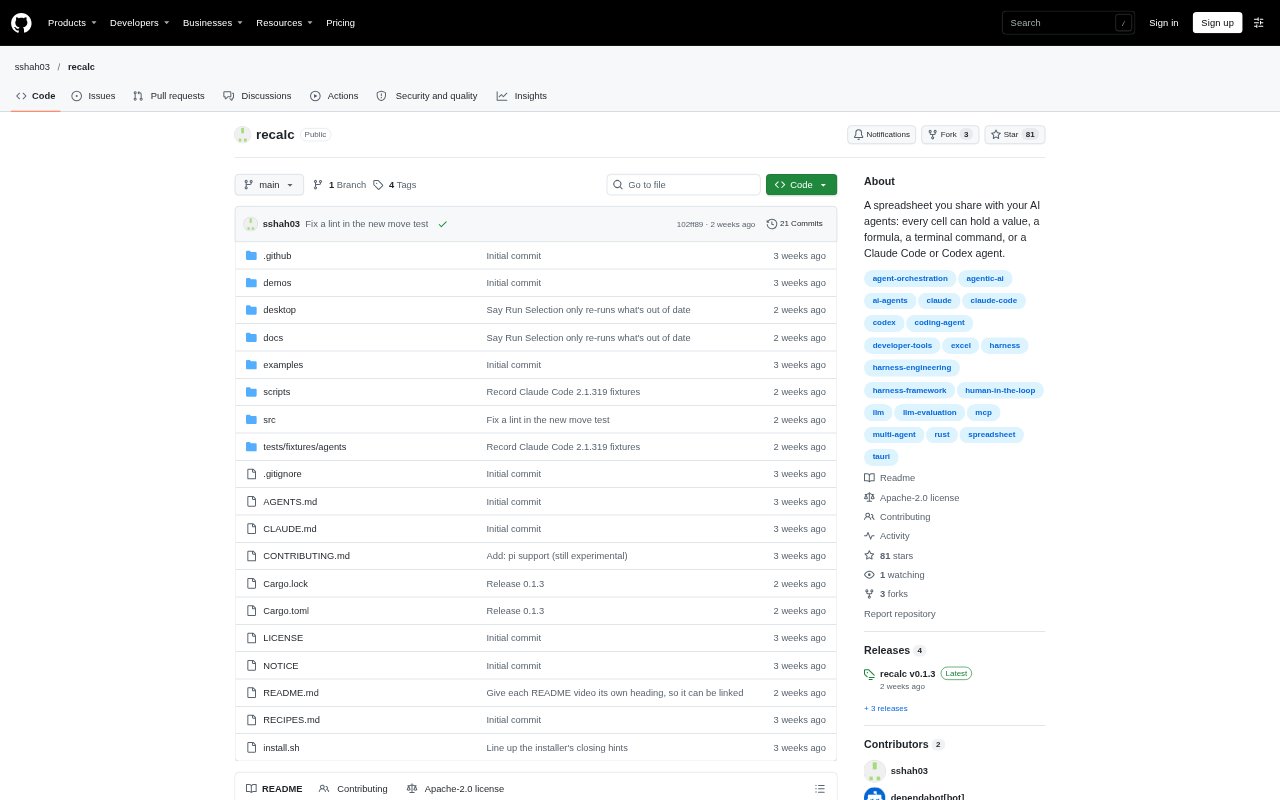
Recalc is a desktop spreadsheet for working alongside AI agents, with a shared grid where cells can contain values, formulas, terminal commands, or agent prompts. It is designed for people who want to organize agent work, inspect its results, and make changes without losing track of separate sessions. It runs on your computer and works with Claude Code and Codex; pi support and Linux support are experimental. The project is free and open source, and the app is in early beta.
Recalc Features:
Cell Types: Each cell can hold a value, a formula, a terminal command, an action that runs only when requested, or an AI agent prompt.
Live Agent Work: Agents write plans and results into cells as they work, and you can open a cell in its own terminal or steer the work by editing cells.
Document Questions: Arrange files in rows and questions in columns, then run agents to answer the resulting grid with links to supporting passages.
Checks and Formulas: Formulas update when referenced cells change, and command cells can rerun when their inputs change, with failed checks shown in red.
Review Controls: Mark answers as checked to prevent agents from overwriting them, and see questions, errors, and finished answers in the Needs You list.
Board Sharing: Boards save as folders of files, can live inside a code project, and document-grid results can be exported to Excel.
Recalc Benefits:
Visible Progress: Keeping agent plans and results in the grid makes it easier to follow work across multiple sessions without switching between separate chats.
Earlier Error Detection: Showing check failures alongside an agent's completion claim helps you spot unfinished or incorrect work before treating it as done.
Traceable Answers: Passage references let you check where document answers came from, making it easier to review them against the original material.
Protected Reviews: Checked answers stay intact when agents run again, so completed human review is less likely to be lost during later work.
Local File Control: Keeping boards on your computer and avoiding a recalc account or server gives you direct control over where board files are stored.
Use Cases:
Contract Due Diligence: Place contracts in rows and review questions in columns to gather cited answers across a set of agreements.
Code Test Checks: Pair an agent's code-work cell with a command that runs project tests, so test results can be checked as code changes.
Financial Returns: Organize bookkeeping classifications, formulas, and checks when preparing draft business tax returns from client records.
Annual Report Tie-Out: Collect figures from a 10-K with their source lines, then use formulas to check whether the figures agree.
Model Comparisons: Set up a board to compare model predictions against known outcomes, score the results, and inspect an individual answer in a terminal.