

What is Reclip?
Reclip is an AI creator workspace for turning videos, links, images, or prompts into repurposed clips and new media. It brings video clipping, generation, editing, cleanup, localization, and export utilities together, with tools for voiceovers, captions, transcripts, and image creation. It is suited to creators and teams making social clips, promotional videos, and other content, whether they are starting with long-form footage or building assets from a prompt.
Reclip Features:
Long-Form Clipping: Analyze long videos to surface promising moments, search for clips by prompt, and create captioned short clips for sharing.
Video Generation: Create videos from text or images using supported AI models, and generate images from prompts with optional reference images.
Editing and Audio: Use video editing tools, add AI-generated voiceovers, create captions, and assemble B-roll as part of a creator workflow.
Media Cleanup: Remove compatible embedded captions, subtitles, or supported watermarks, and use tools to upscale, compress, trim, or crop video.
Translation and Export: Translate video with language options that vary by tool and provider, then prepare media with utilities such as GIF conversion and MP4-to-MP3 conversion.
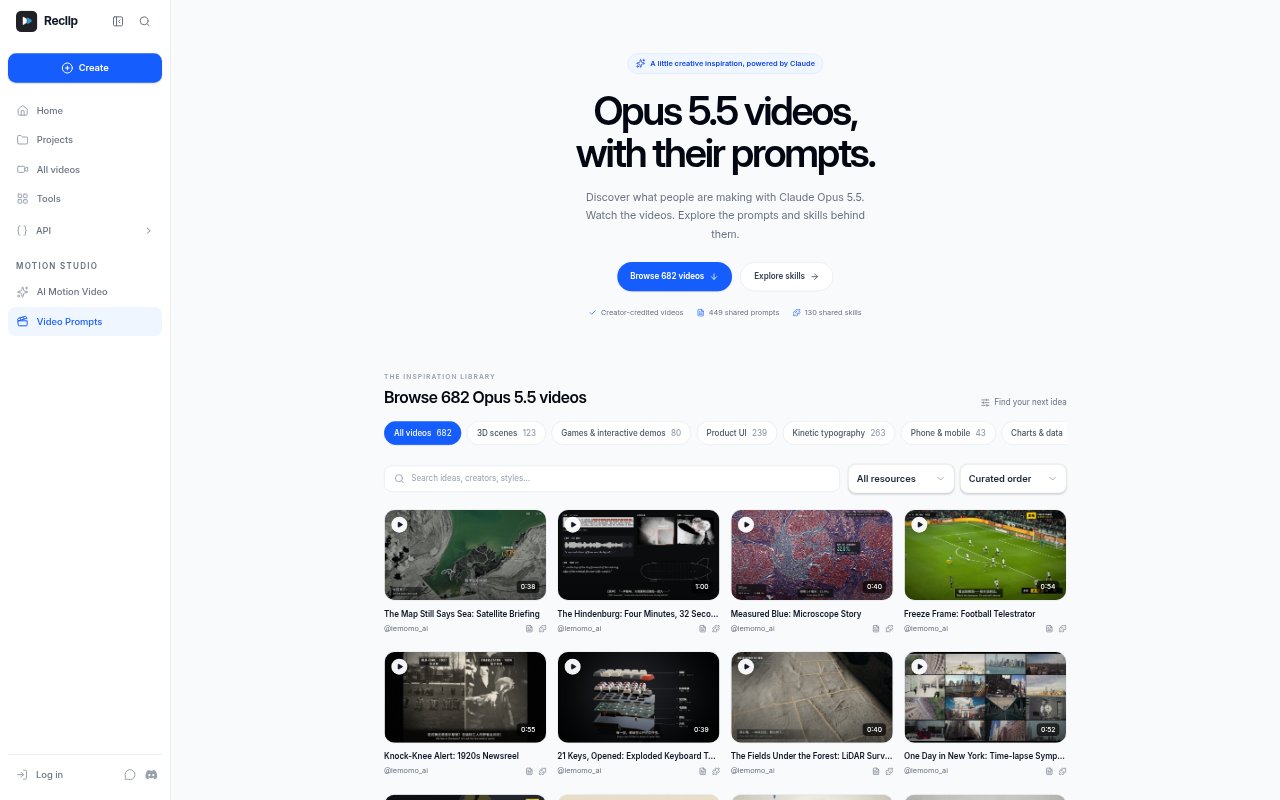
Prompt Inspiration: Browse a collection of 682 Claude Opus 5.5 video examples, with creator prompts and shared workflow skills available on paid plans.
Media Utilities: Download supported public videos, generate YouTube or TikTok transcripts, and remove image backgrounds for use in creative workflows.
Reclip Benefits:
Less Manual Editing: Automating clip discovery and repetitive editing steps leaves more room to shape the story and make creative decisions.
Fewer Tool Switches: Keeping clipping, generation, voiceover, cleanup, and practical media utilities in one workspace can simplify a multi-step production process.
More Reusable Content: Turning long footage into shorter clips gives creators additional formats to consider for sharing across their publishing workflow.
Flexible Starting Points: Working from footage, links, images, or prompts lets users choose a starting point that matches the material they already have.
More Consistent Workflow: Combining everyday creation tools in one place can help creators spend less effort coordinating separate editing and asset-making tasks.
Use Cases:
Repurpose Long Videos: Find highlights in a long-form recording and prepare captioned clips for a creator’s social channels.
Create Product Promos: Use a product image and creative direction to build a video ad concept that can be refined for a launch.
Prepare Video Assets: Generate narration, captions, or B-roll while assembling material for a marketing video or creator project.
Localize Video Content: Use video translation tools to adapt content for another language, checking the available language options for the selected workflow.
Explore Motion Ideas: Study example videos and their shared prompts or skills when developing a visual direction for an animation or product demo.