

What is Recursive Human Intelligence?
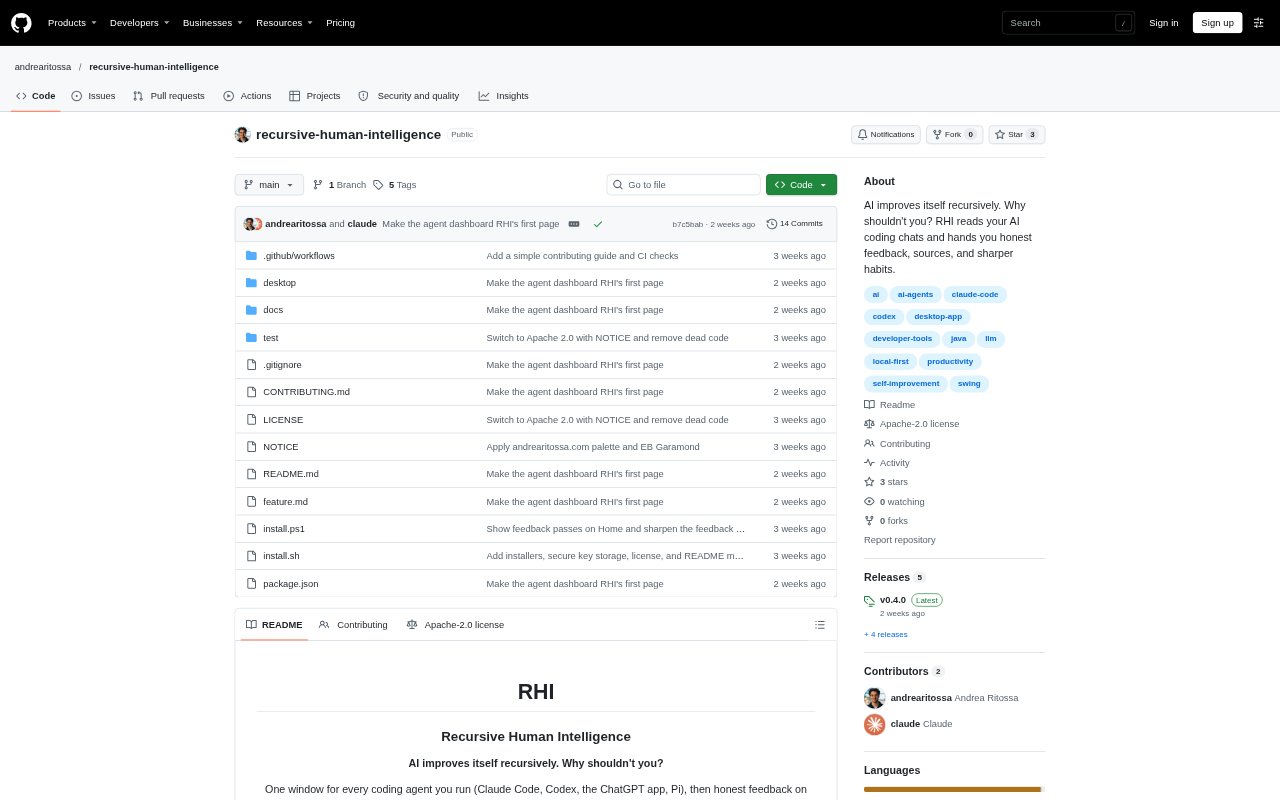
Recursive Human Intelligence (RHI) is a desktop dashboard and feedback tool for people who work with AI coding agents. It reads session logs stored on your computer and brings activity from Claude Code, Codex, the ChatGPT app, and Pi into one view. You can also use it to review patterns in your requests and get suggestions based on your chats. The dashboard works without an AI key; feedback requires a key from OpenAI, Claude, or OpenRouter.
Recursive Human Intelligence Features:
Agent Dashboard: View sessions across supported coding agents in one dashboard, with waiting or stopped sessions placed ahead of work that is still active.
Project Timeline: See each project's sessions on a timeline colored by agent, filter by app or time range, and search project and session names.
Session Viewer: Open a session in a sidebar with Markdown, code, and tables rendered, then jump back into a supported app or find its terminal.
Habit Feedback: Analyze requests for recurring behaviors, with feedback that quotes your messages and offers a sharper version or a specific action to take.
Pattern Analysis: Explore a local keyword map or use an AI model to group requests into patterns, then focus analysis on selected areas.
Local Data Controls: Keep transcripts and RHI history on your computer, manage which chat locations are scanned, and choose whether selected excerpts are sent for feedback.
Recursive Human Intelligence Benefits:
Fewer Context Switches: A shared view of agent sessions makes it easier to spot what needs attention without checking each project or app individually.
More Deliberate Habits: Evidence from your own requests can help you notice repeated instructions and turn useful ones into clearer, reusable guidance.
Grounded Suggestions: Quoted messages let you check why a feedback item appeared before deciding whether its recommendation fits your work.
Control Over Sharing: You can review chat locations and consent settings, while keeping original transcripts and stored history on your computer.
Learning Direction: Repeated questions can point you toward a book or course, helping you pursue a subject beyond asking an agent again.
Use Cases:
Daily Agent Check: Review a busy day's coding sessions to find tasks waiting for your response and see which projects are still active.
Prompt Improvement: Look for phrases you repeatedly type across coding chats and decide whether to save a more precise instruction.
Project Follow-Up: Return to a previous session by opening its chat, locating its terminal, resuming it, or opening its project folder in VS Code.
Skill Development: Use recurring questions about a technical topic to identify a suggested book or course for further study.
Weekly Reflection: Run a scheduled check for new chats and review feedback items, then mark completed suggestions so they are not proposed again.