

What is Remove Watermark from Video?
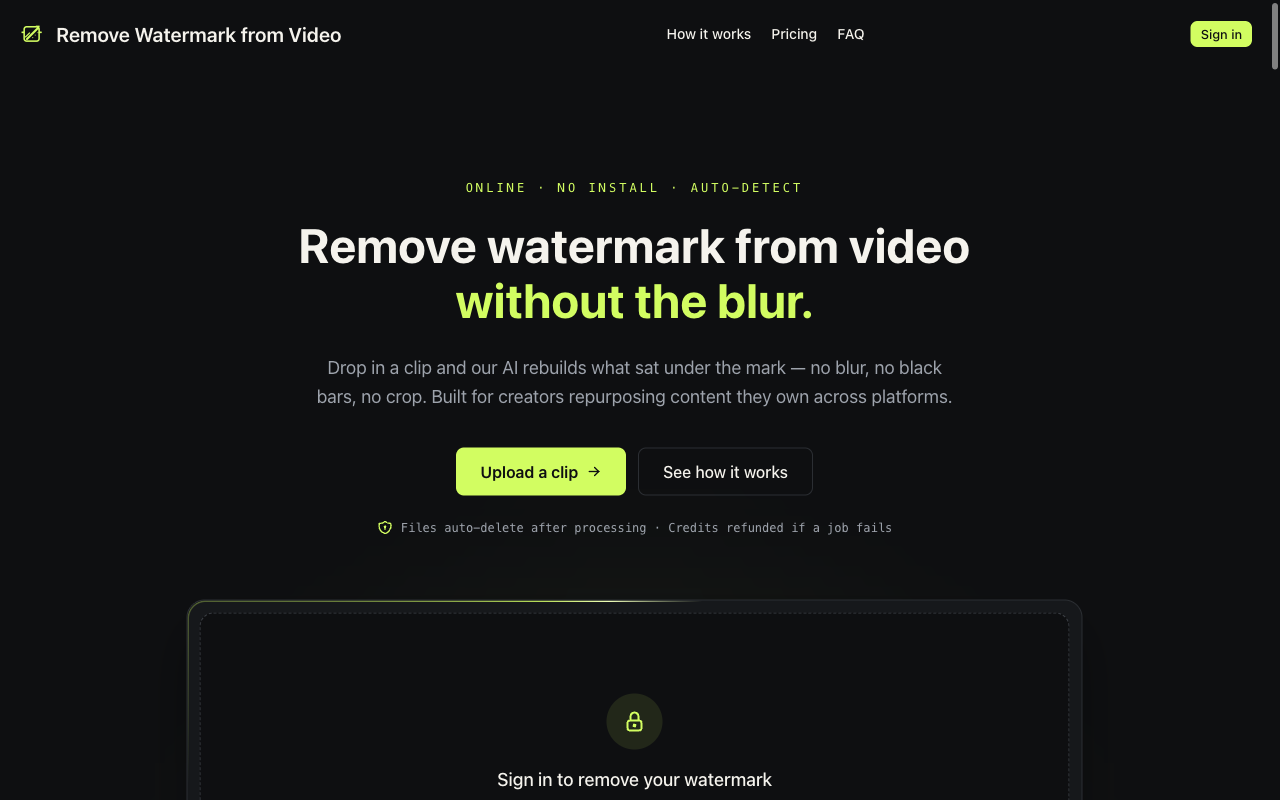
Remove Watermark from Video is an online, AI-powered tool for removing watermarks, logos and text overlays from videos you own or have the rights to use. Instead of blurring the mark or cropping the frame, the AI detects the watermark automatically and rebuilds what was behind it, so the clip keeps its original framing. It is built for creators repurposing their own clips across TikTok, Instagram Reels and YouTube Shorts.
Remove Watermark from Video Features:
AI watermark removal: rebuilds the background behind the mark, no blur and no crop
Automatic detection: the watermark is found for you, no masks or manual selection
Browser-based: nothing to install, upload and download in the browser
Formats: MP4, MOV and WebM, up to 100 MB and 10 minutes
Pay per second: credits are charged per second of video and failed jobs are refunded automatically
Auto-deletion: uploads are deleted within 2 hours and results after 7 days
Remove Watermark from Video Benefits:
Keeps original framing: the clip is not cropped or zoomed to hide the mark
No manual editing: detection is automatic, so no masks to draw
Nothing to install: works online from any browser
Fair billing: you pay per second and failed jobs are refunded
Privacy by default: uploaded files are deleted within 2 hours
Use Cases:
Reposting your own TikTok videos: reuse your clip on Reels or Shorts without the old logo
Cleaning your own CapCut exports: remove the editor mark from your own exports
Brand video refresh: remove old logos from your own brand videos
Portfolio and presentations: prepare your own clips for decks and portfolios
Content archives: tidy up older clips you own before republishing