
What is Renor?
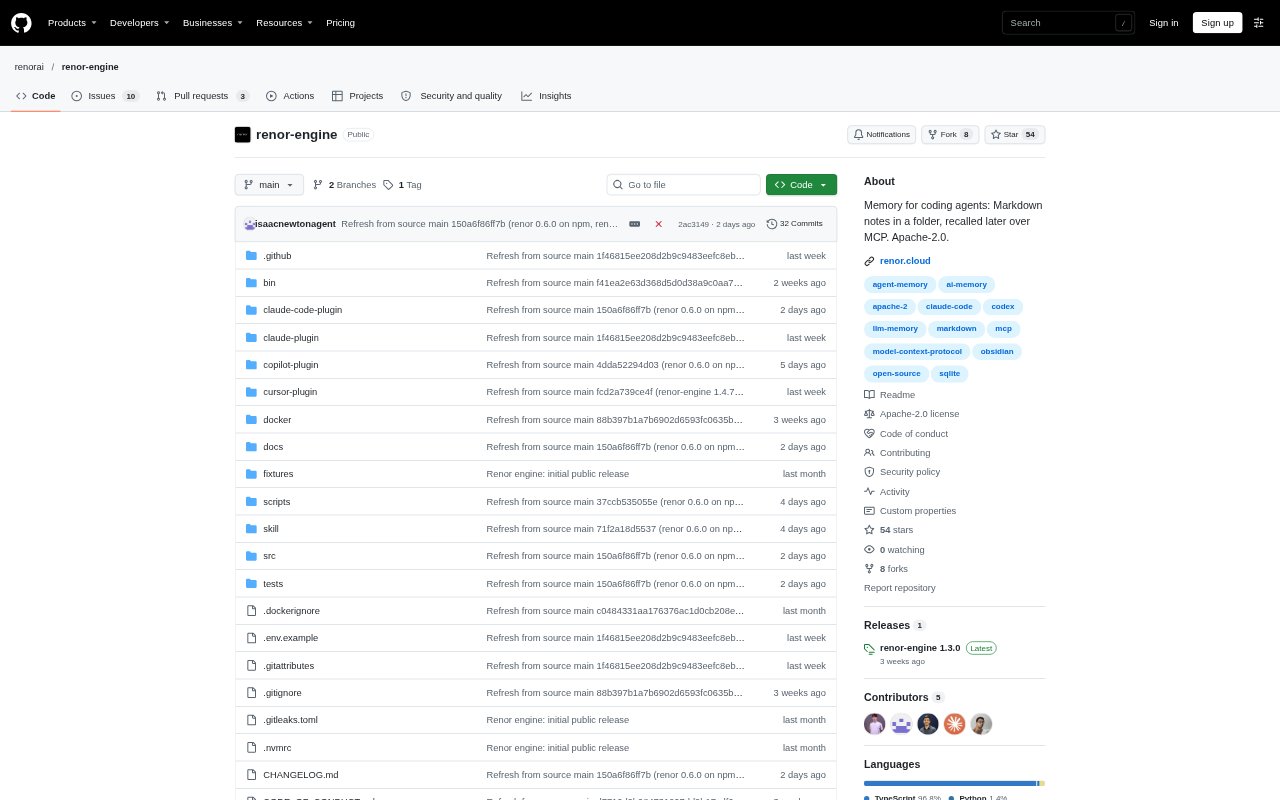
Renor gives coding agents a shared memory that persists between sessions and can be accessed through MCP. A developer can save a project decision or correction with one agent, then have another agent recall it later. It works with tools including Claude Code, Codex, Cursor, OpenCode and other MCP clients, with a hosted service or a self-hosted engine that stores memory as Markdown.
Renor Features:
Shared MCP Memory: Agents connect through MCP to the same workspace, so information saved in one supported tool can be recalled from another.
Facts and Notes: Agents can save plain-language statements as notes or structured facts with a subject, predicate and value.
Change History: When a saved fact is updated with the same subject, predicate and scope, the latest value becomes current while earlier values remain in history.
Context Search: Agents can request current facts and relevant notes, and users can search saved memories in the dashboard.
Markdown Export: Workspaces can be exported as portable Markdown, including notes, and the hosted service also provides a dashboard for reviewing memory.
Hosted or Local: Use the hosted service or run the self-hosted engine, which keeps Markdown memory and its SQLite search index in a folder you control.
Renor Benefits:
Less Repetition: Project conventions and decisions can carry into later sessions, reducing the need to explain the same context each time.
Consistent Decisions: Agents working on the same project can refer to shared guidance instead of relying on separate session histories.
Clear Corrections: Keeping previous fact values alongside current ones makes it easier to understand how a project decision changed over time.
Portable Records: Because memory is available as Markdown, users can inspect, edit, back up or move their records without relying only on a dashboard.
Flexible Setup: Hosted and self-hosted options let users choose between a managed workspace and keeping memory files on their own machine.
Use Cases:
Project Conventions: Save repository rules such as which package manager to use, then have another agent follow them when changing code.
Architecture Decisions: Record a service’s database, deployment target or other technical choice so agents can take it into account in later work.
Debugging History: Store a root cause or a failed approach so an agent can consult it when investigating a similar issue in a future session.
Changing Requirements: Update a fact when a project switches tools or infrastructure while retaining earlier values as a dated history.
Multi-Agent Work: Use one workspace when different coding agents handle tasks such as adding a package, preparing CI or maintaining the same project.