

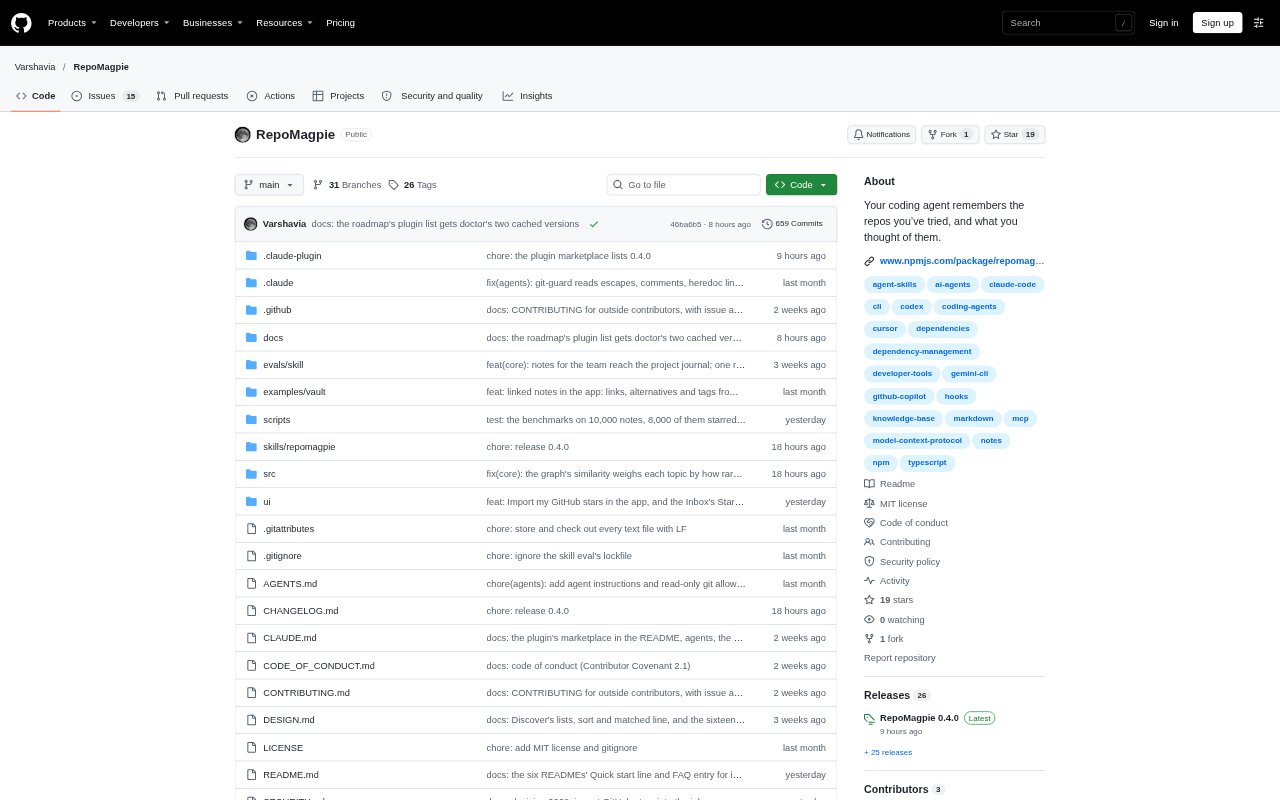
What is RepoMagpie?
RepoMagpie is a local journal for open-source repositories and tools you have tried, including libraries, command-line tools, MCP servers and agent skills. You record your own verdicts, such as when to use a tool, when to avoid it and what to choose instead. Coding agents can search those notes before recommending or installing a tool, helping individual developers carry past decisions into new projects. It connects to seven coding agents, including Claude Code, Codex CLI, Cursor and Gemini CLI.
RepoMagpie Features:
Personal Tool Journal: Record a verdict for a repository or tool in your own words, with notes saved as Markdown files on your machine.
Agent Recall: A skill and MCP server let connected coding agents search and recall your notes while choosing tools or before an install.
Install Warnings: A hook checks package-install commands against your journal and surfaces an avoid note for your review before proceeding.
Project Suggestions: The suggest command reads a project's manifests and README, then matches relevant journal notes and flags dependencies you marked to avoid.
GitHub Discovery: Search GitHub repositories by words, concern and kind, then add promising results to your journal with your own verdict.
Agent Setup: The setup command configures supported agents, while the doctor command checks their configuration and reports setup backups.
Shared Notes: Keep notes in a project repository and share them with a team through git, or use a personal journal stored locally.
RepoMagpie Benefits:
Fewer Repeated Trials: Past evaluations stay available when similar choices arise, so you can avoid spending time re-testing a tool you already ruled out.
More Consistent Choices: Agents can draw on your recorded preferences across projects instead of treating each tool decision as a blank slate.
Safer Installs: Warnings about packages you have rejected give you a chance to reconsider before an agent runs an install command.
Useful Team Context: Sharing project notes through git gives teammates access to decisions and alternatives relevant to that repository.
Local Ownership: Because notes are plain Markdown stored on your machine, you can keep and manage your tool history without an account or cloud server.
Use Cases:
Choosing a Library: Before adding a package to a project, ask an agent to find earlier notes about what worked, what did not and which alternative you preferred.
Reviewing Dependencies: Use project suggestions to compare your journal against a repository's manifests and README, including dependencies you marked to avoid.
Finding Browser Tools: Search your notes for browser testing tools when setting up a workflow to test a web interface with a coding agent.
Evaluating New Repos: Discover GitHub projects by topic or concern, review why each result appeared and record your assessment for future decisions.
Sharing Project Decisions: Keep a repository-specific journal in git so collaborators can consult the team's notes when choosing tools for that codebase.