

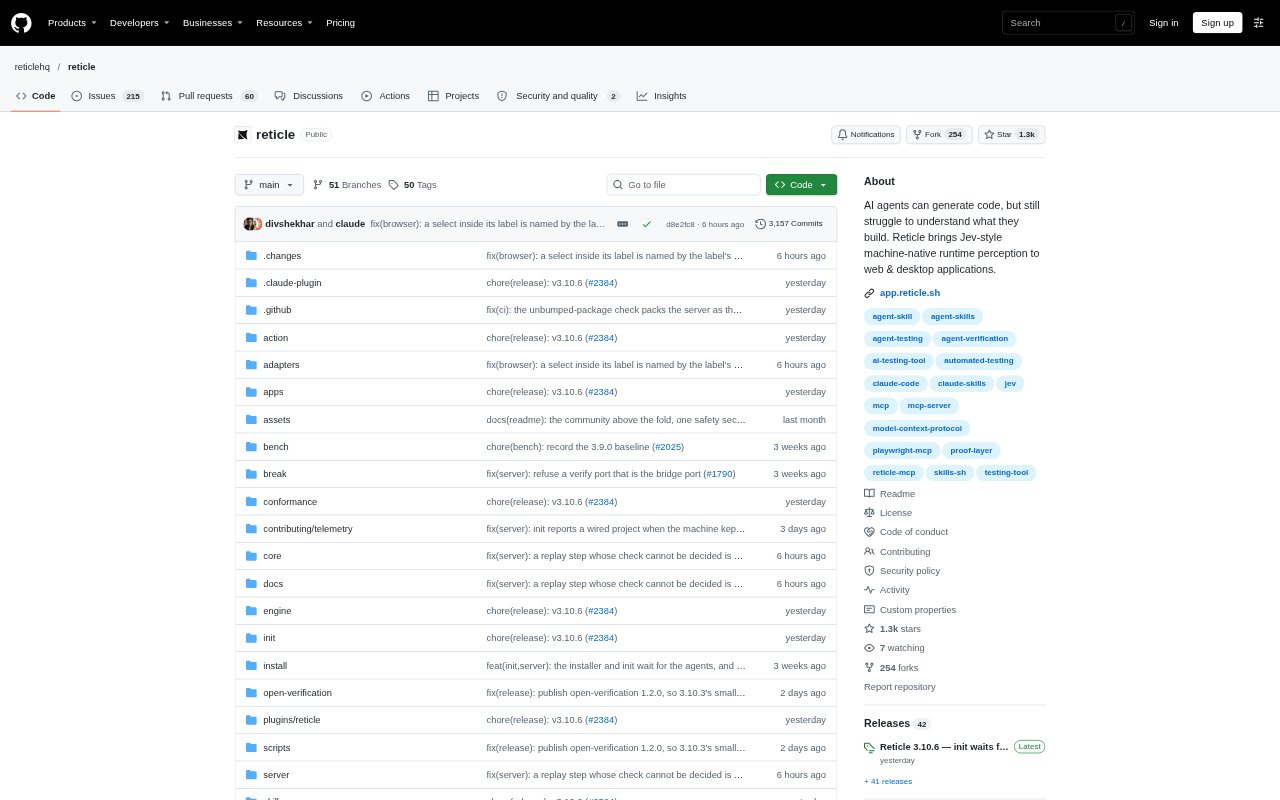
What is Reticle?
Reticle checks a running web app by driving it in a browser and examining what happens, then returns a pass, fail or cannot-tell verdict with supporting evidence. It is designed for developers using coding agents that support MCP, so an agent can test a real user journey after making a change. Reticle also offers terminal checks without an agent, and can save verified journeys as flows for later replay.
Reticle Features:
Browser Testing: Reticle opens a running local app in its browser and can click and type through a journey with a connected coding agent.
Evidence-Based Verdicts: Each check returns a pass, fail or cannot-tell result with evidence such as a network request and the source file and line.
Page Health Checks: A terminal check can report page-load problems, console errors, failed requests and faults when opening same-origin links.
App State Access: Teams can register an app store, signals and test IDs so checks can inspect app state as well as rendered content.
Saved Flows: Reticle saves drives that contain a check as flows, which can be replayed later without a model.
Agent Setup: The project initializer detects supported frameworks, adds development-only dependencies and registers Reticle with coding agents it finds.
Reticle Benefits:
Faster Fault Finding: A concrete verdict and named fault help developers move from a failed check to the part of the app that needs attention.
Less Manual Checking: Saved journeys can be replayed without a model, reducing the need to repeat the same browser steps by hand.
Clearer Confidence: Evidence from the page, network and app state gives teams more context than a simple claim that a change is complete.
Local Control: The initial terminal check runs against a local dev server without installing anything in the app or requiring an account.
Shared Verification: Committed flows give teammates and CI a way to replay the same checks after the original session.
Use Cases:
Signup Flow Checks: Ask a coding agent to verify that a sign-up journey completes and inspect evidence from the resulting request.
Post-Change Testing: After an agent edits a feature, use Reticle to check the relevant user journey before accepting the change.
Broken Link Review: Run the initial page check to find same-origin links that lead to console errors or failed requests.
Page-Level Assertions: Use a terminal verification to check a specific condition, such as whether a welcome heading is visible.
Repeatable Regression Checks: Save a verified flow and replay it later when reviewing changes to the same part of the app.