

What is Revline?
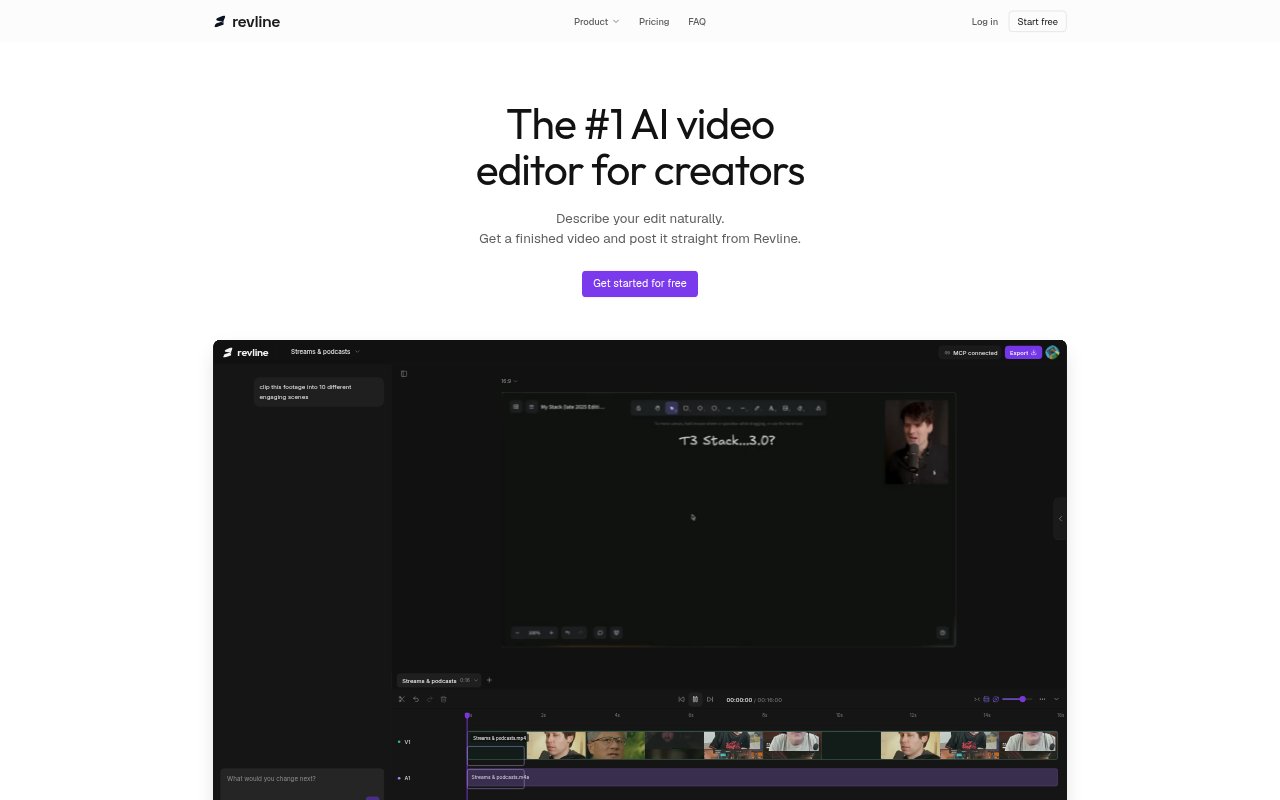
Revline is an AI video editor for creators, podcasters, marketers, and teams that publish video. Users upload raw footage and describe the desired edit in conversation; Revline makes cuts, captions, and framing, then lets them review and refine the result. It handles podcast clips, vlogs, product demos, tutorials, ads, talking-head videos, and social shorts, with finished videos ready for social publishing.
Revline Features:
Conversational Editing: Describe an edit in natural language, and Revline makes cuts, captions, and framing; continue the conversation to refine the result.
Flexible Imports: Upload common video, audio, and image files, or bring in a YouTube link; long recordings are supported.
Timeline Control: Every agent change appears on a real timeline, where you can trim, move, duplicate, or delete clips and undo edits.
Video Effects: Create text layered between speaker and background, motion-tracked labels, speed ramps, masks, and split-screen layouts.
Caption Styling: Style animated, word-by-word captions and titles using built-in fonts and colors you choose.
Export Options: Export in 1080p or 4K, with duration limits, export speeds, and simultaneous export capacity varying by plan.
Agent Connection: Connect an MCP client to edit videos directly from an AI agent.
Revline Benefits:
Less Manual Editing: Starting with instructions rather than building every cut by hand can reduce time spent working through a timeline.
Retain Control: Reviewing changes on an editable timeline lets you delegate a first pass while keeping control over the final cut.
Faster Refinement: Conversational adjustments make it easier to communicate an edit idea without translating it into a sequence of manual steps.
Fewer Tool Switches: Cuts, captions, framing, and visual effects can be handled together, reducing the need to assemble a clip across separate editing tasks.
Plan for Workload: Different export speeds, quality levels, and simultaneous export limits let creators choose a plan that fits their publishing needs.
Use Cases:
Podcast Repurposing: Turn long podcast recordings into shorter clips with cuts and captions for social channels.
Social Shorts: Make reels from phone footage and prepare finished videos for platforms such as Instagram, TikTok, and YouTube.
Product Promotion: Edit product demos or ads with captions, framing, and visual effects for a marketing campaign.
Tutorial Publishing: Shape raw tutorial footage into a finished video, using styled captions to support the explanation.
Talking-Head Videos: Polish a presenter-led video with animated captions, tracked labels, or a split-screen layout.