

What is Rezoom?
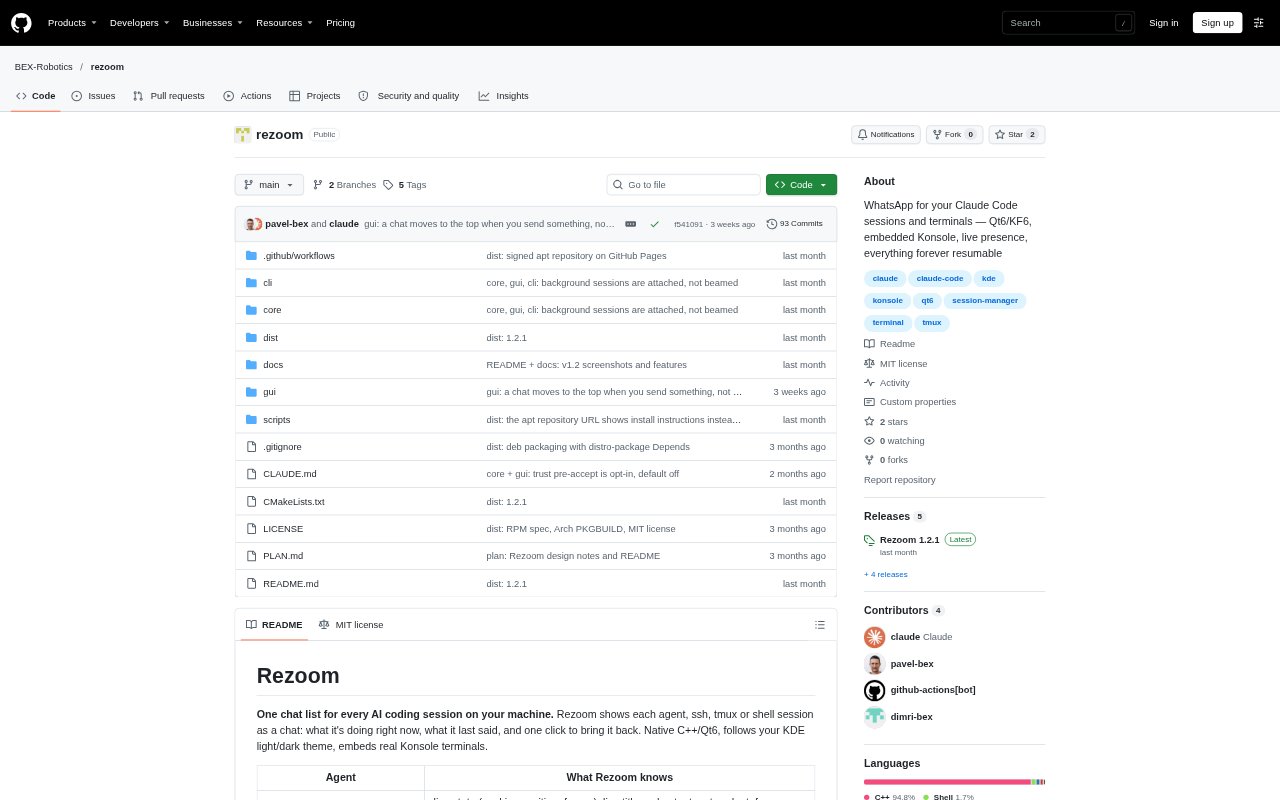
Rezoom is a desktop app that brings AI coding sessions and terminal chats into one searchable list. It shows live status and recent output for Claude Code sessions, can find and resume Codex sessions, and supports other command-line agents as terminal chats. Developers can also track SSH sessions and adopt remote Claude or tmux sessions. Rezoom runs locally and is designed for people who want to manage coding work across multiple agents, terminals, or machines.
Rezoom Features:
Live Session Status: Claude Code chats show whether a session is working, waiting, idle, at a shell, frozen, or resumable, along with its title and latest output.
Searchable Chat List: Search session names, titles, messages, and folders to find a conversation, including sessions identified by names used by other agents.
Session Resumption: Each chat retains the command used to reopen it, and Rezoom restores running sessions when the app starts again.
Remote Session Adoption: Scan a remote host for Claude and tmux sessions, adopt them as chats, and resume them over SSH when you choose.
Terminal Agent Support: Run other command-line agents as terminal chats using a command template, and find Codex sessions in history to resume them.
Session Transfers: On Linux, move a live session from another Konsole window into Rezoom with reptyr or jump to its existing window.
Stall Detection: Identify suspended sessions and sessions marked busy without transcript activity, and see a reconnect option when an SSH connection ends in a Rezoom pane.
Rezoom Benefits:
Less Session Hunting: A shared list and search across session details make it easier to find the right conversation without checking terminal windows one by one.
Fewer Lost Threads: Saved resume commands and restoration at startup help preserve access to sessions after closing or restarting the app.
Clearer Work Status: Live indicators and stall detection help you distinguish active work from sessions that are waiting, frozen, or no longer progressing.
Local Data Handling: Rezoom runs on your machine and does not call an API, so session management does not require sending data to a remote service.
Flexible Session Layout: Chats can be grouped in separate tabbed windows and brought back into the main view, helping organize work across screens.
Use Cases:
Parallel Claude Work: Monitor several Claude Code sessions at once and choose which working, waiting, or frozen conversation to continue.
Remote Development: Find Claude or tmux sessions on a development host and adopt one for resumption over SSH when you need to continue remote work.
Mixed Agent Workflows: Keep Claude Code, Codex, and other command-line agent chats accessible from a single session list.
Terminal Session Recovery: Move a live session from another Konsole window into Rezoom or reopen a chat after the app has restarted.
Stalled Work Review: Check for suspended or inactive sessions, then decide whether to continue them, resume them, or reconnect an ended SSH session.