

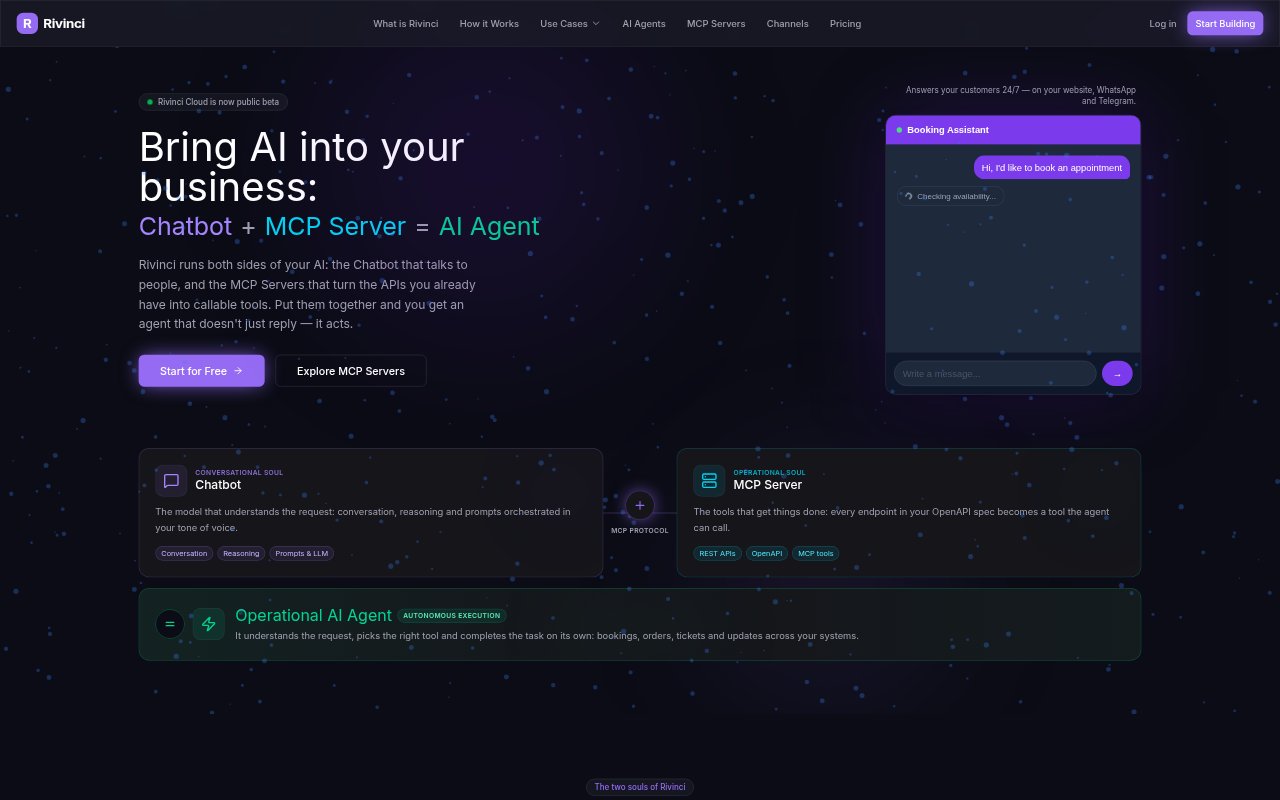
What is Rivinci?
Rivinci is a platform for creating AI agents that can answer people and, when connected to tools, take actions in business systems. Teams can build a chatbot with custom instructions, a chosen language model and business knowledge, then publish it on a website or messaging channel. Its MCP server tools connect agents to APIs and other services, so an agent can handle tasks such as bookings or updates. Rivinci can also be used just for chatbots or MCP server hosting.
Rivinci Features:
Model Selection: Choose from supported models including OpenAI, Anthropic and Google, or use Rinoova AI without an external API key.
Agent Instructions: Set an agent’s name, tone, language, system instructions and behavioral limits to shape how it responds.
Document Knowledge: Upload PDF, DOCX, TXT or Markdown files for the agent to draw on when answering questions.
MCP Server Tools: Create callable tools from an OpenAPI specification or start with templates such as the Google Calendar assistant.
Managed Deployment: Publish MCP servers through Rivinci Cloud and connect them to agents without maintaining the deployment infrastructure.
Agent Channels: Make agents available through Telegram, a website widget or iframe, or a REST API with server-sent event streaming.
Conversation Monitoring: Use the dashboard to review active conversations, tool calls and performance metrics.
Rivinci Benefits:
Fewer Manual Replies: Customers can get answers outside business hours, reducing the need for staff to handle every routine question themselves.
Tasks Beyond Chat: Connecting tools lets an agent act on requests in business systems instead of stopping at a written response.
Reuse Existing Systems: Connecting through APIs lets teams build on software and services they already use rather than replacing them.
Consistent Responses: Shared instructions and business documents help keep answers aligned with the organization’s chosen tone and information.
More Deployment Choice: Teams can serve customers on messaging channels or their own website, while developers can connect custom interfaces.
Use Cases:
Hotel Guest Support: Answer guest questions about facilities and services, share daily menus, and handle reservation requests through a chat assistant.
Restaurant Reservations: Give diners a place to ask about menus and make table reservations without waiting for staff to respond.
Medical Scheduling: Set up an agent to help patients book appointments and manage a practice’s schedule through connected tools.
Order Support: Help e-commerce customers check order progress and get assistance with returns through an automated support conversation.
Calendar Management: Let an agent read, create and manage Google Calendar events in response to conversational requests.