

What is RoadRaven?
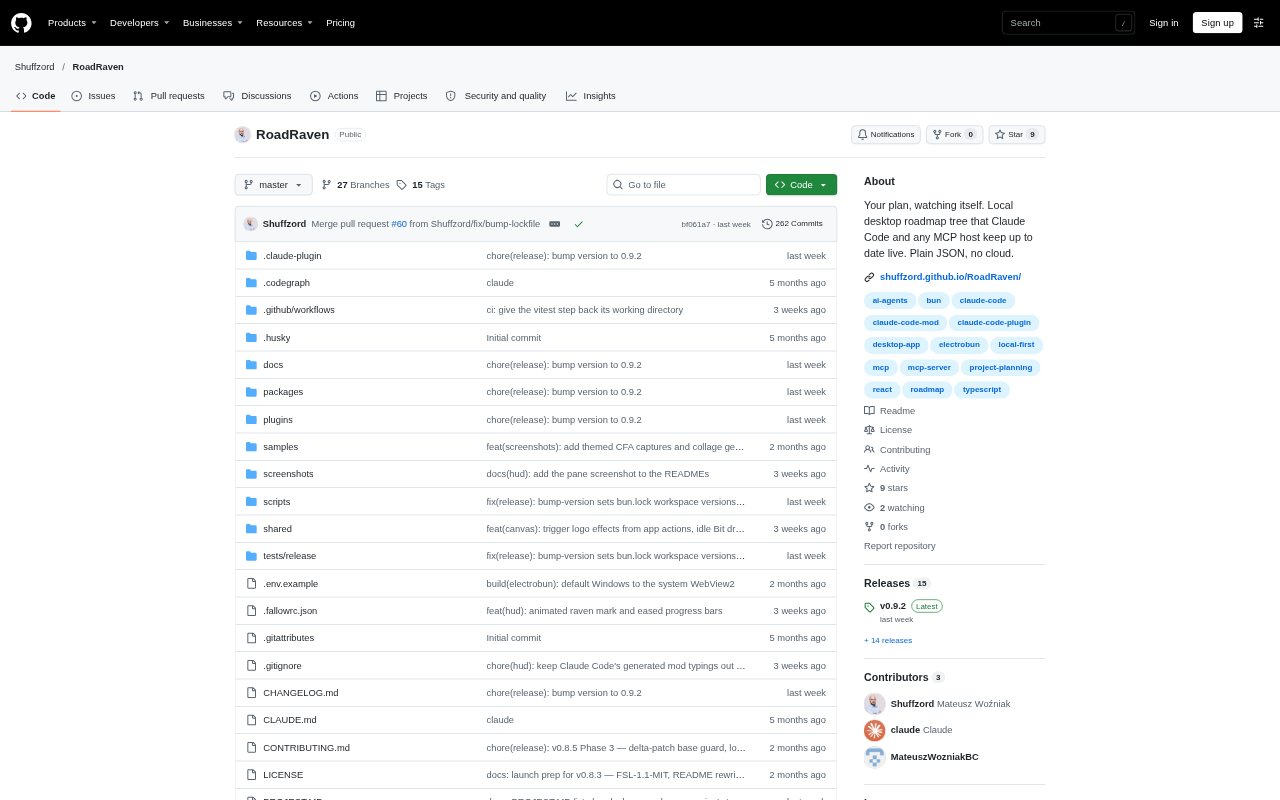
RoadRaven is a local desktop app for keeping a project roadmap connected to work happening in terminals, CI jobs, scripts, and AI agents. It stores the plan as a JSON file in your repository and displays it as an editable tree with live status updates. It is aimed at people coordinating multi-step projects, especially developers who want Claude Code or another MCP host to work through and update a roadmap. The alpha runs on Windows and Linux.
RoadRaven Features:
Roadmap Tree: Create and edit a project plan as a tree, with statuses, types, hierarchy, notes, and metadata that you define.
Local JSON File: Keep the roadmap in a plain JSON file in your repository, where it can be diffed, reviewed, and split across files with references.
Live Event API: Send updates to roadmap nodes over a local WebSocket from processes such as CI jobs, scripts, or bots.
MCP Server: Connect an MCP host to tools for creating, editing, moving, deleting, and updating roadmap nodes.
Keyboard Editor: Navigate and edit the roadmap tree using the keyboard, with an outline navigator, undo and redo, and a side panel for notes.
Claude Code Tools: Use the Claude Code plugin’s orchestration and work-node skills to plan work in phases and report progress against roadmap nodes.
Claude Code HUD: View live agent activity by node in a terminal pane, and pass or fail UAT checks in a batch.
RoadRaven Benefits:
Less Manual Tracking: Updates from connected work keep the plan closer to the project’s actual state, reducing the need to maintain a separate status document by hand.
Reviewable Plans: A roadmap stored with project files can be inspected and reviewed alongside the work it describes.
Clearer Oversight: Live status and agent activity help you see what is progressing and where work may need your attention.
Work Stays Local: Local operation and offline support let you track project progress without sending roadmap data to a cloud service.
Flexible Planning: Custom statuses, types, and hierarchy let teams represent their own workflows instead of adapting to fixed planning categories.
Use Cases:
Agent-Led Development: Give Claude Code a roadmap, have it select a task and update node status as it works, then supervise progress in the desktop app.
Phased Feature Work: Break a feature such as a CSV export into roadmap phases and use the Claude Code orchestration skill to work through them.
CI Progress Tracking: Have a GitHub Action or another CI process update a roadmap node when a build or other job finishes.
Script-Driven Updates: Connect a project script or bot to the Event API so its work can change the relevant node status.
Personal Project Planning: Organize a study plan or a project with multiple moving parts in a tree that can be edited and tracked locally.