

What is rootmode?
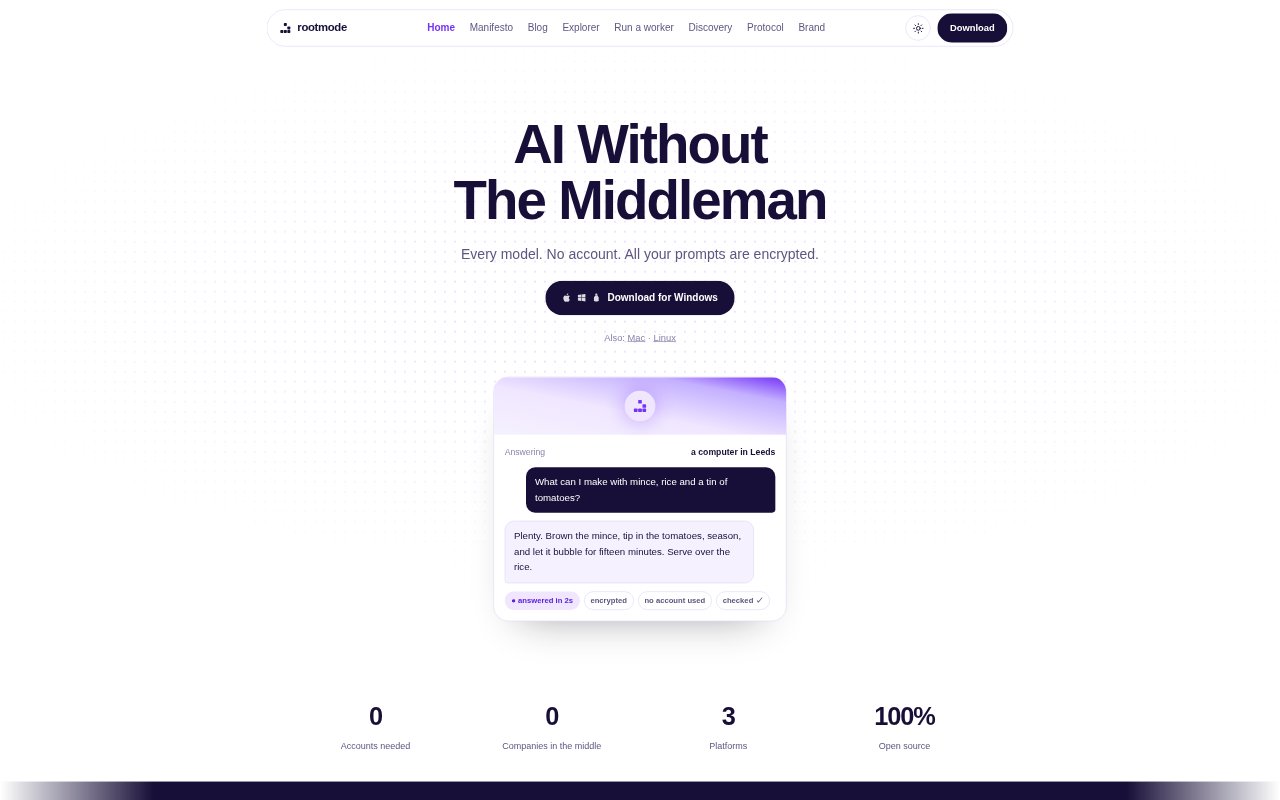
rootmode is an app for asking AI questions and requesting images through a network of other people's computers, rather than a company-operated service. It is aimed at people who want to use AI without creating an account or paying a subscription, and at computer owners who want to answer requests on their own terms. The app runs on Mac, Windows, and Linux, and users can also run it entirely on their own machine.
rootmode Features:
Peer Network: The app connects directly to available computers on the network, with no company server in the middle handling requests.
Computer Discovery: When it opens, rootmode finds computers available to help and displays what each one can do.
Encrypted Prompts: Prompts travel encrypted to the computer answering them, which must read the request to produce a response.
Text and Images: Users can type a question for an answer or ask for an image, which is delivered to their downloads.
Worker Setup: Computer owners can run a worker with a compose file and configure it to use an existing vLLM or ComfyUI setup.
Provider Pricing: Workers choose their own prices, can serve as many or as few requests as they like, and can also charge nothing.
Declared Parameters: Requests fill in parameters declared by the worker; client-submitted content is not executed on that machine.
rootmode Benefits:
Quick Start: People can begin using the app without spending time creating an account, entering payment details, or configuring settings.
Reduced Exposure: Encrypted transmission and the lack of a company server reduce how many parties handle a prompt.
Price Competition: Providers competing for requests can push the cost down, while users can see the capabilities of available computers.
Provider Control: Computer owners decide what to charge and how much work to accept, rather than applying for approval to serve.
Local Option: People who prefer to keep their AI use at home can run the system entirely on their own machine.
Less Central Dependence: A network without one central owner is less dependent on a single company continuing to provide the service.
Use Cases:
Everyday Questions: Open the app to ask a question and receive an AI-generated answer without first signing up for an account.
Image Requests: Request an image through the app and retrieve the result from the downloads folder.
Private Prompts: Send a prompt when encrypted delivery and avoiding a company server in the middle matter to the user.
Local AI Use: Run the system on a personal machine when keeping the entire interaction at home is the priority.
Serving Requests: Use a computer owner's existing vLLM or ComfyUI setup to provide AI responses through a worker.
Flexible GPU Work: Offer a computer's available capacity for requests while choosing a price and deciding how much to serve.