

What is rostr?
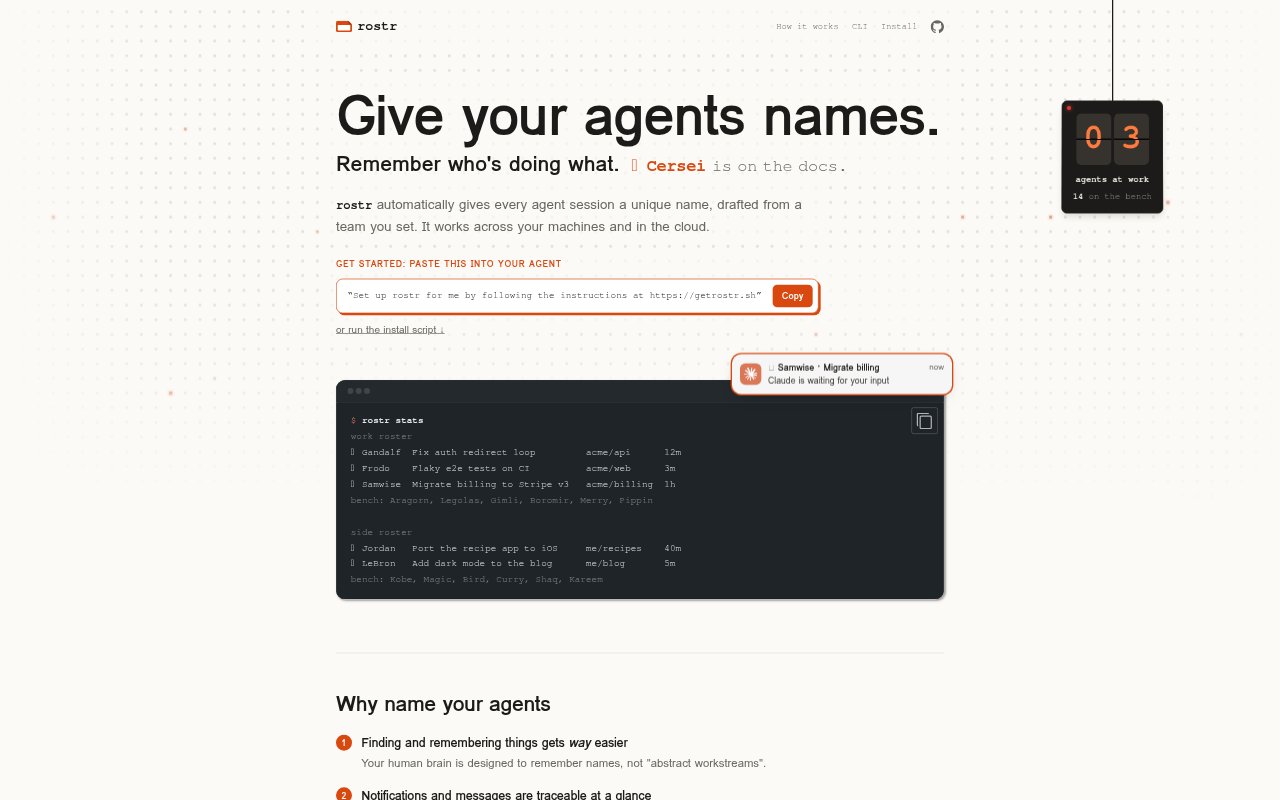
rostr assigns memorable names to coding-agent sessions so developers can tell which agent is working on which task. It is a command-line tool with hooks and an agent skill, designed for Claude Code and Codex, and also works with terminal multiplexers including tmux. Users choose or assemble a roster, and rostr handles assigning names as sessions start and releasing them when sessions end. Rosters can be kept locally or shared across machines in cloud mode.
rostr Features:
Automatic Session Names: Each new session gets an available name from its project roster, with a numbered copy used when the roster is fully occupied.
Project Rosters: Link a roster to a repository so sessions for that project use its names, or fall back to your default roster.
Roster Choices: Start from pre-built rosters or assemble a custom list, and choose whether names are paired with individual emojis.
Session Lifecycle: Hooks keep names assigned while sessions are active, restore a name when a session resumes, and return names to the roster when sessions end.
Local or Cloud: Store roster and session assignment data in a local SQLite database or use the rostr API to share rosters across machines.
Agent Integrations: Works with Claude Code and Codex TUI and desktop apps, as well as herdr and tmux; Claude Code web sessions can use cloud mode.
rostr Benefits:
Easier Session Scanning: Recognizable names make it simpler to remember which workstream is attached to each open agent session.
Clearer Message Origins: A named session makes an agent's notifications and messages easier to attribute without deciphering an abstract task label.
Shared References: People and agents can refer to a specific session by name when coordinating reviews or asking another agent to check work.
Project Distinction: Separate rosters for different repositories make it easier to tell which project an agent belongs to at a glance.
Less Manual Tracking: Automated assignment and release reduce the need to keep a separate mental or written list of which names are in use.
Use Cases:
Parallel Coding Work: When several Claude Code or Codex sessions are open, use their titles to see which agent is handling each task.
Tracing Agent Messages: Identify the session behind a notification when an agent asks for input or reports a problem.
Repository Workflows: Give each repository its own roster when switching between projects with multiple active coding agents.
Agent Coordination: Ask a named agent to consult another named session before merging a change or moving work forward.
Cloud Sessions: Use a shared cloud roster for Claude Code web sessions so names and assignments are available across machines.