
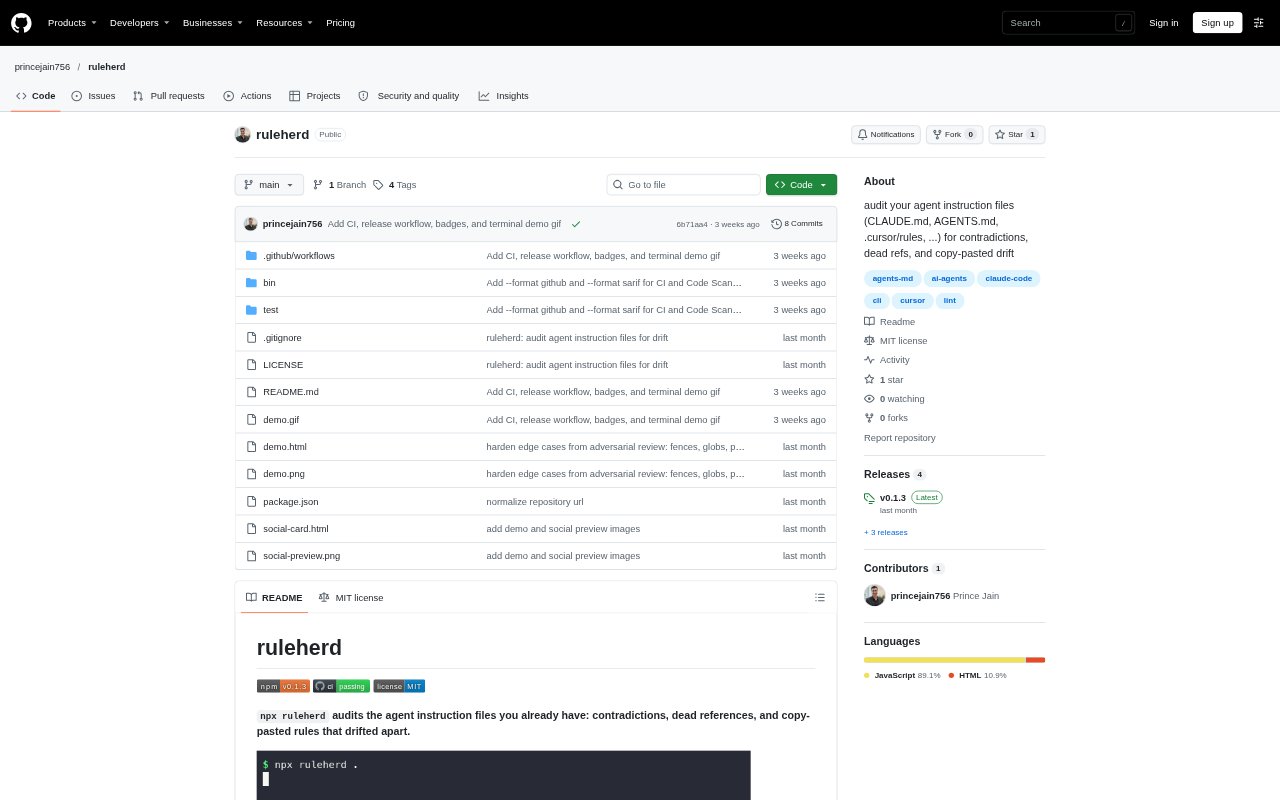
What is ruleherd?
ruleherd is a command-line tool for auditing agent instruction files already present in a repository or global configuration. It checks files used by tools such as Claude Code, Cursor, Windsurf, GitHub Copilot, and Gemini for detectable conflicts, broken references, duplicated rules, and other issues. Run it with npx to inspect the current directory or use the global-config option. It requires Node 18 or later and has zero dependencies.
ruleherd Features:
Instruction File Coverage: Reads existing instruction files, including CLAUDE.md, AGENTS.md, Cursor rules, Windsurf rules, and Copilot instructions, without requiring a new format.
Contradiction Checks: Flags selected conflicting terms, such as npm versus pnpm or tabs versus spaces, and checks never/always wording on shared topics.
Reference Validation: Finds backticked paths and @imports that point to missing files, as well as npm run commands without a matching package script.
Drift Detection: Reports repeated paragraphs across rule files and checks mentions of selected package versions against installed versions.
Rule Health Checks: Flags Cursor or Copilot glob prefixes for deleted directories, files around 4,000 tokens or more, and missing AGENTS.md files.
Audit Reporting: Returns a score, letter grade, findings, and per-file token estimates, with JSON output and a strict mode that exits with an error when findings exist.
ruleherd Benefits:
Keep Existing Setups: Teams can check rules across different agent tools without moving their instructions into a shared configuration format.
Spot Drift Earlier: A single audit can surface discrepancies across instruction files before they lead to conflicting guidance for an agent.
Review Context Costs: Per-file token estimates help developers see which instruction files contribute the most context to agent prompts.
Simplify Maintenance: Finding repeated paragraphs and stale references gives maintainers concrete places to review when updating project guidance.
Add CI Checks: Strict mode lets a team make detected findings visible as a failing command in an automated check.
Use Cases:
Multi-Agent Repositories: Audit a repository where developers maintain separate instruction files for Claude Code, Cursor, Copilot, or other agent tools.
Global Rule Review: Check personal agent configurations across supported global paths for duplicated or conflicting guidance.
Repository Cleanup: Review instruction files after moving project files or renaming scripts to find references that may no longer resolve.
Dependency Updates: Check whether version mentions in agent rules still match selected packages installed in the project.
Instruction Maintenance: Inspect a large or frequently edited set of rules before consolidating repeated guidance or trimming oversized files.