
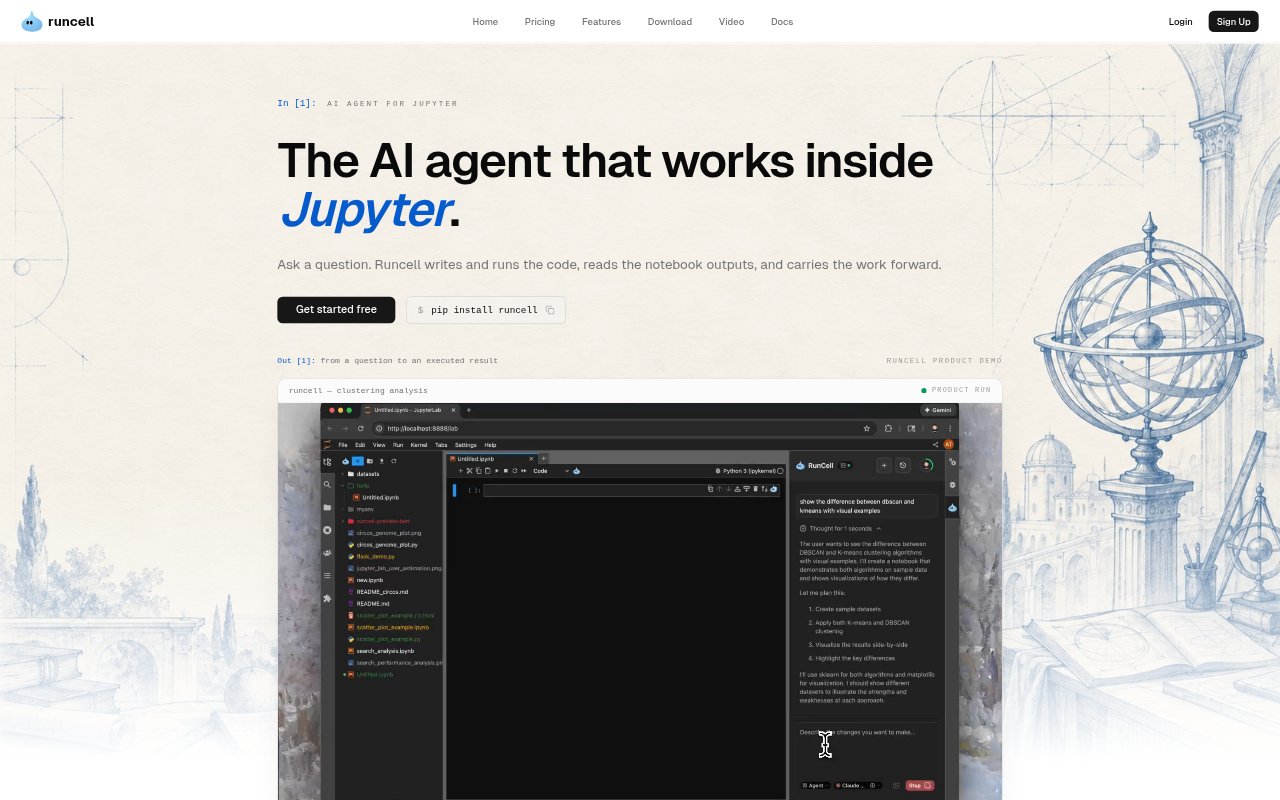
What is Runcell?
Runcell is an AI agent that works inside Jupyter notebooks for analysts, data scientists, researchers, and other domain experts. Describe a question or desired result, and it can inspect the notebook, plan steps, write and run Python, and read the outputs to guide what happens next. It also helps debug existing work and explain code or analytical approaches with runnable examples. The result is an iterative notebook workflow that stays connected to the code and evidence already produced.
Runcell Features:
Workflow Planning: Runcell breaks a question into notebook steps for tasks such as data inspection, transformation, analysis, validation, and follow-up experiments.
Code Execution: It writes Python code and runs notebook cells in sequence, carrying out multi-step tasks without requiring each step to be entered by hand.
Error Recovery: When code encounters an error, Runcell can diagnose the problem, apply a fix, and continue the notebook workflow.
Cell Context: Ask about a cell, transformation, result, or error, and Runcell considers surrounding code and outputs before suggesting or applying a change.
Output Interpretation: Runcell reads tables, statistics, charts, and other cell outputs, then uses those results to inform the next step in the analysis.
Runnable Explanations: It explains unfamiliar concepts and analytical methods through code examples that can be executed and compared in the notebook.
Runcell Benefits:
Fewer Manual Steps: Automating code writing, execution, and error fixes can reduce the repeated notebook work between posing a question and examining a result.
Evidence-Based Decisions: Because Runcell inspects actual outputs, users can choose their next analytical step based on produced tables, charts, and statistics.
Connected Analysis: Keeping prior questions, decisions, code, and outputs in context helps users extend ongoing work rather than reconstructing it for each prompt.
Clearer Method Choices: Running alternative analytical approaches side by side makes it easier to compare their results against the question and available data.
Lower Coding Barrier: Domain experts can describe an analysis or figure in familiar terms and let Runcell handle Python implementation and library boilerplate.
Use Cases:
Business Analysis: An analyst can turn an operational question into notebook code, inspect the resulting evidence, and develop an explanation of the finding.
Model Exploration: A data scientist can explore a dataset, test analytical methods, build models when needed, and compare notebook results.
Risk Assessment: A quantitative finance team can use notebook workflows to examine markets, portfolios, forecasts, or risk and inspect the resulting diagnostics.
Research Experiments: A researcher can translate a question into code and figures, test an approach, and keep the evidence in a reproducible Jupyter notebook.
Learning Algorithms: A student or practitioner can compare methods such as K-means and DBSCAN on real data using runnable examples and visual results.